I need realistic, professional-looking AI headshots I can use for LinkedIn and job applications, but I’m overwhelmed by all the iPhone apps out there. I’ve tried a couple free ones and the results looked fake or distorted. Which AI headshot generator apps on iOS actually produce natural, high-quality portraits, and what should I watch out for with pricing and privacy?
Best AI headshot generator tools I have tried so far
I hit the point where my old LinkedIn photo looked like a different person. I did not want to pay a photographer a few hundred bucks, so I spent a couple of evenings testing AI headshot stuff instead.
I went through:
- Web services (SaaS)
- iOS apps
- Android apps
- Free-ish hacks with ChatGPT and Gemini
Below is what I used, what broke, and what I would repeat.
Eltima AI Headshot Generator – iPhone
App Store:
Product page:
Reddit post people reference a lot:
https://www.reddit.com/r/DataRecoveryHelp/comments/1qi12pn/best_ai_headshot_generator/
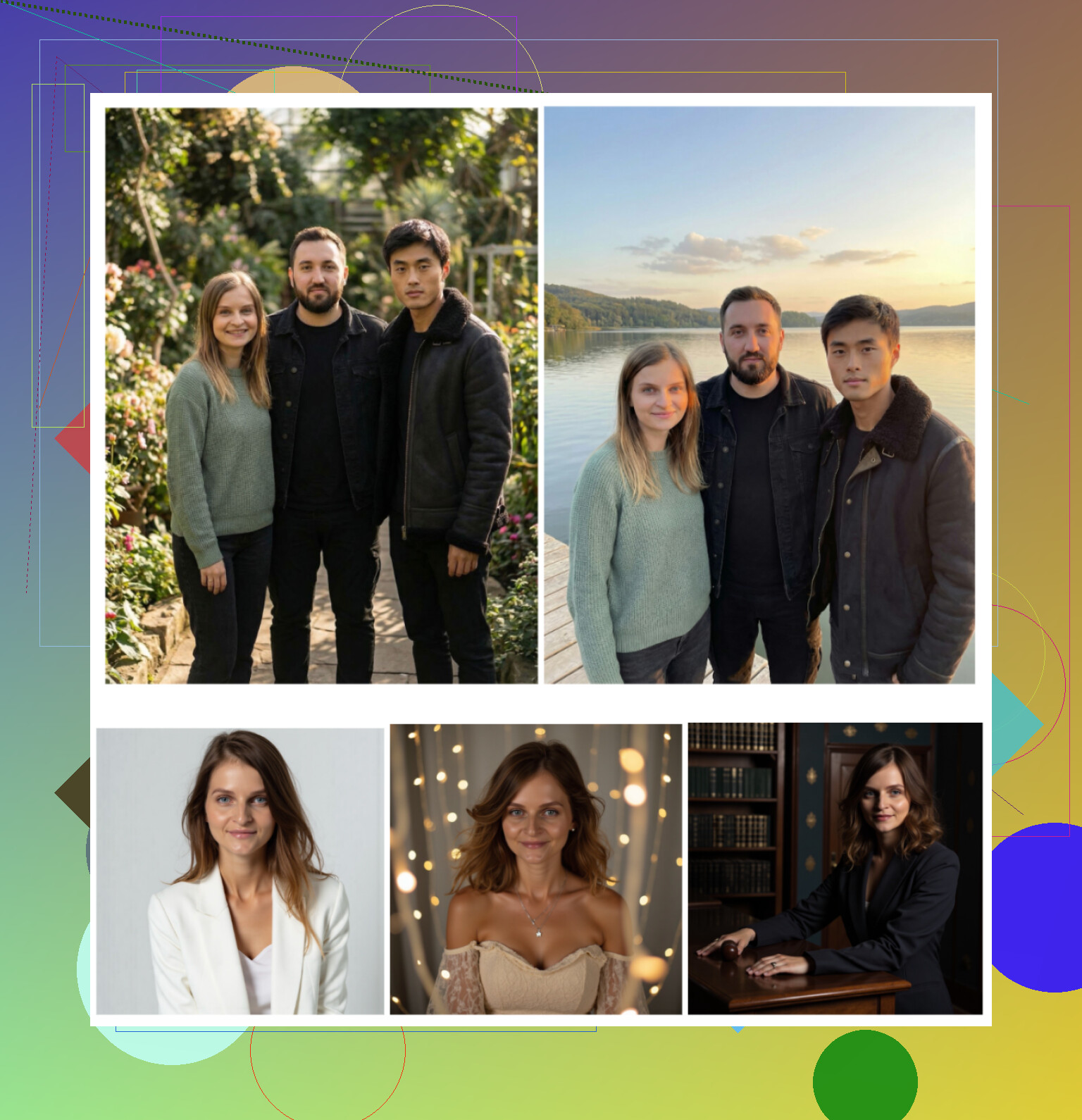
This one came up nonstop on Reddit and Quora when I searched for headshot apps that look like real photos and not filters from 2014. I ended up spending the most time with it on my iPhone.
What stood out for me
- One free generation per day
- You start from one photo, not a giant training batch
- Group photos up to 3 people
- It also does short video generations
- The faces looked more like “me” than any other app I tried
- They say 800+ templates, and it feels like that, there is a lot to scroll
How it behaved for me
-
Photo realism
Looked like an actual shoot, not over-smoothed plastic. It did smooth skin a bit, there is a beauty mode in there, but not to the “wax statue” level. I used two of those shots on LinkedIn and no one noticed they were AI. That is my main test. -
Styles
I tried: formal suit, casual shirt, hoodie, and a couple of more “creative” ones for socials. The “office / studio” type presets worked best. The more crazy concepts, the less consistent the likeness, which is kind of expected. -
Pricing
- 7.99 per week
- 49.99 per year
- 1 free image per day
The free daily one is enough if you want to test angles, clothes, backgrounds over a few days without paying.
-
Speed
For me each generation took under a minute. Some were basically instant.
My short opinion
Out of everything I tried, this felt closest to “I went to a real photographer.” It builds a reasonable mental model of your face, so across different outfits it still looks like you. I ended up keeping the app installed and using the free daily shot whenever I need a fresh angle.
Video they show

Big web services
Here are the three that always show up when you google “AI headshot generator”:
- Canva
- Aragon AI
- HeadshotPro
I used the same base selfies across them so I could compare.
Canva
Site:
https://www.canva.com/
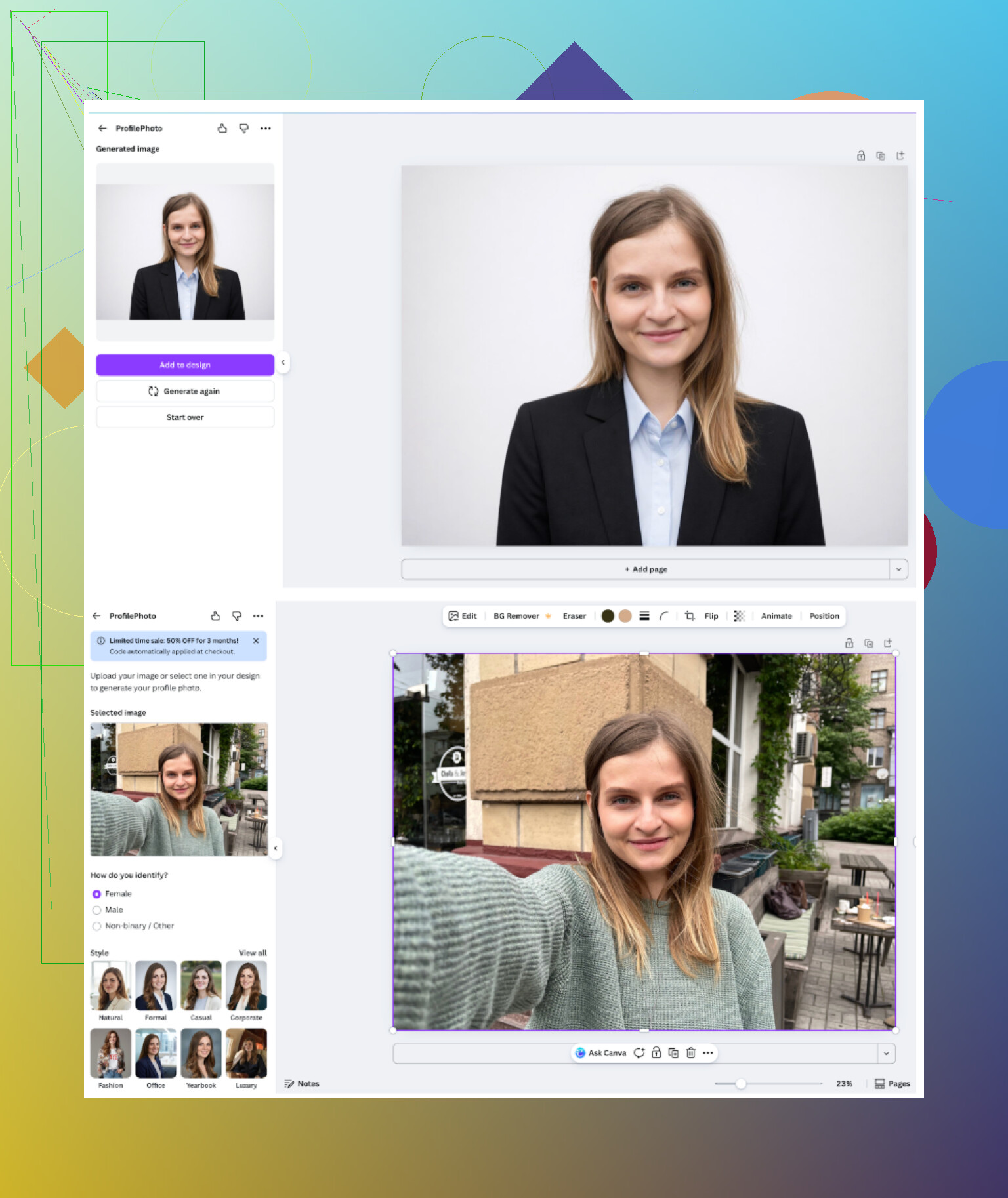
I already use Canva for thumbnails and quick edits, so testing the “headshot / portrait” tools was natural. The process: upload a photo, pick a style on the side, wait a bit.
What I noticed
-
General feel
Looks like “Canva, but now your face.” Solid for generic LinkedIn avatars, social profile pictures, presentations. -
Upsides
- Good built-in presets
- Tons of editing tools after generation, so you can fix small issues yourself
- Works inside the same environment you might already use
-
Downsides
- Skin looked too perfect quite often, like auto-beauty cranked up
- For higher quality options you run into “coins” and upsells
- Not cheap once you start paying for Pro plus add-ons
-
Pricing
Plan pricing jumps around with discounts, but expect around 120+ per year for Pro if you go all in.
My sense: decent if you are already in Canva anyway and want a quick “good enough” profile pic. I would not subscribe only for headshots.
Aragon AI
Site:
Aragon hits you with a questionnaire first. Ten questions about who you are, where you work, what style, etc. Then it asks for quite a large set of base photos before the first run, and it is paid from the start, no free tests in my case.
<img alt=‘Part 4: The ‘Free’ Way (ChatGPT, Gemini, & Hustle)’ src=‘https://community.javascriptkit.com/uploads/default/original/image-1768926968.png’ height=‘537’ width=‘381’ alt=‘Part 4: The ‘Free’ Way (ChatGPT, Gemini, & Hustle)’>
What I saw
-
General feel
You see it mentioned a lot on Reddit. The reason seems simple, it retains your facial structure better than most. The shots look like the same person across batches. -
Upsides
- Likeness was strong
- Turnaround was fast for me once the photos were uploaded
-
Downsides
- Needs quite a few photos, I had to upload at least 6 to start
- No clear free tier for testing a single shot
- The interface feels more “service portal” than app
-
Pricing
For new users I saw plans around 12 to 25 depending on the number of photos.
If you want one-time batches that strongly look like you, and you do not mind uploading multiple angles, Aragon felt solid.
HeadshotPro
Site:
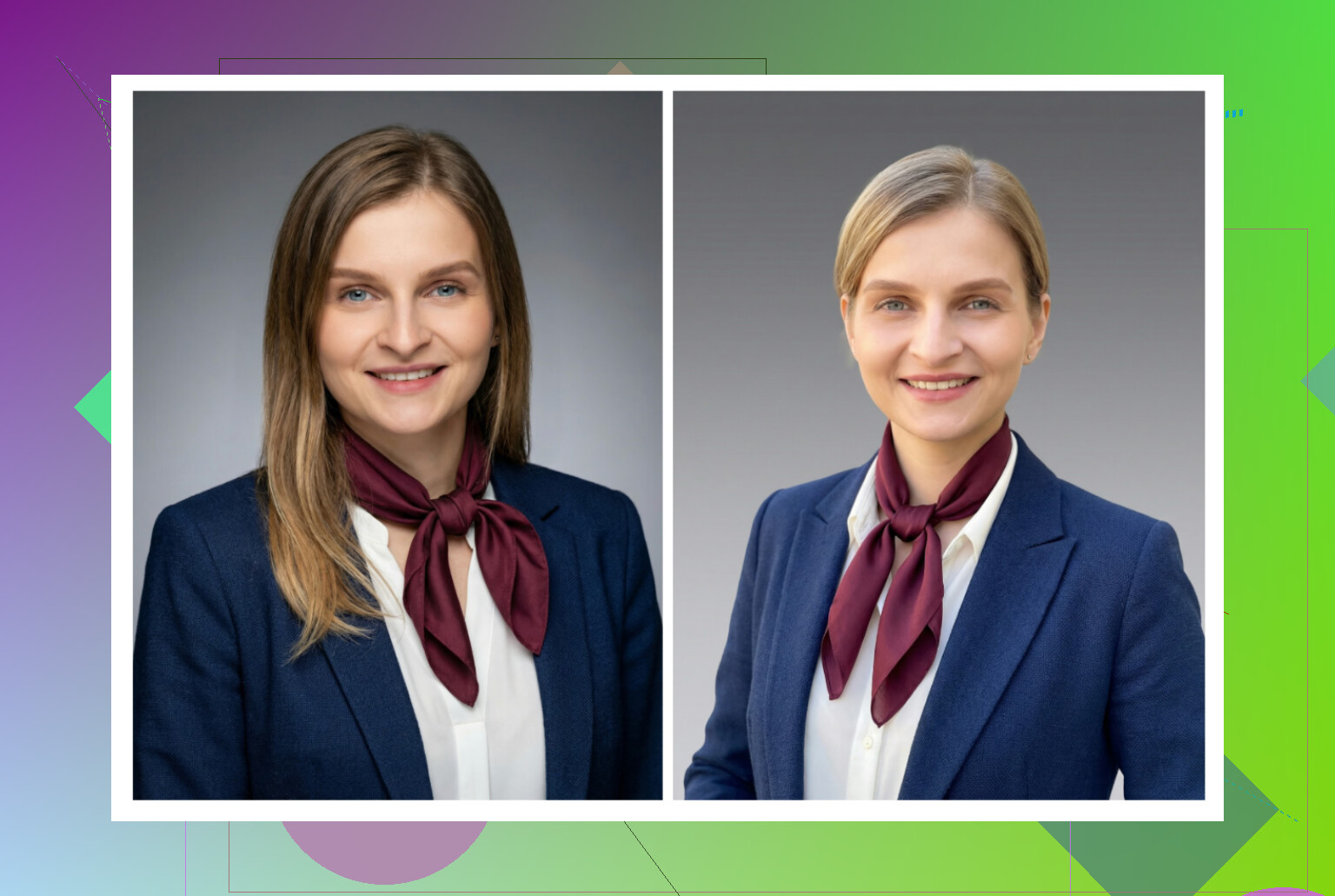
HeadshotPro is targeted at companies. The whole homepage screamed “HR, ID cards, employee badges.” Their copy leans hard into data protection and compliance, which makes sense for enterprise customers who upload hundreds of staff photos.
What I saw
-
General feel
It does “I work for a bank” energy well. Backgrounds, outfits, poses are all safely boring in a good way. -
Upsides
- Strong for corporate environments
- Lighting and framing are consistent across sets, good if you need a team grid
-
Downsides
- Less room for fun or creative looks
- You get that slightly stiff vibe in many outputs
-
Pricing
Starts around 29 for a set.
I would pick this if I were an HR person trying to standardize headshots, not as a casual solo user.
iOS apps I tested
Here is the list I went through on iPhone:
- Remini
- Fotorama AI Photo Generator
- Collart AI Photo Generator
- IRMO AI Photo Generator
- Eltima AI Headshot Generator
Criteria I used
- Ease of use
- Does the face still look like me
- Styles and presets
- Pricing and free options
- Generation speed
Remini
App Store:
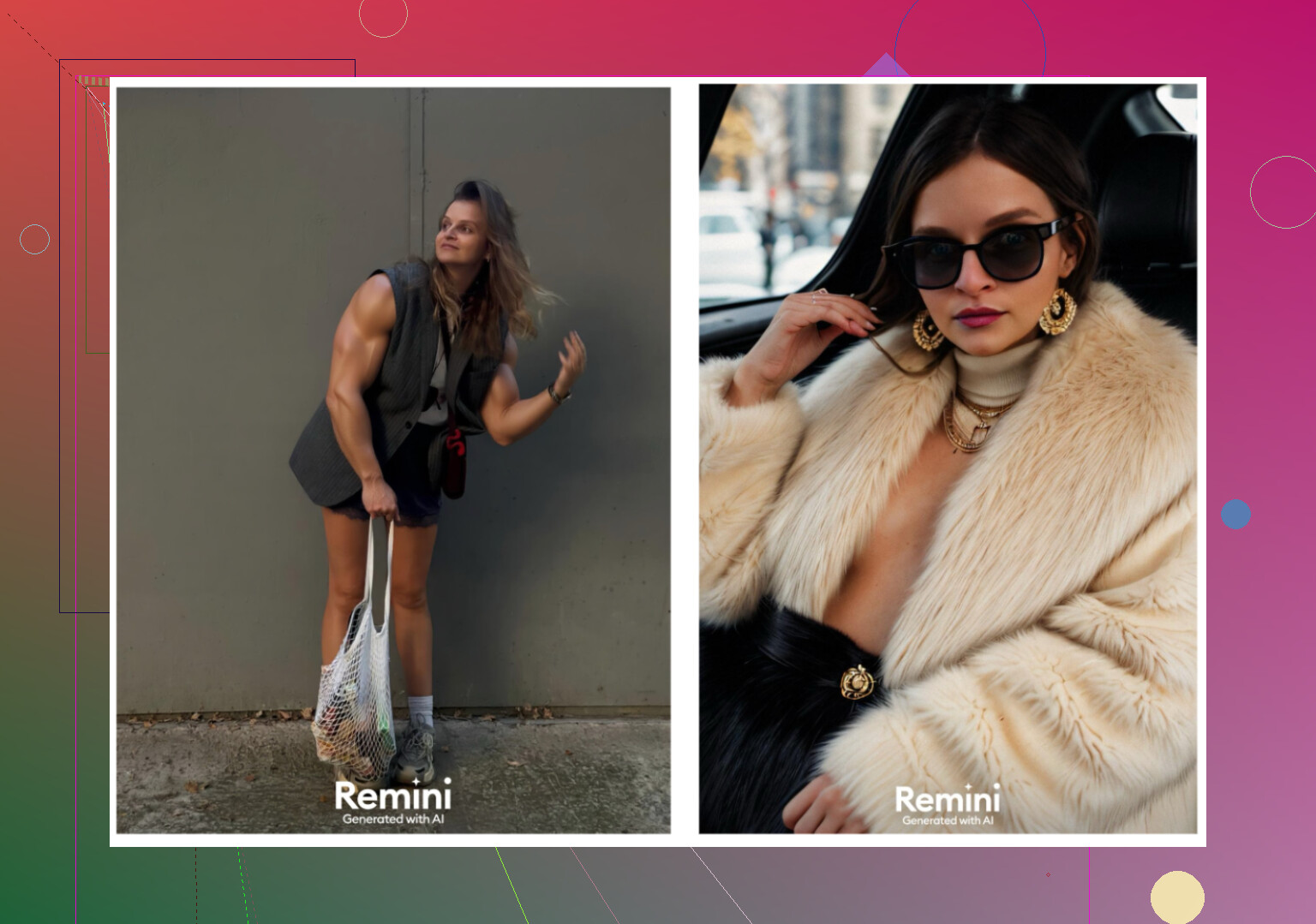
Remini is mostly known as a photo enhancer, but they keep pushing AI avatars and headshots.
How it felt
-
Ease of use
Interface is clear. You pick a feature, upload pictures, pick style, press go. No friction here. -
Video from photo
I tried the talking-style video thing. It looked off. At one point it generated a video from a picture where I was lifting a kid from under some stairs and the whole thing turned into a weird, jerky clip that looked nothing like reality. -
Photo realism
For stills, faces were often over-processed. Over-sharpened, over-smooth. Clothing sometimes warped or fused with the background. -
Styles
Plenty of presets, including “LinkedIn / professional” type looks. But results jumped in quality across runs. Some were fine, some were very off. -
Pricing
- 9.99 per week
- 79.99 per year
- Free week trial when I checked
-
Speed
The video generation took around 13 minutes for me. That felt too long for that level of quality.
My opinion
Concept is interesting, but for professional use I was not comfortable with the glitches. For fun, sure. For CV or LinkedIn, I passed.
Fotorama AI Photo Generator
App Store:
What happened
-
Ease of use
Interface is simple, no issues finding features. -
Video / generation from photos
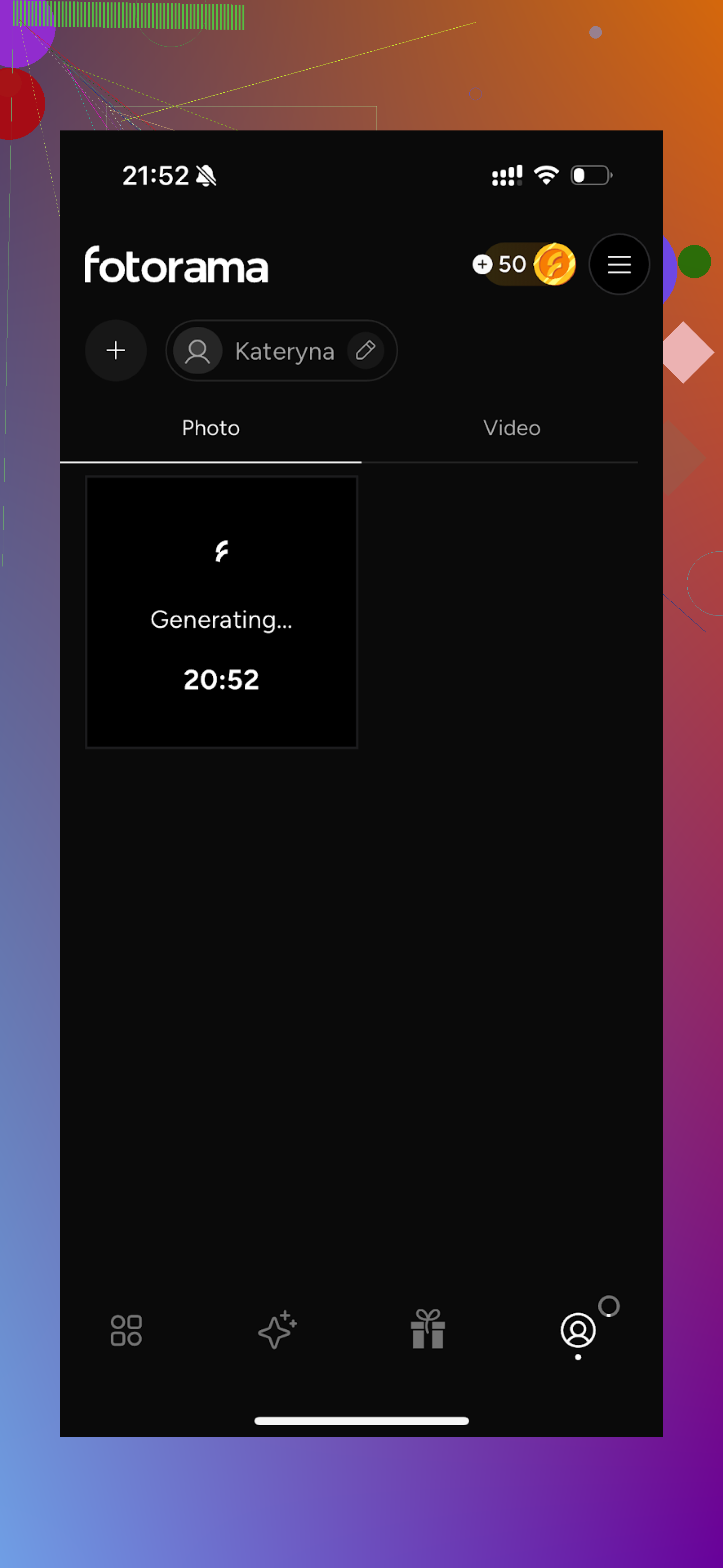
The first batch took 30 minutes to process my real photos. During that run, nothing finished, coins got deducted, and I got zero output. That killed my interest fast. -
Styles
It has a interesting range, from fashion kind of looks to series-inspired characters. If you get to the end of a run, you will have visual variety. -
Pricing
- 11.99 per week
- 79.99 per year
-
Speed
Extremely slow for me. Waiting half an hour then losing your in-app currency is not fun.
My opinion
Good on paper, rough in practice. The coin model plus long waits felt like a trap. I uninstalled after that first attempt.
Collart AI Photo Generator
App Store:
What I saw
-
Ease of use
Clean interface. Easy to reach what you need. -
Video from photo
Does simple animations from still photos. Nothing surprising. -
Photo realism
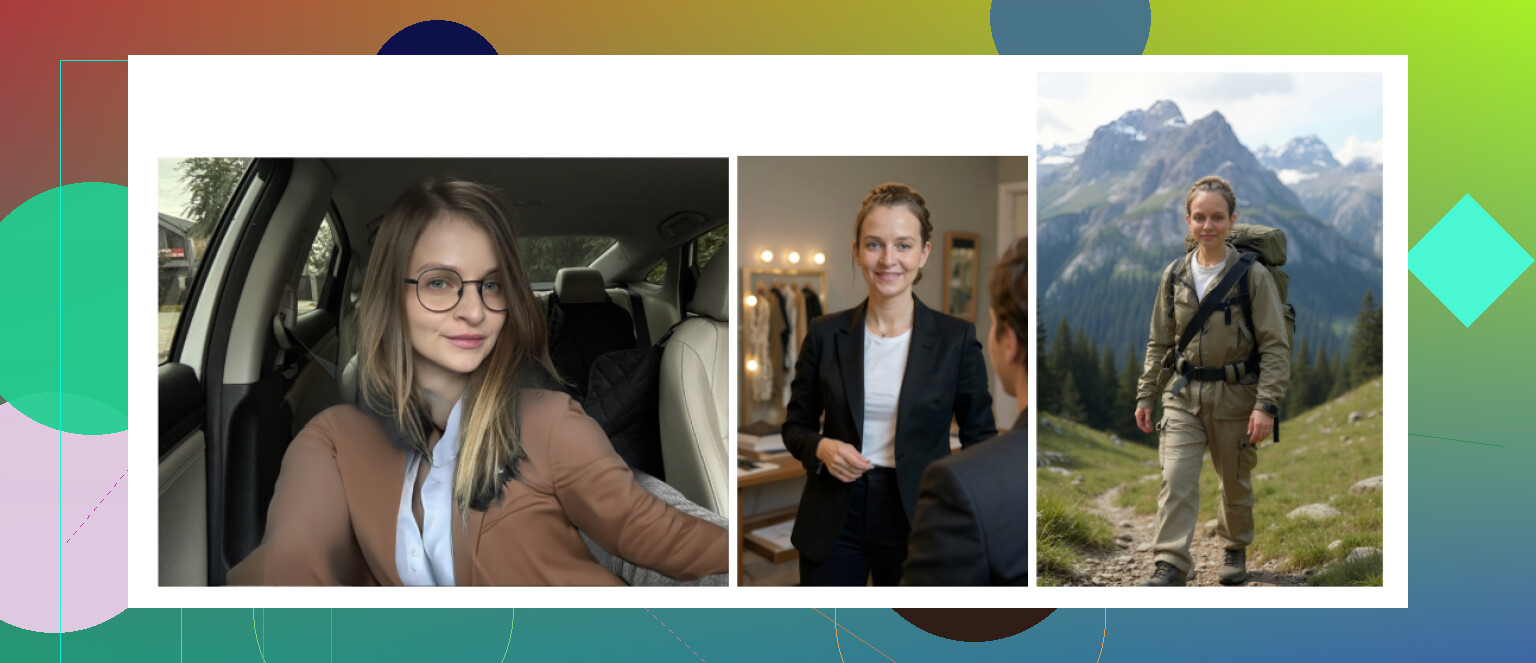
This is where it collapsed for me. A lot of outputs did not look like me at all. Some looked like way younger or completely different people. -
Styles
Plenty of creative options. The problem is that they rely on a single reference photo. With only one shot to learn from, the model drifts away from your real face. -
Pricing
- 3.99 per week
- 59.99 per year
-
Speed
Relatively quick. Few minutes, sometimes less.
My opinion
Fun for messing around, not for a real headshot. I had more “cringe” outputs than usable ones.
IRMO AI Photo Generator
App Store:
What I saw
-
Ease of use
Straightforward. I did not get lost. -
Video from photo
Worked as expected, standard animated-photo stuff. -
Photo realism
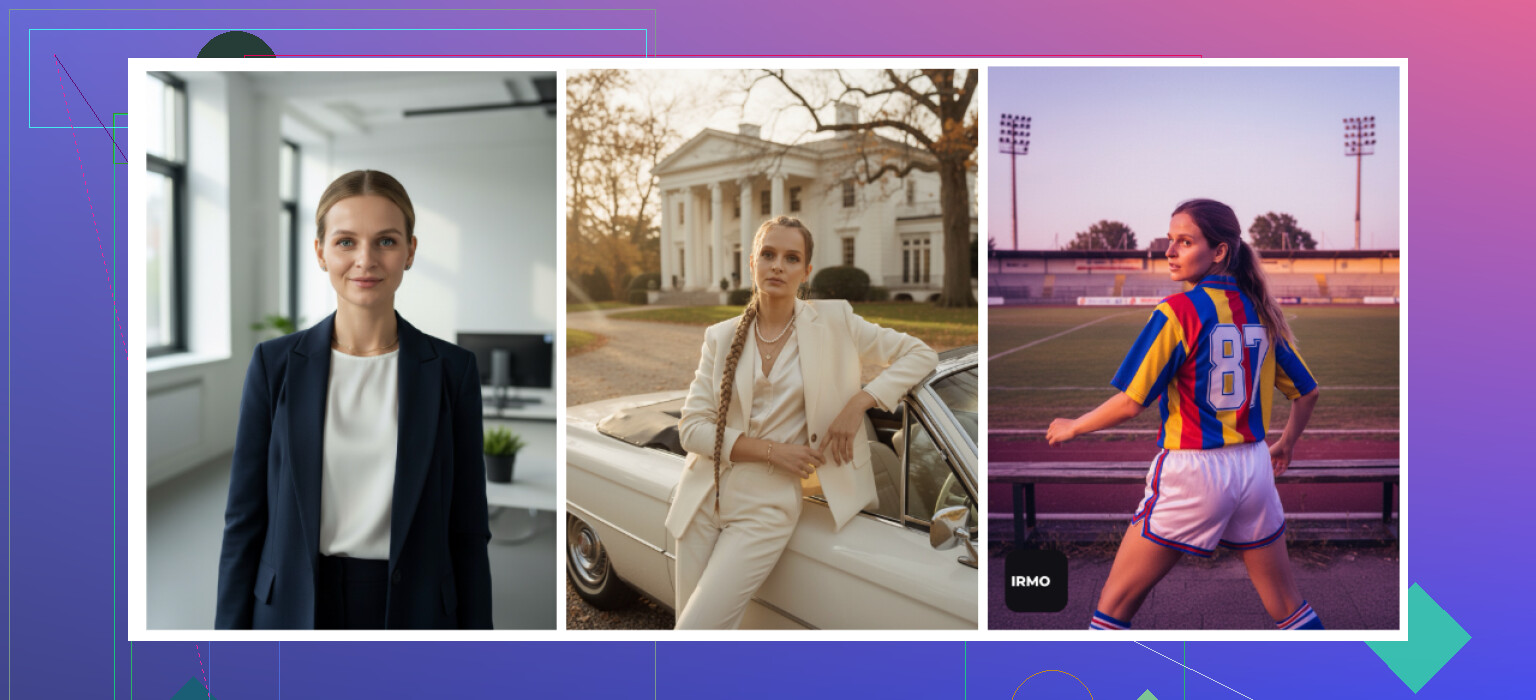
The technical quality looked fine, but using only a single reference photo again weakens the likeness. Some photos felt like a cousin, not me. -
Styles
Many moods and outfits to play with. They leaned into variety. -
Pricing
- 5.99 per week
- 99.99 per year
-
Speed
Between 2 and 6 minutes per generation for me. Acceptable.
My opinion
Good as an app if you want quick AI selfies, less suitable if you want a photo where you instantly recognize yourself. It felt more like a toy.
Android apps I tried
I was more careful on Android, the Play Store has too many shady clones. I stuck to names that already had some visibility.
Remini on Android
Google Play:
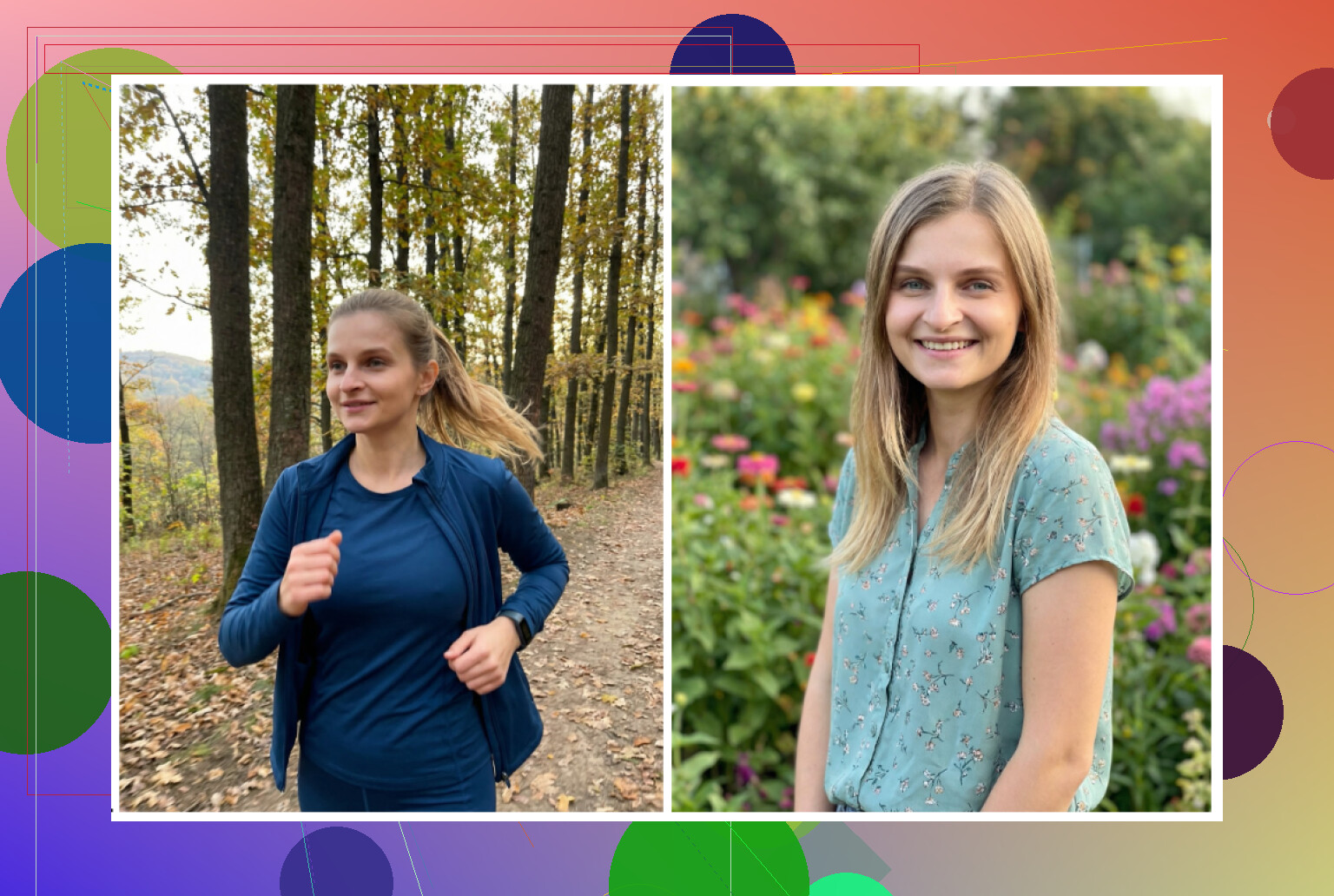
Quick notes
- Same strength: easy, fast, basic enhancer, plus AI avatars
- Same weakness: it “yassifies” your face, sharp jaw, makeup feel, heavy retouching even on “professional” settings
I would call it fine for Instagram, risky for job applications.
GIO: AI Headshot Generator
Google Play:
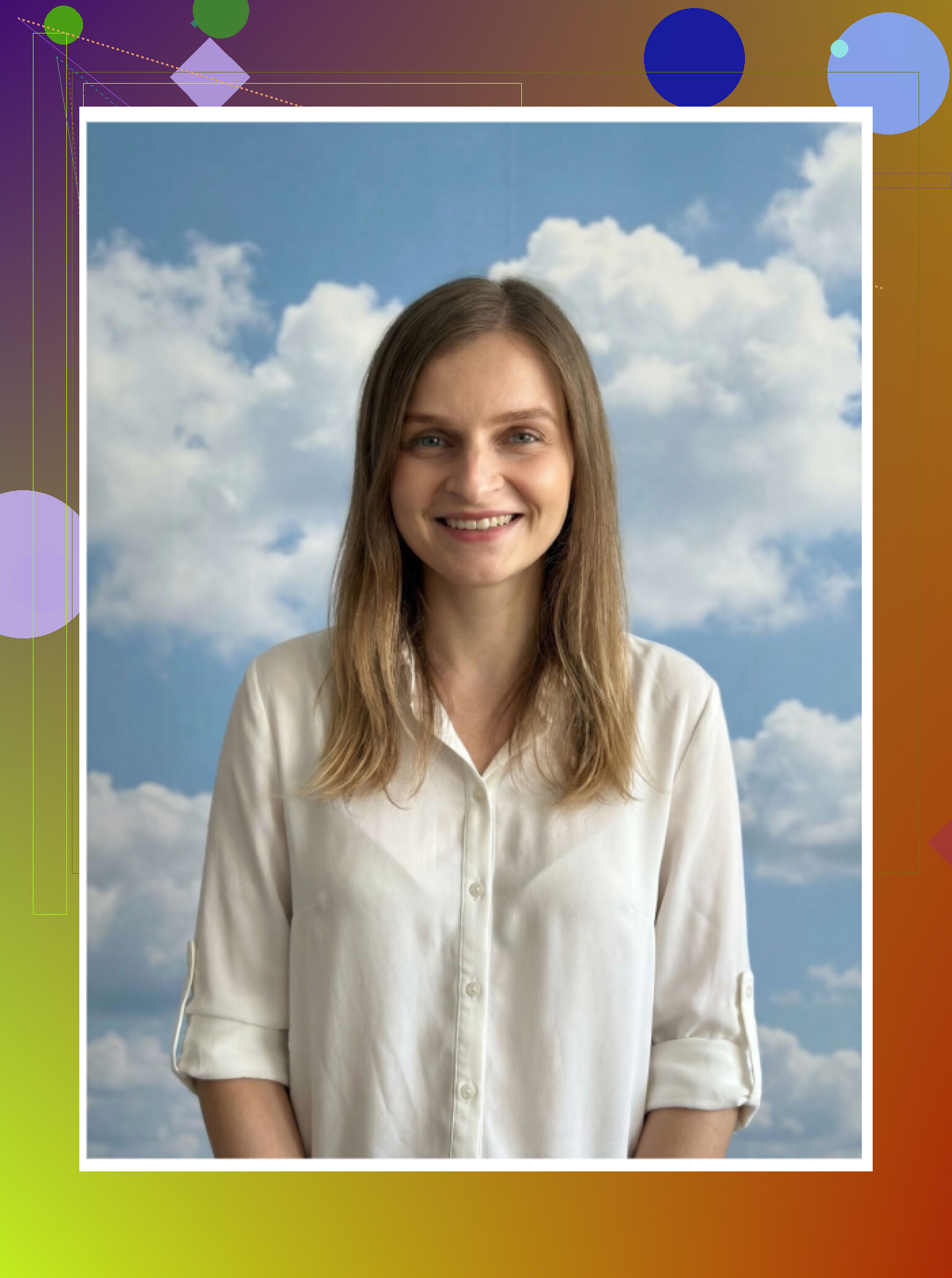
What I noticed
Pros
- Less fake looking than Remini when it works
- Clothing swap feature was surprisingly okay
Cons
- Outputs were inconsistent, many shots ended up in the trash
- Some generations looked low quality, with weird hands, weird hair
My short verdict
If Remini is too plastic for your taste, GIO might feel more natural in some cases. But expect a good chunk of failed attempts.
Momo
Google Play:
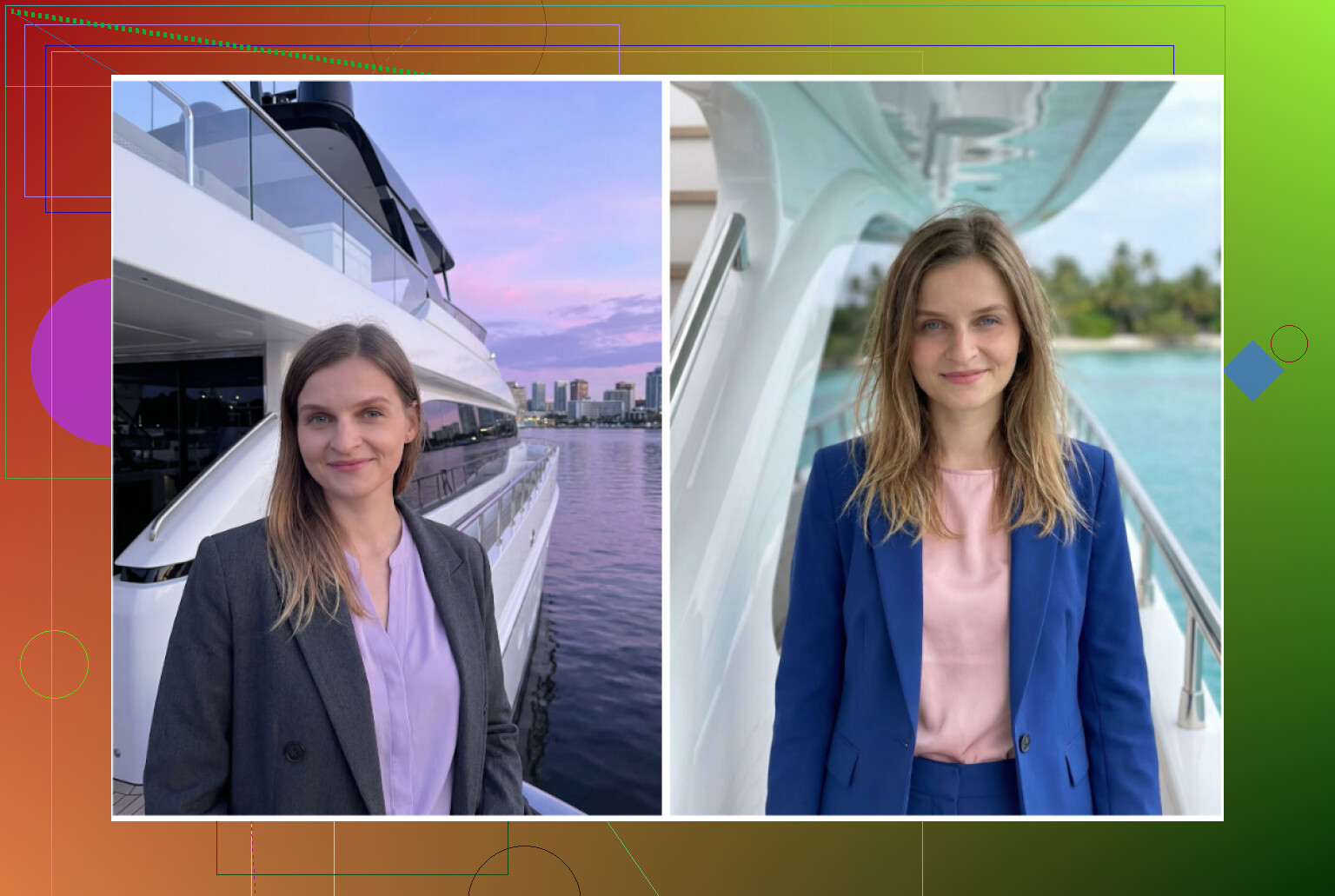
Pros
- Output quality was a bit higher than GIO in my runs
- Some photos looked “ok, I could use this if I was not picky”
Cons
- More expensive than Remini in my region
- For the higher price, it still fell behind best-in-class realism
My verdict
Better than GIO for my face, still not beating the iOS tools or web services. The cost did not feel justified.
Trying the $0 route with ChatGPT and Gemini
Yes, you can piece together usable headshots with no direct “headshot app,” but it takes trial and error. The trick I found workable uses text descriptions as a middle step.
This worked for me with:
- ChatGPT, image model DALL·E
- Gemini, I used the Nano Banana Pro type image model mentioned in their UI
Method I used
Step 1
Find a headshot you like, for example from a photographer’s portfolio or a stock site. Do not use friends or celebrities, it triggers safety more.
Upload that photo to ChatGPT or Gemini and ask it to describe the image in detail. Clothes, lighting, angle, expression, background.
Step 2
Copy the full description. Start a new chat.
Step 3
Paste the description and phrase it as a prompt, something like:
“Use this description as a style guide for a professional headshot. Keep pose, lighting, background similar.”
Step 4
Upload your own selfie in the same chat.
Step 5
Pick the image generation model.
- DALL·E on ChatGPT via the interface
- Nano Banana or other Gemini image model on Google’s side
Then tweak wording until you get something close.
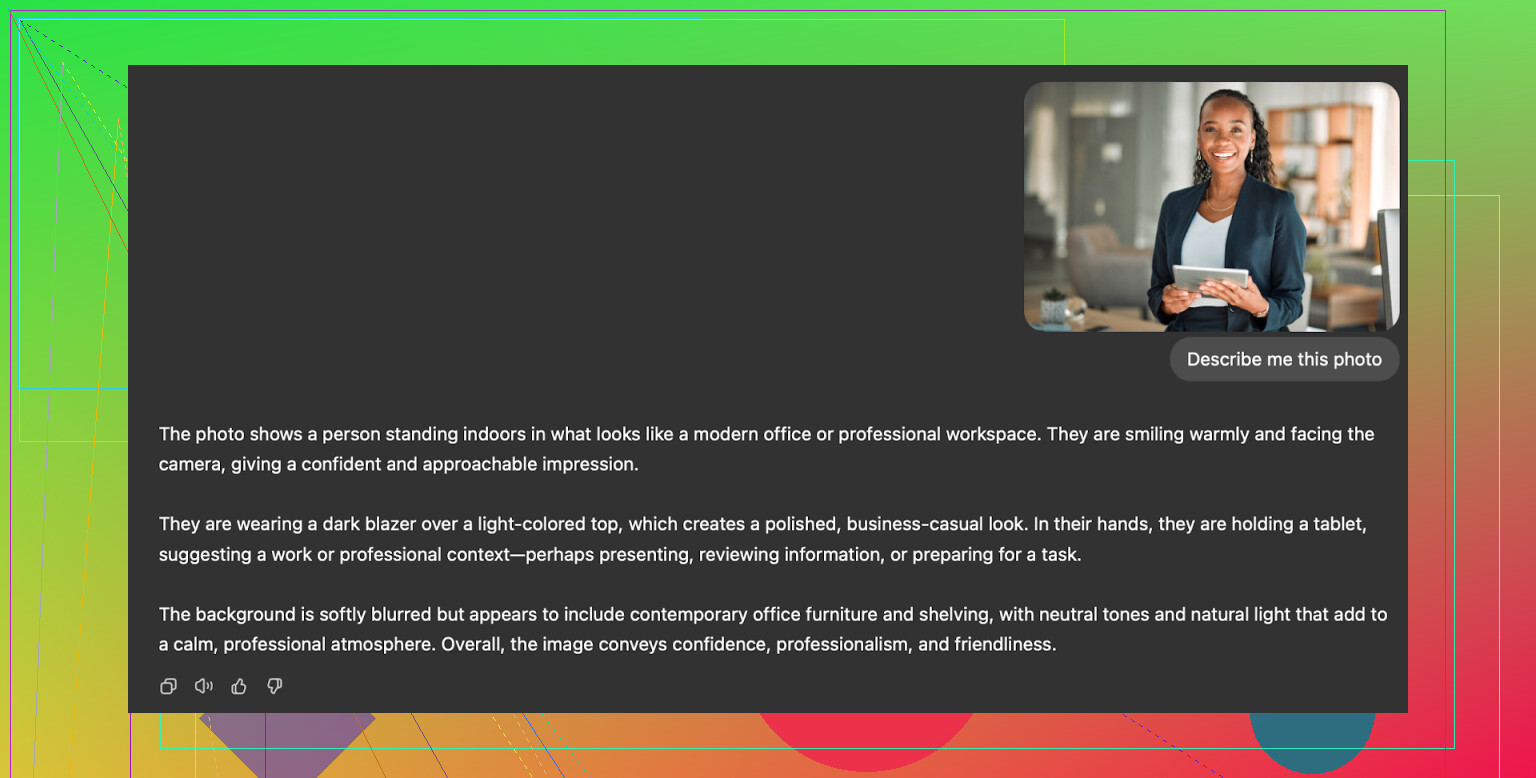
Results I saw
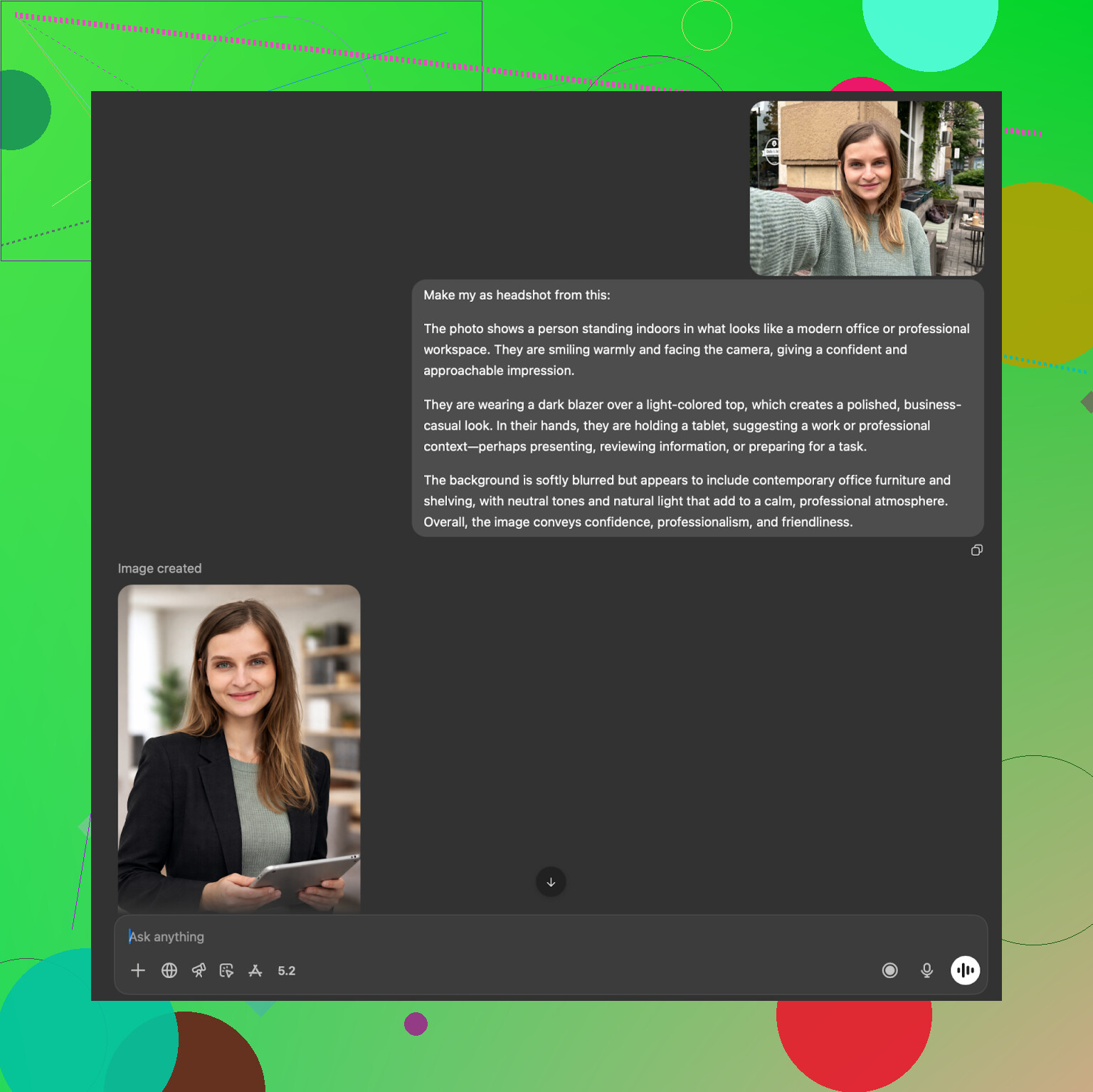
ChatGPT (DALL·E)
Site:
https://chatgpt.com/
DALL·E tends to inject its own style. The person looked related to me but not me. Face structure was close, expression was slightly off, eyes a bit different. It captures vibe decently but not perfect identity.
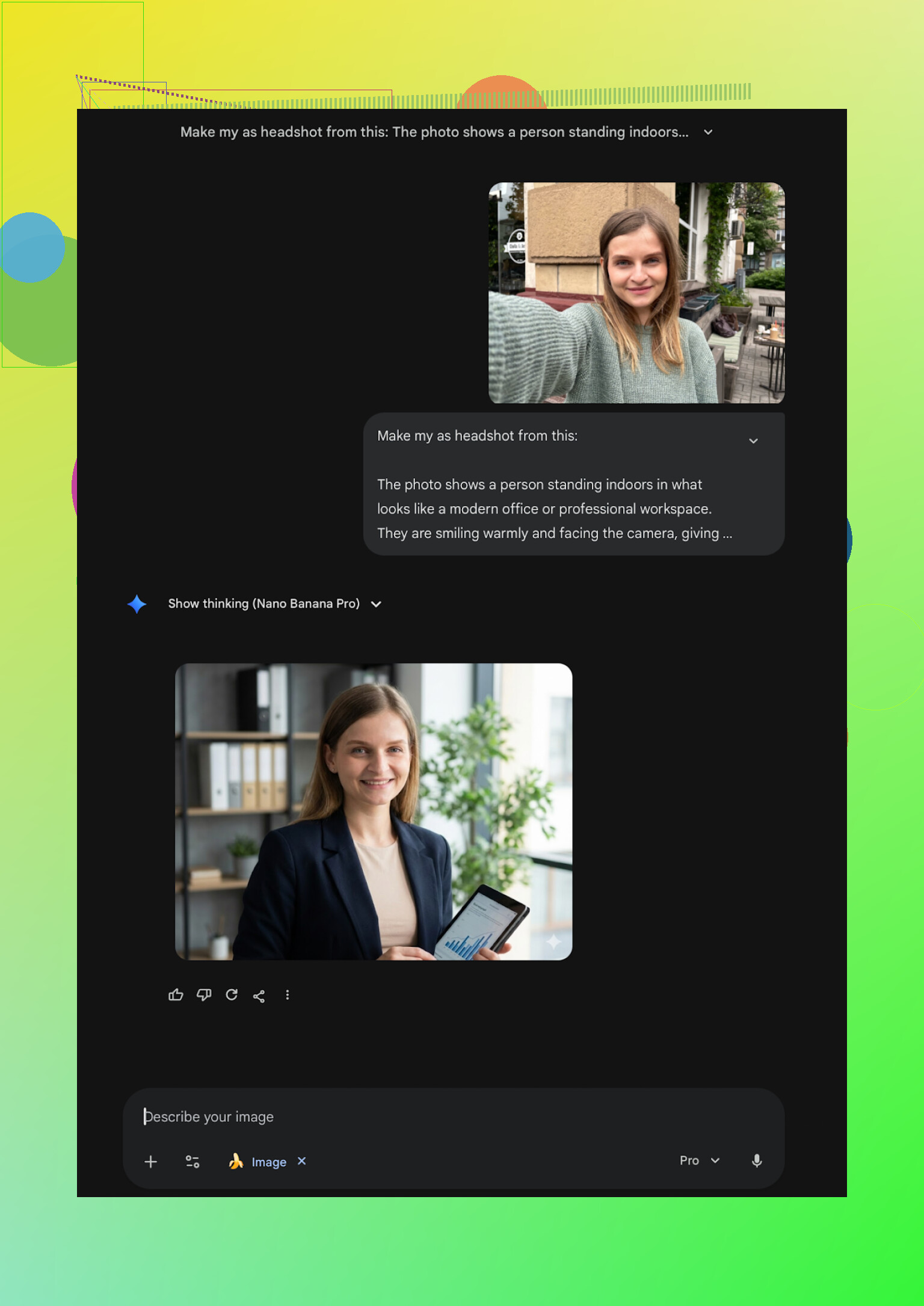
Gemini (Nano Banana Pro)
Site:
Gemini outputs were more photorealistic in my runs, closer to real photography lighting and textures. The catch: safety filters kick in often. Sometimes it refused to generate if the prompt looked like I was recreating a “real” person reference too closely.
Overall this path works if you do not want to install apps or upload packs of selfies to random services. It takes more manual prompting and multiple attempts. For one decent headshot, I usually had to go through 5–10 generations.
Where I ended up personally
After going through all of these:
- For fast, realistic shots on iPhone I stuck with Eltima and used the daily free generation when I needed a new angle.
- When I had more time to play with prompts and did not want one more subscription, Gemini with the description trick gave me the best free results.
- Web services like Aragon and HeadshotPro felt suitable when you need bulk consistent shots or strict corporate vibe.
One small tip from this whole process
Upload more than one angle whenever the tool supports it. Multi-photo training made the biggest difference for likeness. Single-photo apps were the ones that most often gave me “stranger with my haircut.”
That is the state of things from my side. If you try any of these, start with the free options first and check how your face survives before paying.
Short version, since you are on iPhone and want LinkedIn level, not TikTok filter level:
-
Best iPhone app I would start with
For your use case, I’d put Eltima Ai Headshot Generator App at the top of the iOS list.
I agree with a lot of what @mikeappsreviewer said, but my reasons are a bit different:• It keeps your face shape consistent across outfits.
• Output looks like a real camera with decent lighting, not a beauty filter.
• One starting photo is enough to test, but it still holds your likeness better than most “one-photo” apps.
• The daily free image is useful to slowly refine a LinkedIn shot without paying on day one.Where I disagree slightly with Mike: I would not keep hammering wild “creative” presets in there if you care about job applications. The more you push style, the more drift you will see. If you want safe LinkedIn, stay in their “office / studio / business casual” presets and ignore the rest.
-
Concrete way to get a solid LinkedIn headshot in that app
If you try Eltima, do this to avoid fake looking or warped results:• Input photo
- Use a sharp selfie in daylight near a window.
- Neutral or slight smile.
- No heavy filters.
- Shoulders visible, not only your face.
• Style choice
- Pick a simple “business” or “formal” style first.
- Avoid crazy backgrounds, props, or cinematic looks for LinkedIn.
- Do 3 to 5 generations over a few days using the free daily shot and compare.
• What to look for
- Do your eyes and jawline look like you.
- Is the skin texture still human, not plastic.
- Background clean and not distracting.
- Clothing edges not melting into hair or neck.
Once you see one image that passes those checks, export that one and stop. People mess up by over-optimizing and end up picking the most “hot” result, not the most real one.
-
Other options on iPhone and why I would rank them lower for jobs
Remini
- Strong enhancer, but it tends to “beautify” your face to the point HR might notice.
- Good for social media. Risky for resumes.
Collart AI / IRMO
- Fun for selfies.
- Single reference photo often leads to “cousin that looks a bit like you” instead of you.
Fotorama
- Slow and unstable for some users.
- You said you are tired of broken results, this will increase that.
-
Simple decision rule if you feel overwhelmed
-
If you want minimum fuss on iPhone:
Start with Eltima Ai Headshot Generator App, stick to business presets, use natural input photos, use the free daily limit first. -
If you want a one time batch and do not mind web:
Aragon AI is decent for likeness, although it needs more photos and no true free test.
-
-
Quick checklist to keep you from getting “fake AI face” again
- Avoid apps that aggressively “beautify” by default.
- Avoid fantasy or cartoon styles for anything job related.
- Use at least one well lit selfie, no filters.
- Compare the result side by side with a real recent photo of you. If it looks like a better looking sibling, throw it out.
If you only install one more iPhone app for this, make it Eltima and run a few days of the daily free headshot before you decide to pay.
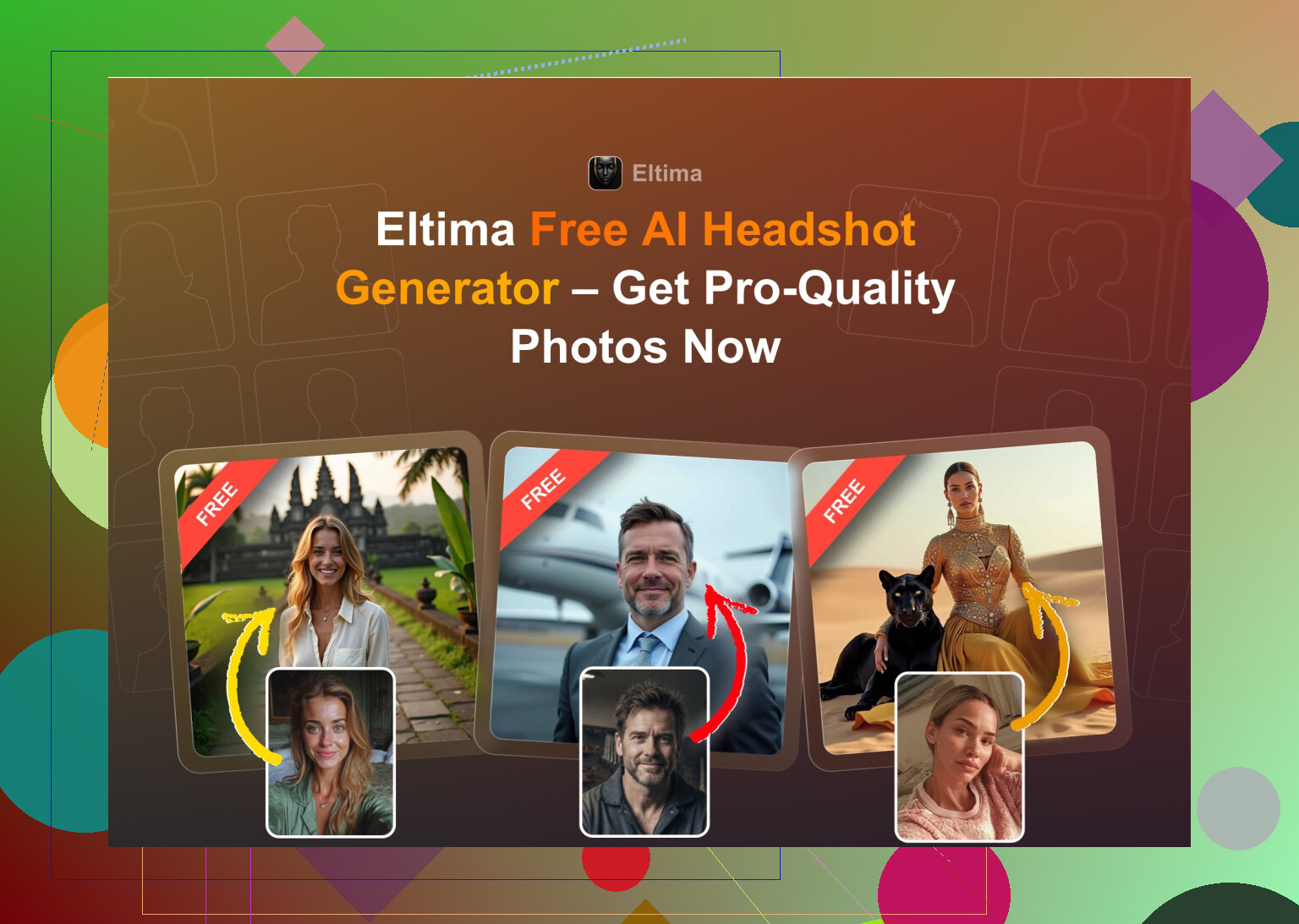
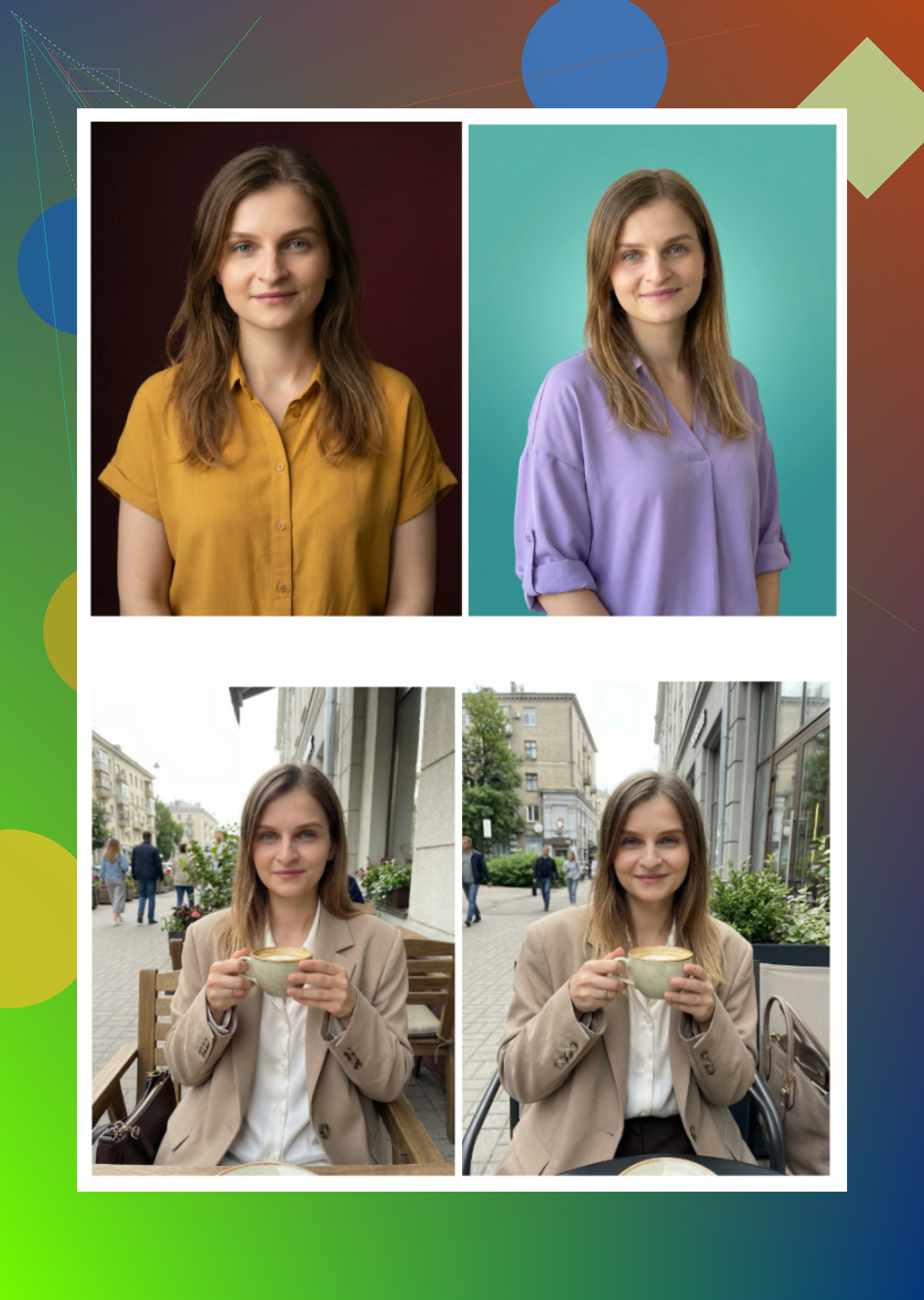
Short answer: if you’re on iPhone and care about “will this pass on LinkedIn without looking AI’d?”, Eltima Ai Headshot Generator App is the one I’d actually keep installed.
I’m mostly in the same camp as @mikeappsreviewer and @cazadordeestrellas on that, but I’d tweak their take a bit:
- Eltima is strongest when you treat it like a light retouch + outfit/background swap, not a total makeover. If you crank the beauty slider or pick the super glossy studio styles, it can still slide into that plastic LinkedIn influencer look that screams “AI.”
- They liked the wild creative presets more than I do. For serious job apps I’d basically pretend the fantasy / cinematic stuff doesn’t exist. Stick to: office, neutral studio, simple business casual. Those are the ones that survive the “does this look like a real camera?” test.
Where I slightly disagree with them: I wouldn’t obsess over using it every day for a week. In practice, 2 or 3 solid generations is enough. I’d do:
- One good input photo: sharp, natural light, no filters, shoulders in frame.
- Run 1 or 2 conservative Eltima styles.
- Pick one that looks like you woke up on your best hair-skin-confidence day, and stop there. The more you chase “perfect,” the more uncanny it gets.
Against the other iOS stuff you probably bumped into already:
- Remini: looks polished at first glance, but once you compare side by side with your real face it has that TikTok beauty filter vibe. Great for socials, borderline for HR.
- Collart / IRMO: fun to play with, not what I’d trust for a resume or company intranet. Too much “your hotter cousin” energy.
- Fotorama: honestly, if you’re already annoyed by glitchy free apps, this one will just raise your blood pressure.
So if you’re overwhelmed and just want to stop messing around: install Eltima Ai Headshot Generator App, ignore the crazy styles, generate a couple shots in basic business presets, pick the most boringly realistic one, and use that for LinkedIn. Boring is kinda the point for job apps.