My WD external hard drive suddenly stopped showing some important files, and I’m trying to find reliable WD data recovery software that actually works. I have family photos and work documents on it, and I really need advice on safe recovery tools before I make things worse or lose everything for good.
I’ve messed with a bunch of WD My Passport drives, and “files disappeared” usually does not mean the data is dead. More often, I saw one of three things: the file system broke, the partition got messed up, or someone deleted stuff by mistake.
First thing I’d do is check whether Windows still sees the drive.
Open Disk Management and find the WD My Passport in the disk list. I would ignore the drive letter for now. What matters first is simple: does Windows detect the device, and does the size look close to what the drive is supposed to be.
If it shows up with the right capacity, I’d take that as a decent sign. Even when Windows calls it RAW, Unallocated, or throws a format prompt at you, recovery still works a lot of the time because the drive is still talking to the system.
If it does not appear, keeps dropping off, or starts making odd clicking or spinning sounds, I’d stop and treat it like a hardware problem first.
Once you confirm the drive is visible, stop writing anything to it. I learned this one the hard way. If the files were deleted not long ago, or the partition suddenly stopped opening, new writes can wipe out data recovery chances fast.
Before you throw recovery tools at it, check whether the missing files already live somewhere else. I’ve seen people panic, then find the folder sitting in OneDrive, Google Drive, Dropbox, or some auto-sync location they forgot they turned on. Takes five minutes. Saves hours.
If there’s no backup, I’d go straight to recovery software. On My Passport drives, Disk Drill is one of the tools I tend to try early because it deals with deleted files, formatted partitions, and RAW volumes without much fuss. It also works with NTFS and exFAT, which are common on these drives. The preview tool matters more than people think, since it gives you a quick way to tell if the file is still intact.
This is the flow I usually follow:
Install the software on your PC, not on the WD drive.
Plug in the My Passport and wait for the tool to detect it.
If the drive is unstable, make a byte-for-byte backup first and scan the image file instead of the original disk.
Run a full scan.
Go through the results and preview the files you care about.
Restore recovered files onto a different drive.
The preview part is one of the best signals you’ll get. If a photo opens, a video plays, or a document loads in preview, I’d feel a lot better about getting a clean recovery.
After you pull off the files you need, set up some kind of backup before you trust the drive again. External drives are fine for storage. I still use them. I would never keep the only copy of anything important on one, though. File History, Acronis, cloud sync, whatever fits your setup. The second copy is what saves your skin when the next drive starts acting weird too.
If your WD drive still mounts and stays connected, I’d skip any WD-branded “repair” stuff for now. Those tools aim at drive health, not lost file recovery. Different problem.
I agree with @mikeappsreviewer on one point, don’t write anything new to the drive. I disagree a bit on jumping straight into a full scan first. If the drive feels slow, freezes Explorer, or disconnects, make an image first. Scanning a weak drive for hours is how people turn a recoverable mess into a dead one.
For software, Disk Drill is one of the better picks for WD external hard drive data recovery because it handles deleted files, lost partitions, RAW volumes, NTFS, exFAT, and HFS+ pretty well. The big thing is file preview. If your JPGs and DOCX files preview cleanly, your odds go up a lot. It also lets you scan the drive image instead of hammering the original disk.
Short version:
1. Stop using the WD drive.
2. Check SMART health with CrystalDiskInfo.
3. If health looks bad or the drive drops out, clone or image it first.
4. Scan the clone with Disk Drill.
5. Recover files to a different disk.
This gives a decent quick look at how Disk Drill works for lost files on external drives:
see how Disk Drill recovers files from an external drive
If the drive clicks, grinds, or vanishes every few minutes, skip software. That’s lab territory. Dont keep retrying it.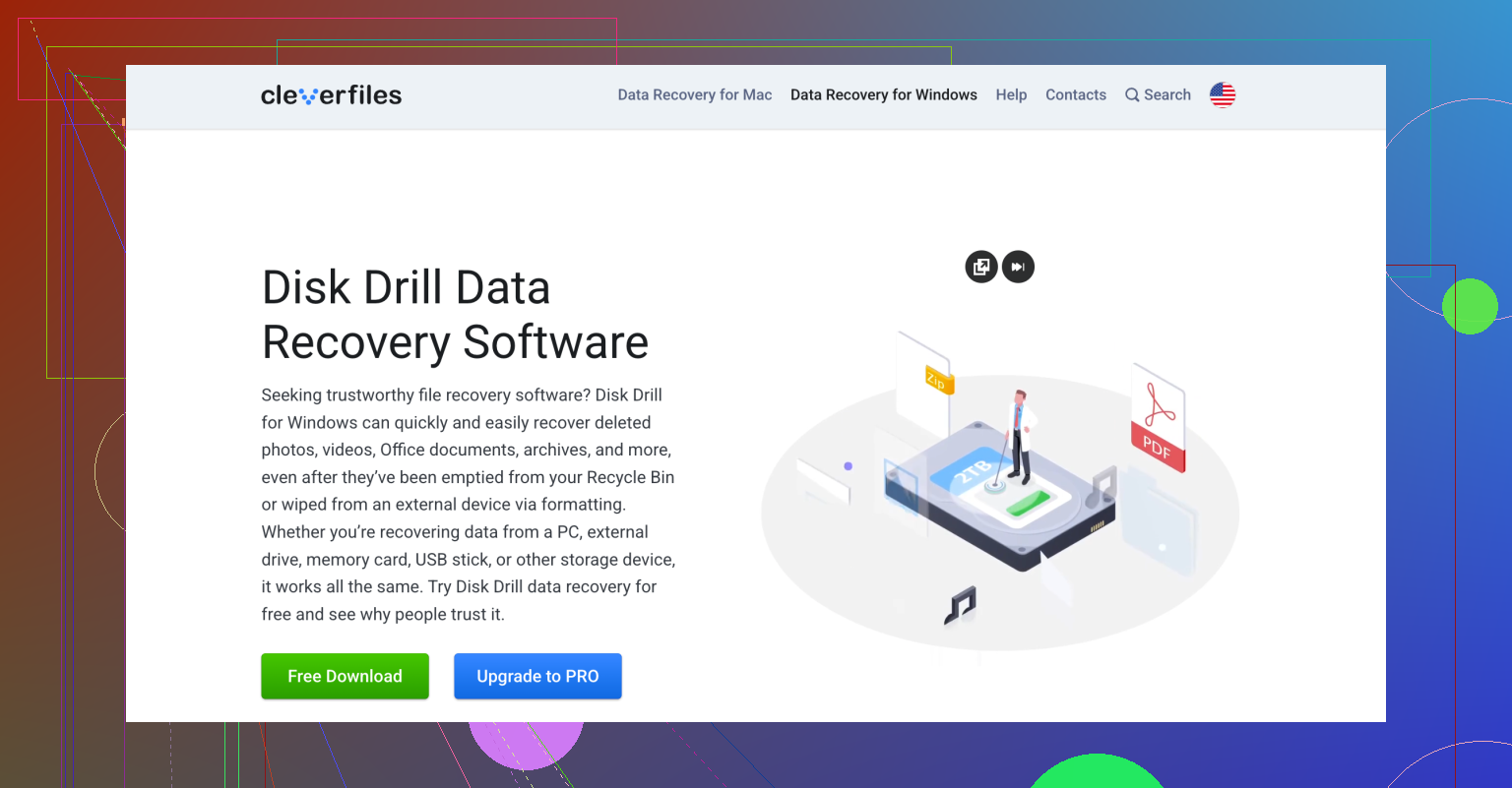
One thing I’d add to what @mikeappsreviewer and @boswandelaar said: don’t assume “missing files” always means classic deletion or partition damage. On WD externals, I’ve seen files look gone because of messed up permissions, hidden attributes, or a corrupted directory index. In those cases, CHKDSK can actually make things worse before recovery, so I would not run repair commands first just because Windows suggests it.
If the drive is still readable enough to browse a little, try checking it from another computer before doing anything major. Sounds basic, but it rules out dumb stuff like a Windows profile issue or USB controller weirdness. Also swap the cable. WD cables fail way more often than people think, lol.
For actual WD data recovery software, Disk Drill is a solid option because it’s easy to sort results by file type and preview photos/docs before restoring. That matters if you only care about family pics and work files, not every random temp file on the disk. I like it more for that reason than some tools that dump thousands of unnamed files at you.
Also, if you want a simple visual walkthrough, this is a decent quick WD external hard drive data recovery walkthrough.
My order would be:
1. Different cable and USB port.
2. Test on another PC.
3. Do not run repair tools yet.
4. Use Disk Drill to scan or image the drive.
5. Recover only to another disk.
If the recovered files preview cleanly, you’re probly in decent shape. If not, then it may be filesystem damage or physical issues creeping in.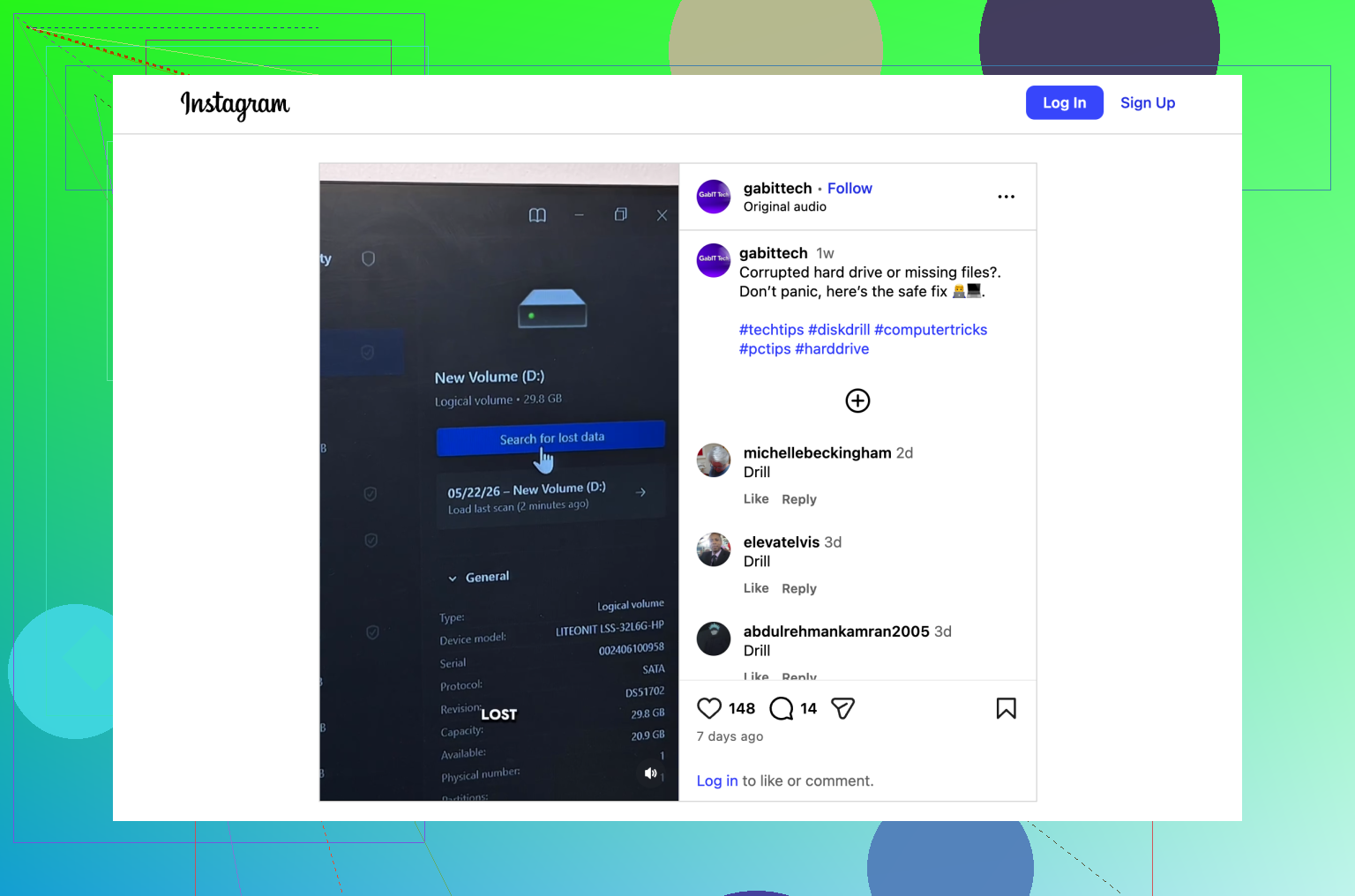
I’d add one thing the others only touched lightly: check whether the WD enclosure is the problem, not just the disk. Some WD externals have flaky USB bridge boards that make files “disappear” or mount weirdly even when the actual drive is still okay. So yes, @boswandelaar, @viaggiatoresolare, and @mikeappsreviewer are right to focus on not writing to it and avoiding repair tools first, but I would not assume the file system is the whole story yet.
What I’d do differently:
- Look in Disk Management and also Device Manager
- Check if the partition shows correctly but the volume label or file system looks wrong
- Try a powered USB hub if the drive keeps reconnecting
- If available, test on a Mac too, especially if the drive was ever used there
For software, Disk Drill is a reasonable pick if the drive is stable enough to read.
Pros:
- good previews for photos and docs
- handles common external-drive file systems well
- easier to sort useful files than a lot of recovery apps
- can work from a backup image
Cons:
- deep scans can return lots of junk filenames
- not magic if the drive has hardware failure
- license cost may annoy you if you only need one recovery
If Disk Drill doesn’t give clean previews, I’d cross-check with R-Studio or UFS Explorer before giving up. Different tools sometimes parse damaged metadata differently. But if the drive is making noise or dropping constantly, stop testing software entirely. That’s where people burn their last good chance.