My SD card suddenly stopped showing my photos and videos after I removed it from my camera, and now my computer says it needs to be formatted. I’m trying to find reliable SD card recovery software that can safely recover deleted or inaccessible files without making things worse. Any advice on the best data recovery tools or steps to take would really help.
I hit this exact mess with an SD card from a weekend trip. Put it in my computer, and instead of photos, I got the lovely “format this drive” prompt. Another time the card mounted, but the folders were empty. If your card isn’t physically wrecked, you still have a decent shot at pulling your files back at home instead of paying a lab.
Here’s the short list I’d point people to, based on what kind of recovery you’re trying to do.
- Disk Drill is the one I’d start with for most cases. I used it on both Windows and Mac, and it was less fussy than most of the stuff in this category. Where it pulled ahead for me was camera footage. RAW photos, drone clips, GoPro files, mirrorless video, stuff like that, often ends up split into fragments across the card. A lot of recovery apps pull those pieces out as broken junk you can’t open. Disk Drill has an Advanced Camera Recovery mode built for piecing those fragments back into a file you can play or edit. That part mattered more than the pretty interface. You’re able to scan and preview for free, and on Windows there’s a 100MB free recovery limit, so you get a test run before paying.
- On Windows, CardRecovery is worth a look if you want something narrow and simple. It feels older, and I mean that in both good and bad ways. It focuses on memory cards and does fine with normal photo formats plus a bunch of RAW types. If your goal is images and video only, it stays out of your way. If you need documents, PDFs, or anything outside media, it won’t help. Also, there’s no free recovery tier, only a preview scan before you buy.
- Recuva is the free pick for Windows if your case is plain and boring. Deleted files on a healthy card, sure, give it a shot. I’ve used it for basic recovery and it’s easy enough. The catch is the file system needs to still make sense. If the card is corrupted, showing up as RAW, or packed with chopped-up camera footage, results tend to fall off hard. Good tool, narrow lane.
The software matters, but the way you handle the card matters more. This is where people nuke their own recovery without meaning to.
- Stop using the card right away. Deleted or formatted does not always mean erased. A lot of the old data is still sitting there until something new writes over it. If you keep taking photos or recording clips, you’re filling those same spots with new data. If your card has a lock switch, flip it now. Small thing, but it helps stop accidental writes.
- If the card is unstable, make an image first. I learned this one the annoying way. If the card disconnects, throws read errors, or hangs the computer, don’t hammer it with repeated scans. Make a byte-for-byte image or backup first, then work from the image file instead of the card itself. Some tools, including Disk Drill, support this. It puts less strain on hardware that’s already on its last legs.
- Do not recover files back onto the same SD card. Save recovered files to your internal drive or another external disk. If you write recovered data back onto the damaged card while the scan is still going, you risk overwriting the files you’re trying to save. Feels obvious after the fact. In the moment, people still do it.
Use a decent card reader, connect the card, and scan carefully. Go step by step. If the card still reads at all, there’s a fair chance you get at least some of your stuff back.
If the card shows “needs to be formatted,” I’d skip Recuva first. It does fine on simple deletes, but RAW or damaged file systems are a diff story. I slightly disagree with @mikeappsreviewer there, mostly on priority. For this symptom, I’d start with PhotoRec or R-Studio before I mess with lighter tools.
PhotoRec looks ugly, works great. It ignores the broken file system and carves files by signature. Best when you want photos and videos back fast. Downside, filenames and folders are often gone. R-Studio is stronger if the partition table or file system got trashed, and it gives you more control, but it’s less beginner-friendly.
Disk Drill is still a solid pick if you want something easier to use and better previews. For SD card recovery software, it’s one of the safer first installs. Scan first, recover to your PC, not the card. If the card drops connection or reads slow as heck, clone it first and scan the image.
Also, if this came from a camera, try the camera itself with USB before a cheap card reader. Weirdly, I’ve had two cards read there when Windows kept whining.
This SD card recovery tutorial for photos and videos is short and easy to follow.
Do not format yet. Even if Windows keeps nagging you. That prompt is bait lol.

That “needs to be formatted” message usually means the file system got scrambled, not that your photos are instantly gone. I’d actually push back a bit on going straight to PhotoRec unless you’re ok with a giant pile of recovered files named like random nonsense. It works, sure, but for normal people it can be a pain in the ass sorting everything afterward.
My order would be:
-
Disk Drill first
Best balance of easy scan, preview, and actual usable recovery for SD cards. If you want reliable SD card recovery software without spending all night learning menus, this is probly the safest starting point. -
R-Studio second
Better if you’re comfortable with more technical stuff and think the partition/file system itself is damaged. -
PhotoRec last resort
Great for raw carving, awful for organization.
One thing I didn’t see stressed enough: check the card’s size and health info if it still appears in Disk Management. Fake or failing SD cards do this a lot. If the card shows the wrong capacity, disconnects randomly, or scans insanely slow, software may only get part of your stuff back.
Also, try a different reader and different USB port before doing anything major. Cheap readers are sketchy.
For a decent roundup, this guide on top SD card recovery software tested on real-world data loss cases is worth a look.
@mikeappsreviewer and @voyageurdubois both made solid points, I just think Disk Drill is the better first try if you want less chaos and better previews. Do not format it yet.
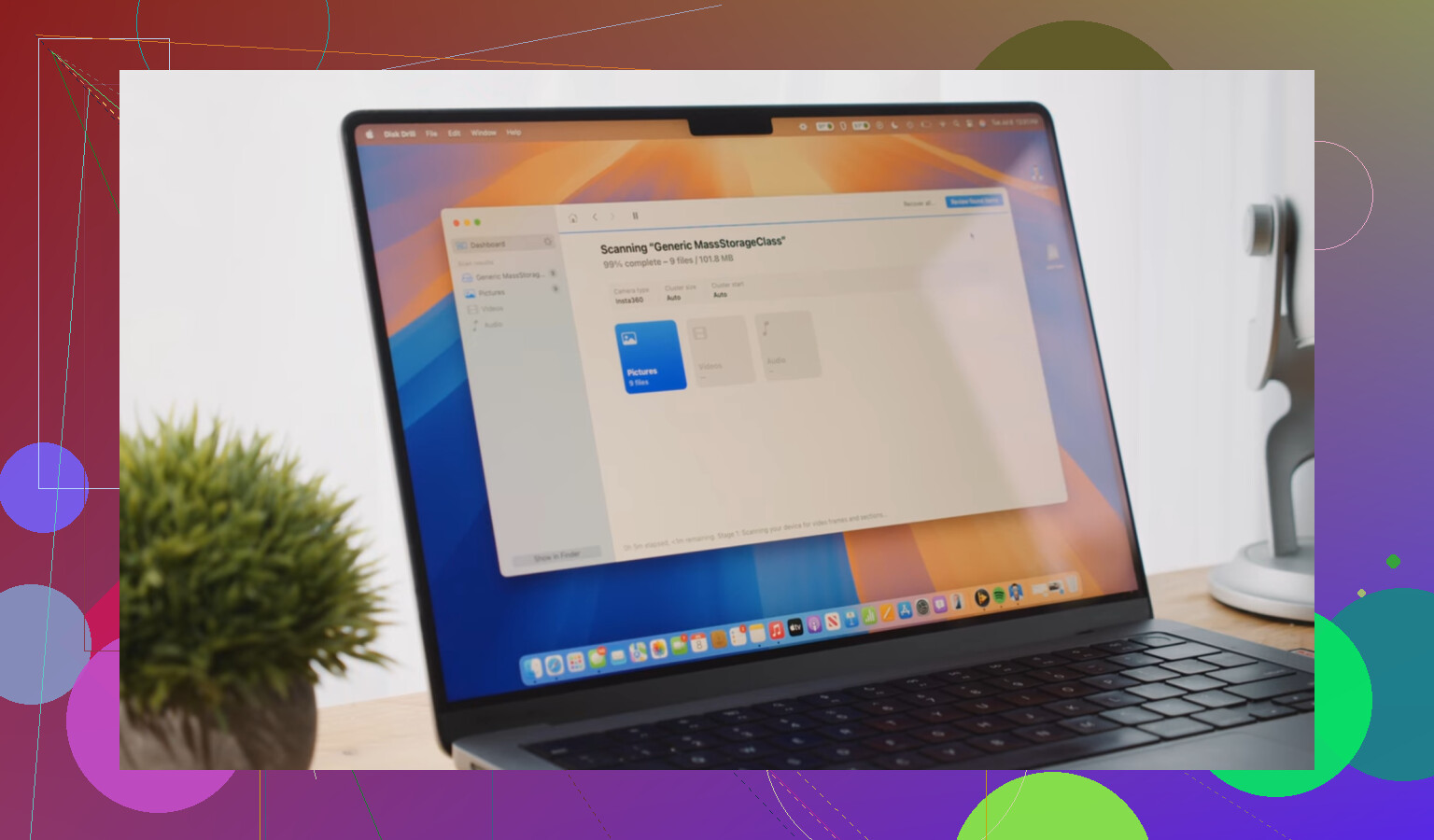
I’d split this into two different problems: logical corruption vs dying hardware. @voyageurdubois is right that file carving has its place, but I slightly disagree with using that too early unless the card is totally unreadable. If the controller is still exposing the card normally, a tool that can parse leftovers from the file system often gives cleaner results.
For that, Disk Drill is a reasonable first pass.
Pros of Disk Drill
- easy to use
- good preview support
- handles SD cards well
- can work from a disk image, which is safer if the card is flaky
Cons of Disk Drill
- free recovery is limited on Windows
- not the strongest option for severe file system destruction
- deeper scans can return lots of duplicates
Where I differ a bit from @caminantenocturno and @mikeappsreviewer is this: don’t obsess over the “best” app first, obsess over whether the card is stable enough to scan at all. Check SMART-like behavior indirectly by watching for:
- read speed collapsing
- card vanishing mid-scan
- capacity showing wrong
- I/O errors in Event Viewer
If any of that happens, stop scanning and image the card or move to a pro lab. Software cannot fix bad flash memory.
One extra thing people skip: if this was used in a camera, try a Linux machine or even a live USB session. Linux sometimes mounts battered exFAT/FAT cards that Windows refuses and lets you copy files without recovery software at all.
So my take:
- stable card: Disk Drill first
- damaged structure, advanced user: R-Studio
- unreadable structure, don’t care about filenames: PhotoRec
- unstable hardware: clone or lab, not repeated rescans
And yeah, definitely do not format the card yet.