My iPhone suddenly started lagging on apps, texting, scrolling, and opening settings, but phone calls still work normally. I’ve already tried restarting it, but the slowdown is still there, and I need help figuring out if this is caused by storage, iOS issues, battery problems, or something else.
Apps running smooth one day, then turning into a mess after an iOS update, is the kind of thing that makes you think the phone is dying. Most of the time it isn’t. I’ve seen this more than once, and a full wipe was not the fix.
How long to wait after an iOS update
If the slowdown started right after installing iOS, I’d leave it alone for 48 to 72 hours first. iPhones do a bunch of cleanup work after a big update. Photos get reindexed. App data gets rebuilt. System files get reorganized. All of this runs in the background while you’re trying to use the phone, so the whole thing feels off.
What helped me was simple. I left the phone charging overnight on Wi-Fi for two or three nights. No tricks. Performance improved on its own. If a full week passes and it still feels bad, I’d stop blaming the update.
Why apps that used to work fine start dragging
I kept running into two causes.
First, old apps. After a new iOS release, some apps lag because they haven’t been patched for the new version yet. Open the App Store and install every pending update. I’ve had one stale app make the whole phone feel broken.
Second, storage pressure. This one gets ignored a lot. iOS leans on free storage space for temporary working room during multitasking. When your storage gets cramped, apps lose breathing room. Stuff that ran fine before starts freezing, keyboard input gets delayed, scrolling gets choppy.
Battery health over 80 percent does not mean storage is fine
A lot of people mix these up. Battery throttling on iPhone is tied to battery condition, and Apple treats 80 percent and up as healthy. So if your battery health is above 80 percent and the phone still crawls, I wouldn’t blame the battery first.
What I saw instead was storage causing most of it. iOS seems to behave a lot better when roughly 10 to 15 percent of total storage stays free. Once it drops below that, weird lag shows up fast. Apps hang. Typing feels delayed. Safari starts acting dumb. It’s not subtle.
Why calls still work while the rest of the phone feels bad
This part confused me the first time. Phone calls often stay normal because calling uses dedicated hardware separate from the part handling apps, browser tabs, photo processing, and the keyboard. So if calls are clean but apps are stumbling, that points more toward software load or low storage, not some big hardware failure.
What ended up fixing it for me
I tried the usual stuff first. Restart. Network settings reset. Turning off Background App Refresh. Small change at best.
The real fix was freeing storage, and the biggest junk pile was my photo library, not apps.
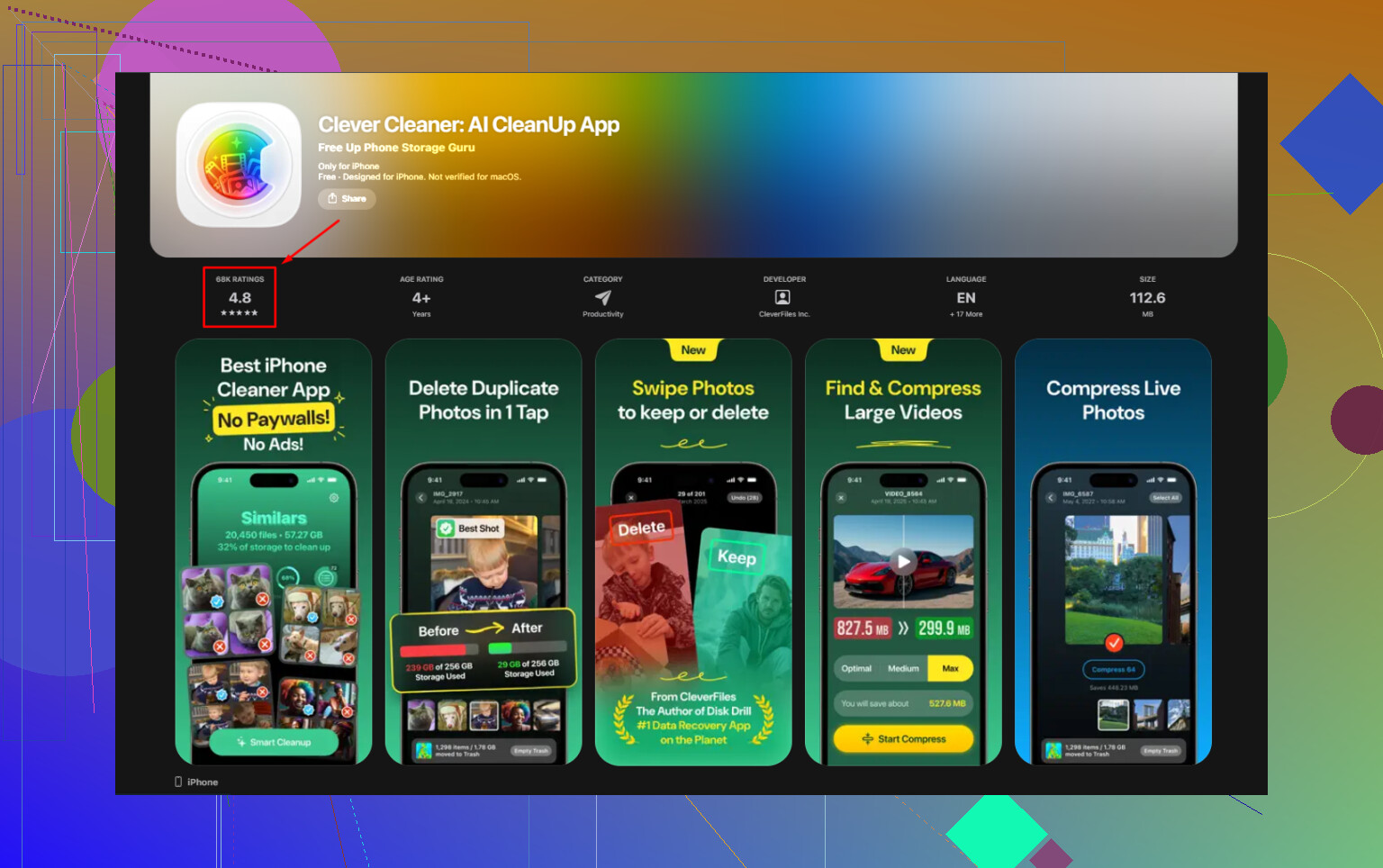
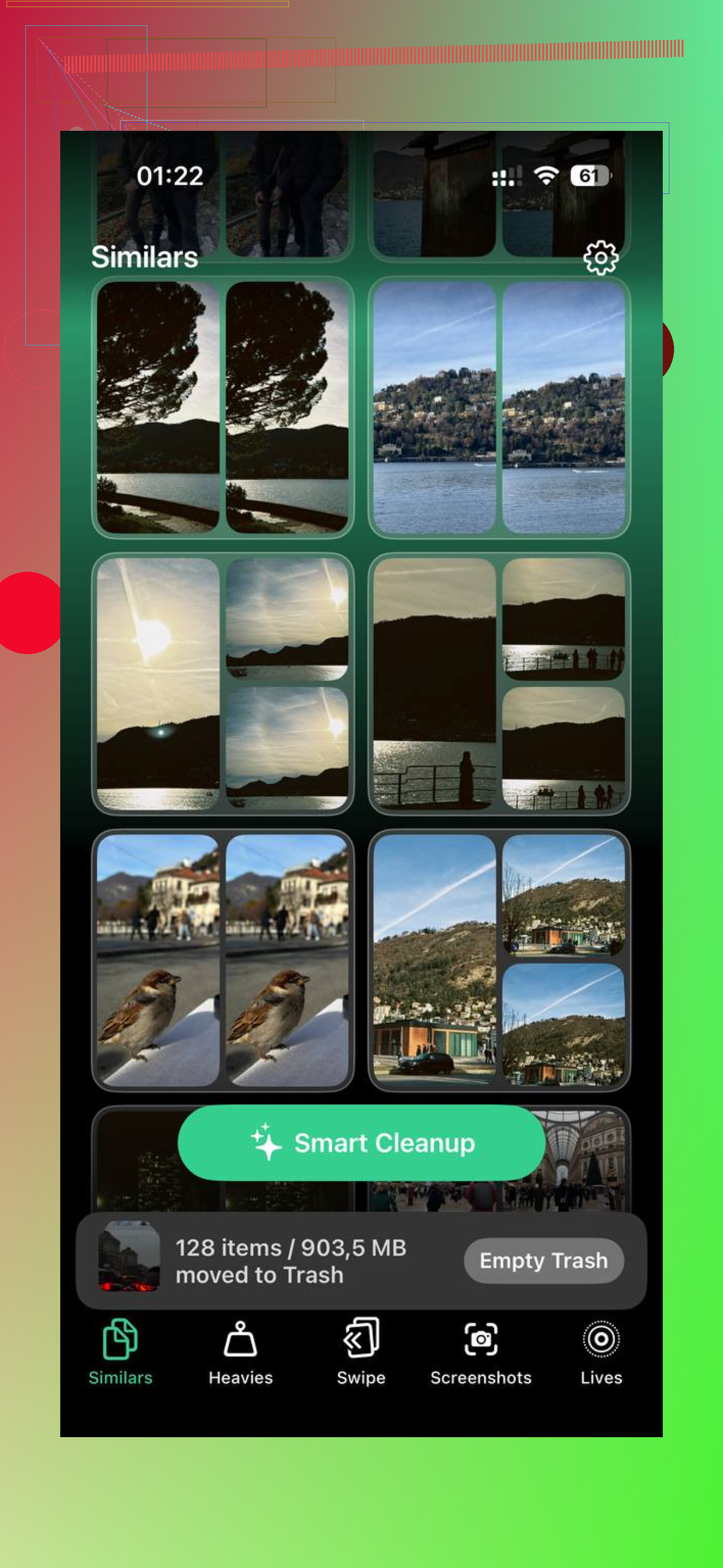
Clever Cleaner made this easier than doing it by hand. What stood out for me was the way it surfaced the largest files first in the Heavies section, so I didn’t waste time hunting. The Similars section grouped near-duplicate shots, burst photos, and repeated attempts at the same pic. It also picked a best image from each group, which saved me from sorting five nearly identical cat photos at 1 a.m. Everything stayed on the phone, too. Nothing got sent off somewhere else.
After I removed about 15GB, the phone felt normal again. One thing I almost missed, and this matters, was emptying Recently Deleted in Photos. If you skip that, deleted stuff still sits there for 30 days and keeps taking up space. Go to Photos, Albums, Recently Deleted, then remove everything. If you don’t, your free space number barely moves and you’ll think nothing worked. I did that once. Felt dumb after.
If it still feels slow after clearing space
Check temperature first. If the phone feels warm, performance drops on purpose to protect the hardware. I took the case off mine and left it alone for twenty minutes. It helped more than I expected.
Another small tweak is in Settings, Accessibility, Motion, then turn on Reduce Motion. This cuts down interface animations. On a strained phone, fewer visual effects made the whole UI feel faster to me.
Also check Low Power Mode. If you leave it on all the time, performance takes a hit by design. I’ve seen people forget it’s enabled for days.
If none of this changes anything after a week, I’d try Reset All Settings under Settings, General, Transfer or Reset iPhone. It resets system settings without removing your apps or photos. Weirdly enough, this fixed lingering lag for me once when every simpler step had failed.
1 Like
Calls working fine tells me the baseband and basic radio side are ok. The lag is likely on the system side, not the call hardware. So I’d look at 4 things first.
-
Failing storage.
If your iPhone storage chip is struggling, the whole UI drags. Apps stall. Settings hangs. Typing lags. Calls still work. This is one case where I disagree a bit with @mikeappsreviewer, free space matters, but sudden all-system lag sometimes points to storage health, not only low storage. Check Analytics Data for panic logs or repeated errors. -
One bad app or process.
A stuck app process can hammer CPU or memory. If lag hits even in Settings, remove any app you installed right before this started. Also delete VPN, cleaner, or security apps first. Those are frequent culprits. -
Battery or thermal issue.
Ignore battery health alone. If peak performance management kicked in after an unexpected shutdown, the phone slows down hard. Check Settings, Battery, Battery Health. If the phone feels warm, that matters too. -
iOS corruption.
Not rare. A normal restart won’t fix damaged system files.
What I’d do, in order:
Back up iPhone.
Check storage and analytics.
Delete any recent problem apps.
Turn off VPN profiles.
Update iOS and all apps.
Test with Low Power Mode off.
If still bad, do a backup, then reinstall iOS with a computer through Finder or iTunes. Don’t wipe first, do the reinstall/update path.
If storage is packed with photos, Clever Cleaner is fine for clearing junk fast. Compare iPhone cleaner apps here, best iPhone cleaner apps compared. But if the lag came out of nowhere overnight, I’d keep an eye on failing storage too. Thats the part ppl miss.
Calls still working is actually a useful clue. It usually means the phone’s core radio stuff is fine, while iOS itself is choking on something. I mostly agree with @mikeappsreviewer and @nachtdromer, but I would not jump straight to “storage is failing” unless you’re also seeing random reboots, apps crashing out, or panic logs.
One thing I’d check that they didn’t really hit: Safari and Messages bloat. Sounds dumb, but iPhones can get weirdly laggy when Safari has a ton of tabs, website data, and downloads piled up, or when Messages is full of huge attachments. Settings lagging can happen from system storage thrash, not neccesarily hardware death. Go to iPhone Storage and see if Messages or “System Data” is huge.
Also, if you use widgets heavily, remove a few from the home screen for a day. Same with Mail accounts that are stuck syncing. Exchange accounts can make an iPhone crawl like crazy.
If your storage is tight, yes, clear space. Clever Cleaner is fine for cleaning out duplicate photos and big files fast. This thread on what iPhone users say about Clever Cleaner for freeing up storage is worth a look.
My order would be:
- Check iPhone Storage
- Clear Safari website data
- Delete large Messages attachments
- Remove any weird VPN/profile
- Update apps
- Let it charge overnight on Wi-Fi
If it’s still lagging after that, then I’d start suspecting deeper iOS corruption or NAND issues tbh.