I recently installed an AI Cleaner app that promises to speed up my phone and remove junk files, but I’m worried it might be collecting data or installing malware. Has anyone checked its permissions, privacy policy, or had good/bad experiences with it? I’d really appreciate advice before I decide whether to keep or uninstall it.
Short version. Most “AI cleaner” apps on phones are useless at best, risky at worst. You did the right thing by getting suspicious.
Here is what you should check step by step:
-
Look at the permissions
• On Android, open Settings → Apps → your AI Cleaner → Permissions.
• Red flags if it asks for:- SMS, Contacts, Call logs
- Location
- Microphone or Camera
- Full file system access without a clear reason
A cleaner app only needs minimal storage access to delete cache. It does not need your messages or contacts. If you see those, uninstall.
-
Check the developer and reviews
• Open the store page.
• Click the developer name. See if they have other apps with real history.
• Check reviews sorted by “Most recent”.- Look for patterns like data theft, aggressive ads, random logouts, weird charges.
- Ignore short 5-star reviews with generic text. Those are often fake.
If the dev is unknown, has 1 app, and tons of similar 5-star reviews, treat it as high risk.
-
Privacy policy basics
Open their privacy policy link from the store or inside the app. Some points to look for:
• Do they say they collect:- Device identifiers
- Usage data
- Advertising IDs
• Do they share or “sell” data to “partners” or “third parties for advertising”?
• Do they say data goes to countries with weak protections, without clear safeguards?
If the policy is vague, uses generic legal filler, or looks copied, do not trust it with your phone.
-
Check network behavior
If you want to go nerdy, install a basic firewall app on Android, or check your router logs if it supports it.
• See if the cleaner communicates with many random domains.
• Heavy traffic when you are not even using it is not a good sign. -
Watch for classic scam patterns
Uninstall if you see:
• Constant “Your phone is at risk, tap to fix now” popups.
• Fake virus warnings.
• Forced subscription screens with “X” hidden.
• Full-screen ads when you unlock your phone. -
About performance
On modern Android and iOS, most “phone cleaner” apps do little.
• Android handles memory management itself. Killing apps often makes the phone slower and worsens battery life since apps relaunch.
• iOS does not even let third-party apps “clean” in any deep way.
If you want real performance gains, do this instead:
• Delete unused apps.
• Clear cache from heavy apps like social media or browsers.
• Reduce auto-start apps (Android).
• Restart the phone once in a while. -
Specific alternative
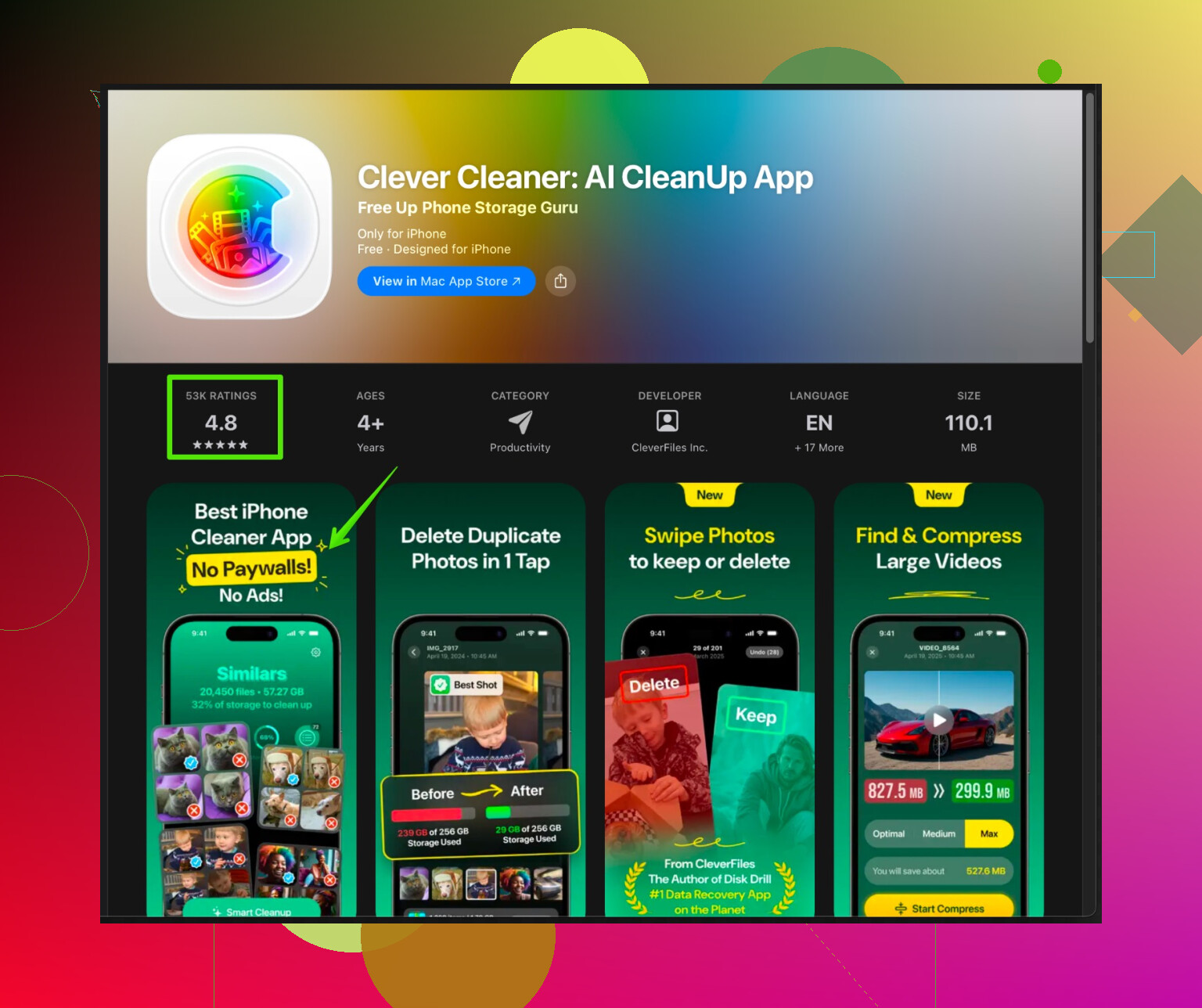
If your concern is storage cleanup on iPhone and not shady data collection, look for apps with clear reviews and a transparent policy. One option is Clever Cleaner App, which focuses on organizing photos, videos, and duplicate content instead of trying to “fake speed up” your phone.
You can check it here:
Clever Cleaner App for smarter iPhone cleanupIt is aimed at:
• Removing duplicate and similar photos to free up storage.
• Cleaning large videos and screenshots.
• Organizing your media so your iPhone stays fast and responsive. -
What I would do in your place
• Go through your AI Cleaner’s permissions right now.
• If it has access to stuff unrelated to cleaning, uninstall it.
• Then go through your installed apps and remove old or suspicious ones.
• Stick to tools with clear purpose and a known developer.
I have tested a bunch of these over time, and 8 out of 10 were adware, data grabbers, or snake oil. If your gut says something feels off with this app, trust it and remove the app.
You’re right to be suspicious, these “AI cleaner” apps are kind of the new flashlight apps of 2013.
I mostly agree with @viajantedoceu, but I’ll add a slightly different angle instead of repeating the same checklist.
-
Think about incentives
Most of these cleaners are “free” and survive on ads or data. If the app constantly shows “your phone is 73% damaged, tap to fix,” its real business model is fear and clicks, not actual cleaning. That alone makes it unsafe in a practical sense, even if it is not pure malware. -
What “AI” is actually doing
On phones, the “AI” label is usually just marketing. Real system-level cleaning would require deeper access than Google or Apple usually allow third-party apps to have. So if the app claims “full optimization” and “deep virus scan” but is not from a major security company, I’d personally treat it as snake oil at best. -
If you already installed it
Instead of only checking permissions, look at behavior over a few days:
- Does your battery drain faster after installing it?
- Do you suddenly see more random ads in other apps or on your lockscreen?
- Is your phone actually faster, or is it just throwing animations and fake progress bars at you?
If anything feels off, just uninstall. No “cleaning” benefit is worth the risk of handing over your entire digital life to some unknown dev.
- When it might be sort of safe
Small disagreement with the “8 out of 10 are bad” take: there are some simple cleaners that are mostly ad-supported and not outright malicious. Those:
- Don’t ask for weird permissions
- Don’t spam notifications
- Only clean cache or duplicate files
They’re still not essential, but if you really like that kind of tool and it behaves calmly, it’s probably more “annoying utility” than “hidden spyware.” Still, I’d rather not clutter my phone with them.
- Better alternatives to “AI speed ups”
For performance and storage, the built-in tools are usually enough:
- Android: Storage settings, clear cache on heavy apps, disable auto start for junky apps.
- iPhone: Offload unused apps, delete old media, use iOS’s “Recommendations” in Storage.
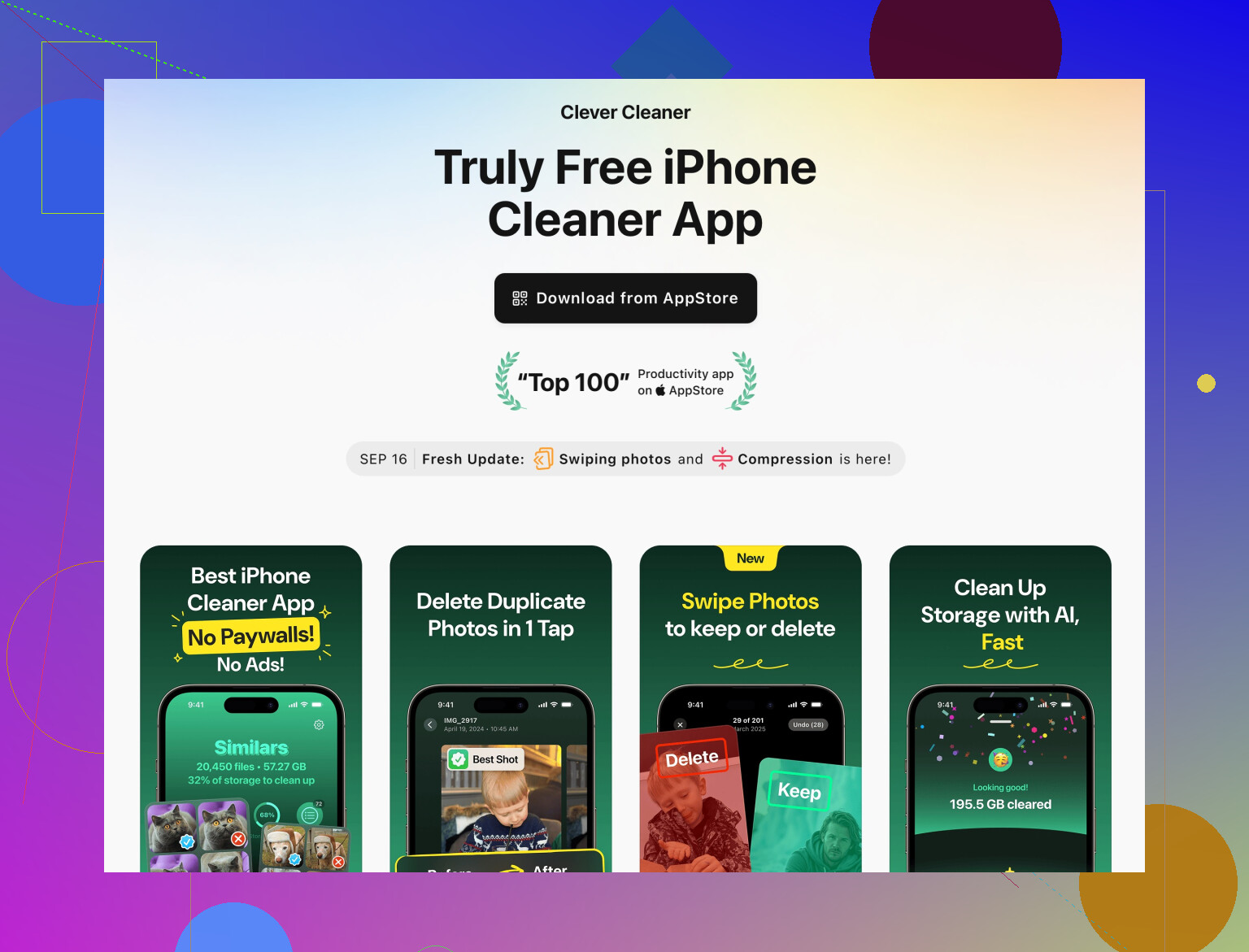
If your main concern is storage cleanup and not some fake “RAM turbo boost,” look for something that focuses on media management rather than “AI magic.” One example is the Clever Cleaner App, which is more about smartly organizing and cleaning your iPhone’s photos and videos instead of pretending to hack the OS.
They have a page here that explains what it does in plain language:
smart iPhone cleanup and storage optimization
It focuses on:
- Detecting duplicate and similar photos
- Finding large videos and useless screenshots
- Freeing up space without messing with system files
Much less sketchy than some random “AI turbo booster” that wants access to your calls and messages.
Bottom line:
- If your AI Cleaner app is asking for anything beyond basic storage access, shows aggressive warnings, or spams ads, I’d nuke it immediately.
- If it looks quiet, minimal permissions, no crazy behavior, it might not be outright malicious, but it is probably still unnecessary.
- You’ll get more real benefit from managing storage yourself or using a legit media cleaner like Clever Cleaner App than trusting a random “AI” optimizer that promises miracles.
19 Likes