I switched phones and realized my photos are scattered across different apps, with albums, tags, and backups all over the place. I only want to keep one photo organizer app that’s easy to use, reliable, and good for managing a large photo library. Looking for help choosing the best photo organizer app for storage, sorting, and long-term backup.
I hit a wall at around 20,000 photos and videos. After a while, I stopped pretending I was going to keep the library neat. A weekend trip, a birthday dinner, some dumb burst shots of the dog, then suddenly a few hundred more items were sitting there.
Apple Photos helped a little, sort of. It finds exact duplicates after some time. My problem was the messy middle. Four shots of the same sunset. Six versions of the same kid-smile where only one is usable. Then the storage stuff crept up too. Big videos, old screenshots, Live Photos I never watched again. They piled up quietly.
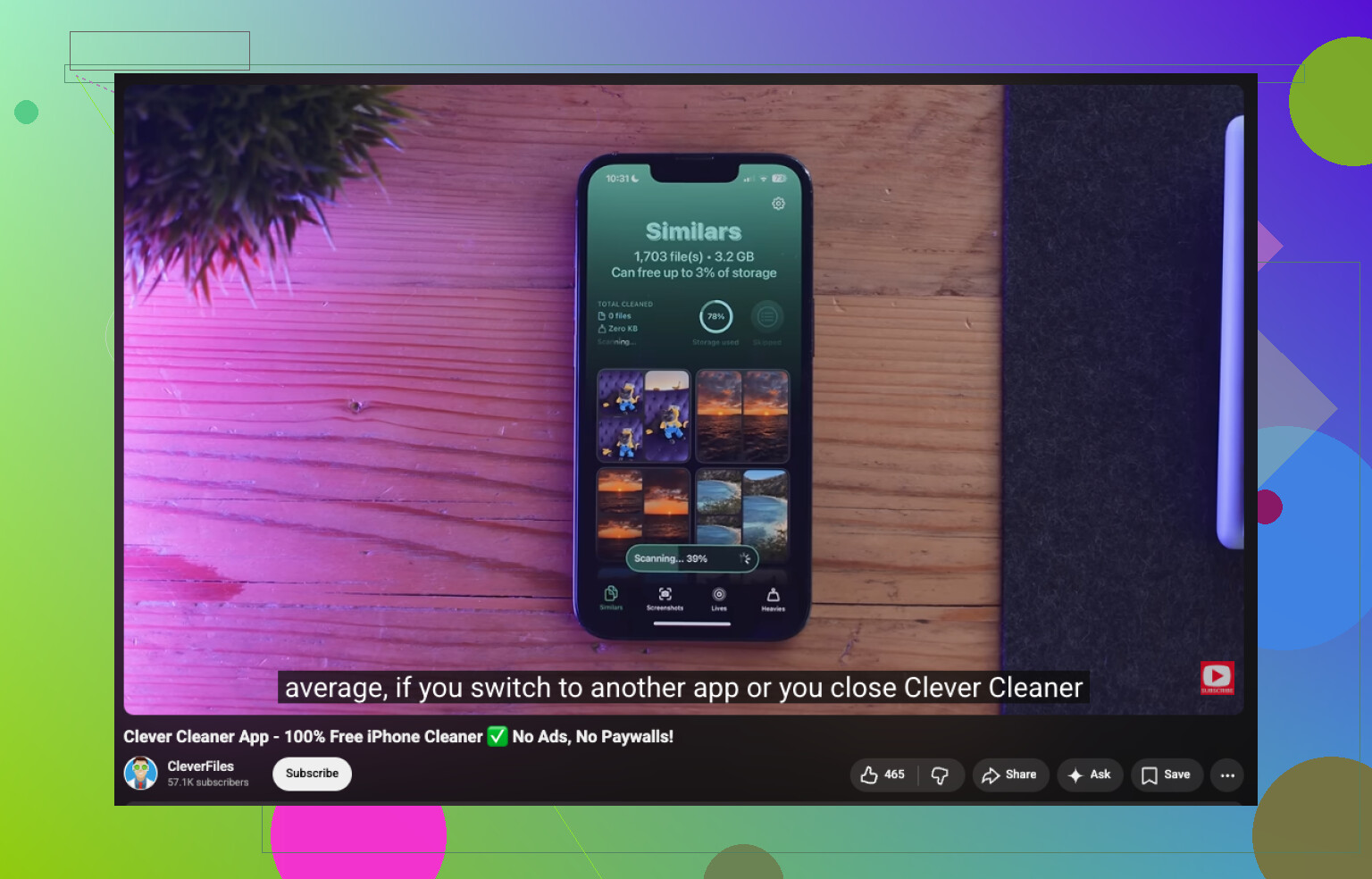
I tried a bunch of cleanup apps. The one I kept on my phone was Clever Cleaner. I didn’t keep it because it felt fancy. I kept it because I used it, then used it again a week later, and my library stopped feeling like a junk drawer.
What I do now is pretty plain:
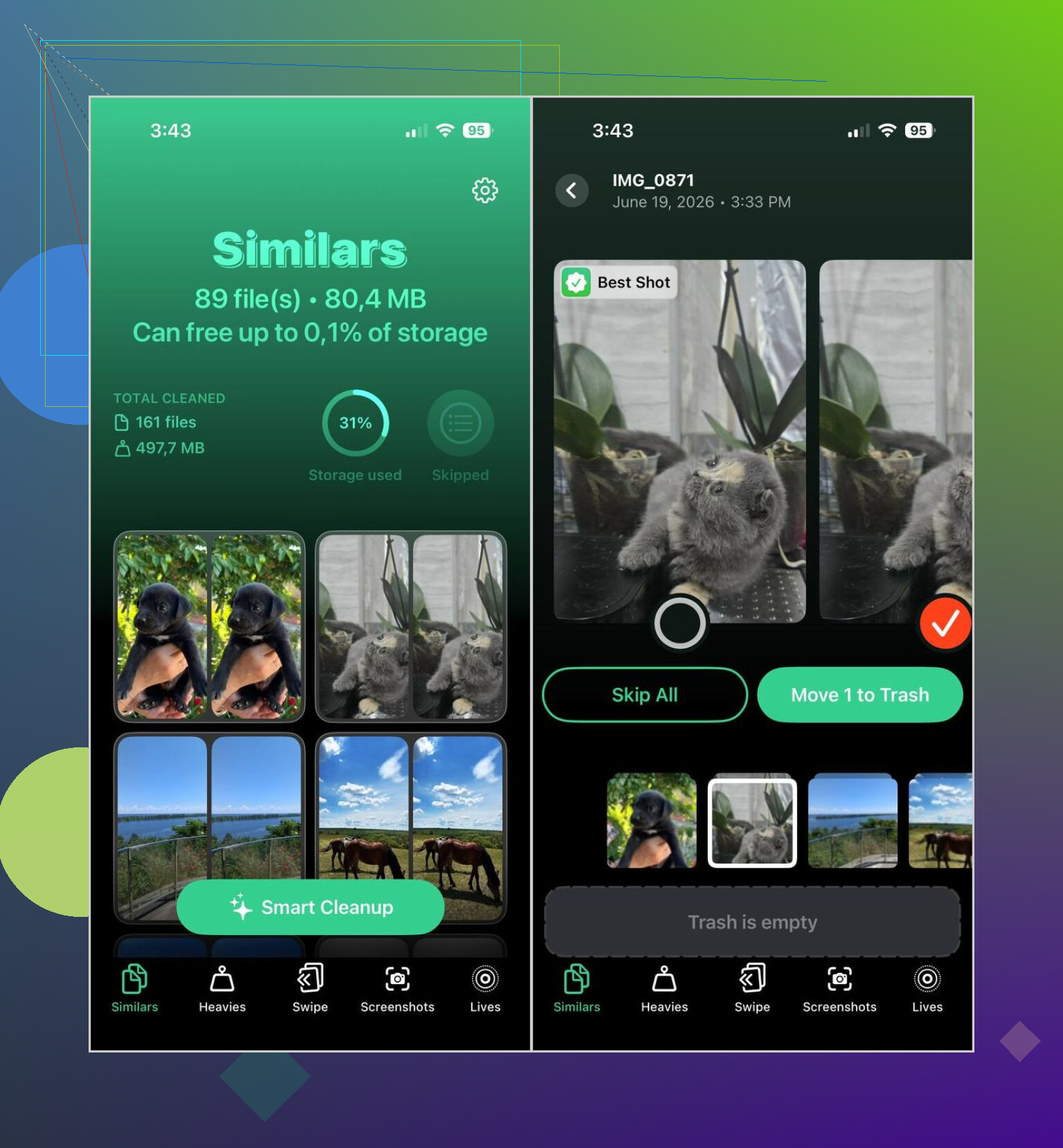
- Once a week, I run Smart Cleanup. It catches duplicates and those near-duplicate photo clusters where I only need one.
- I check Heavies to spot the biggest videos. From there, I delete them or shrink them if I still want to keep them.
- If I’m stuck waiting somewhere, I open Swipe Mode for five or ten minutes and sort through recent stuff.
- Every couple of weeks, I wipe out screenshots.
- I turn old Live Photos into regular still images when I know I don’t care about the motion part.
That routine sounds small. It works better than those big “I’m going to organize my whole library tonight” sessions I never finished.
I still use a couple of other apps, depending on the mess I’m dealing with.
Slidebox is the one I open when I want albums done fast. The swipe setup feels quicker than Apple Photos, at least for me. If you’re sorting a vacation, holiday, or family event, it saves a lot of tapping around menus.
Mylio Photos is more for the cross-device problem. I used it when I wanted the same library flowing between iPhone, iPad, and computer without leaning on cloud storage for everything. Search got easier too, since the AI tags did a decent job on bigger libraries.
A few habits mattered more than I expected. I delete blurry shots right after I take them. If I get back from a trip, I spend ten minutes cleaning the batch before I even think about making an album. Screenshots too, those used to sit around for months. Now I clear them before they turn into their own landfill.
For me, this combo held up. Clever Cleaner handles the cleanup work Apple Photos still feels weak at. Slidebox helps when I want albums without friction. Mylio Photos covers the multi-device side when I need it.
If I had to keep one, I’d keep Apple Photos.
Not the most fun answer, I know. But if you want one app, reliability matters more than extra features. Apple Photos keeps your library tied to the phone, backup, search, shared albums, face recognition, and system-wide access. Fewer moving parts. Less crap to migrate later when you switch phones again.
I partly disagree with @mikeappsreviewer on the one-app part. Cleanup apps help, sure. Clever Cleaner is a solid add-on for trimming duplicates and big files. I’d use it for cleanup passes. I would not make it my only photo organizer. Same with Slidebox or Mylio. They solve specific problems. They do not replace the default photo hub for most people.
My pick breaks down like this:
- Apple Photos for storage, albums, search, and backup.
- Clever Cleaner for maintenance.
- Delete old screenshots every week.
- Stop making too many albums. Use Favorites and search more.
If you mean one app with zero add-ons, Apple Photos wins on stability alone. If you mean one helper app to fix a messy library fast, Clever Cleaner is the easier choice.
Also, if you’re comparing free iPhone cleaner apps, this thread is useful, best free iPhone cleaner apps from forum users.
My short version. Organize in Apple Photos. Clean with Clever Cleaner. If you force me to choose one only, I pick Apple Photos every tiem.
If I could keep only one, I’d still pick Apple Photos. Not because it’s exciting, but because it’s the least annoying long term.
I get where @mikeappsreviewer is coming from with cleanup-first apps, and I mostly agree with @nachtschatten on using the default hub. Where I disagree a little is this idea that you need a whole “system” of apps forever. That’s how people end up with the exact mess you’re trying to escape.
My rule is simple: one app should be the home base, everything else is temporary. For iPhone, that home base is Apple Photos. It already plugs into the OS, camera roll, sharing, memories, search, people, locations, and backup. When you switch phones, that matters more than fancy sorting tricks.
What I would not do is keep albums spread across 3 different apps. Albums are basically soft organization anyway. They feel productive until you forget where you put stuff lol.
My setup would be:
- Apple Photos = permanent library
- Clever Cleaner = occasional maintenance only
- no second organizer
- fewer albums, more search by date/place/person
That’s the part people underrate. Search in Apple Photos is good enough now that making 47 albums called “Trip,” “Trip 2,” and “Trip Final” is kinda pointless.
If your library is already bloated, Clever Cleaner is worth keeping around for cleanup sessions, especially for duplicates and storage hogs. But I would not let it become the main place I manage everything. Same for other organizer apps. Helpful? sure. Main hub? nah.
Also, if you want a solid breakdown before deciding, this Clever Cleaner review and iPhone photo cleanup walkthrough is a pretty easy watch.
So yeah, boring answer, but probably the right one:
Keep Apple Photos as the one app. Use Clever Cleaner when the library starts geting out of hand.