I’m cleaning up draft help articles for my team and need to settle on a review process. Do you use Humanly AI Detector & Humanizer, just the detector with manual edits, or manual editing alone? Why does that approach work for you when the wording has to stay technically accurate?
I compared unchanged English passages across the tools on October 2–3, 2026, counting only completed checks. The six passages covered a generated essay, memo, paraphrase, and fictional personal story, plus a Lewis Carroll excerpt and a lightly AI-edited version. I’m late to this topic, so I wanted to separate actual results from pages that merely offered access. Some samples were related, and that human excerpt wasn’t enough to represent ordinary writing.
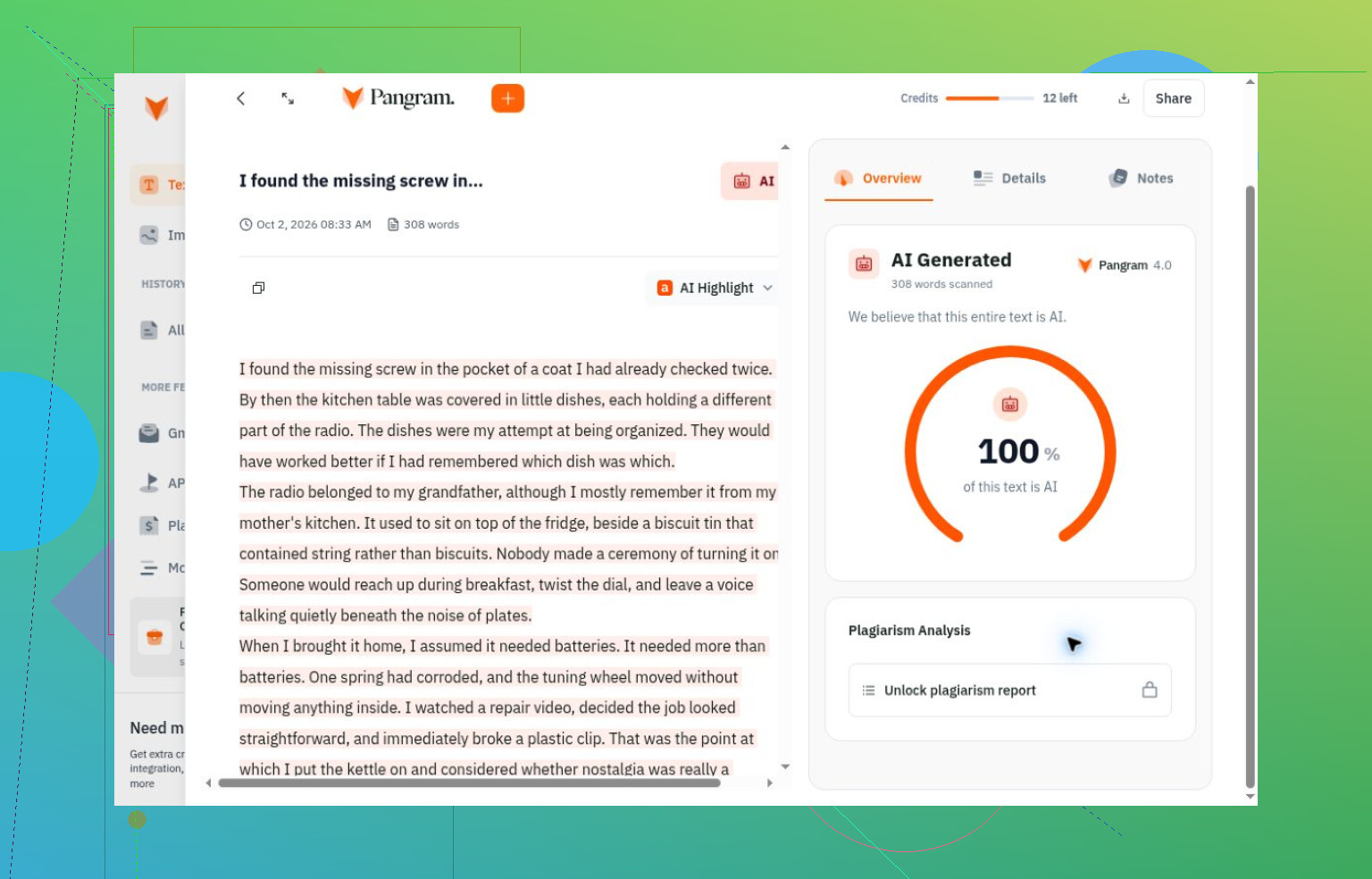
Getting through the door wasn’t the same as testing
I had to keep reminding myself that an access problem says nothing about detection quality.
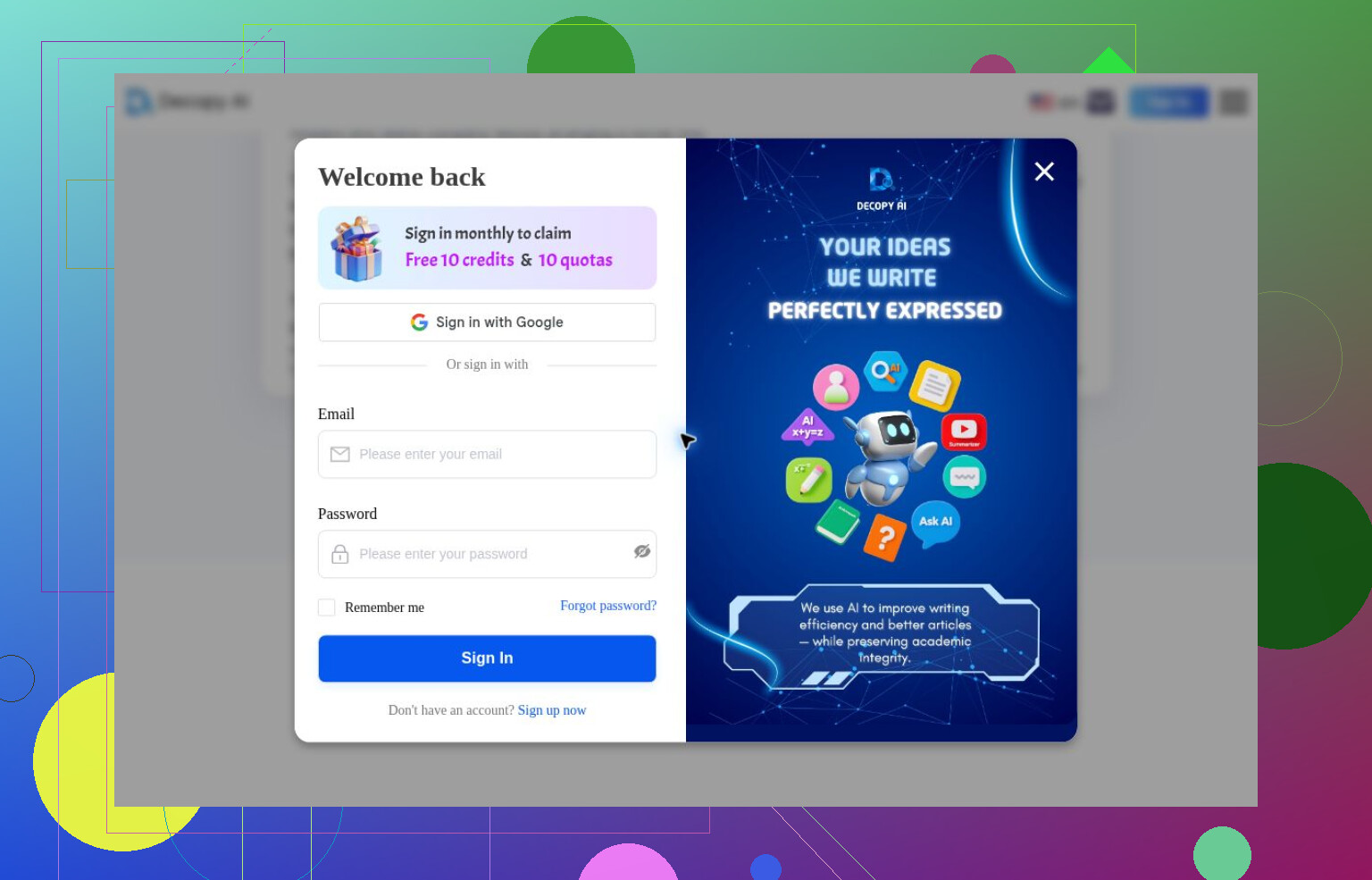
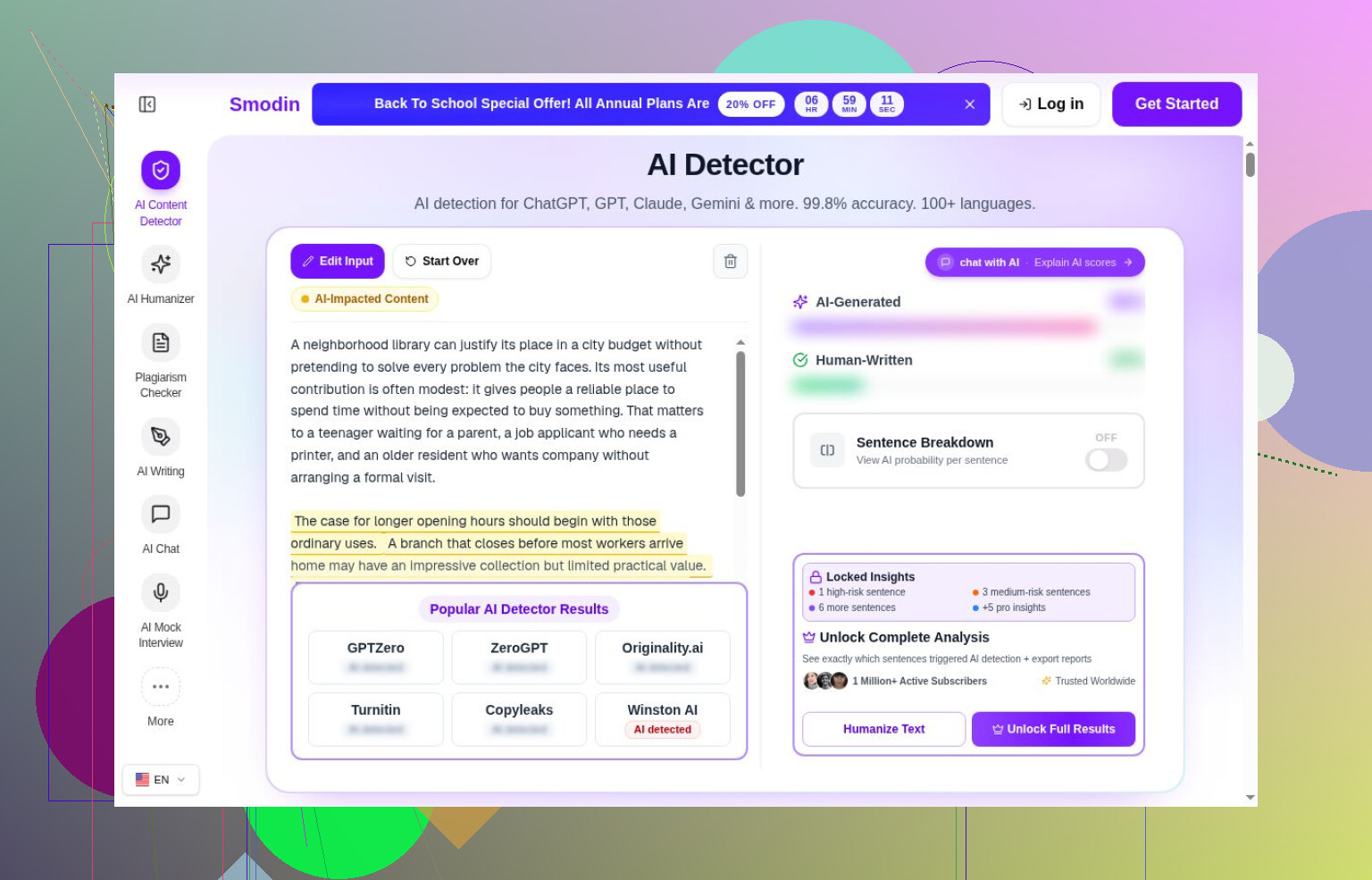
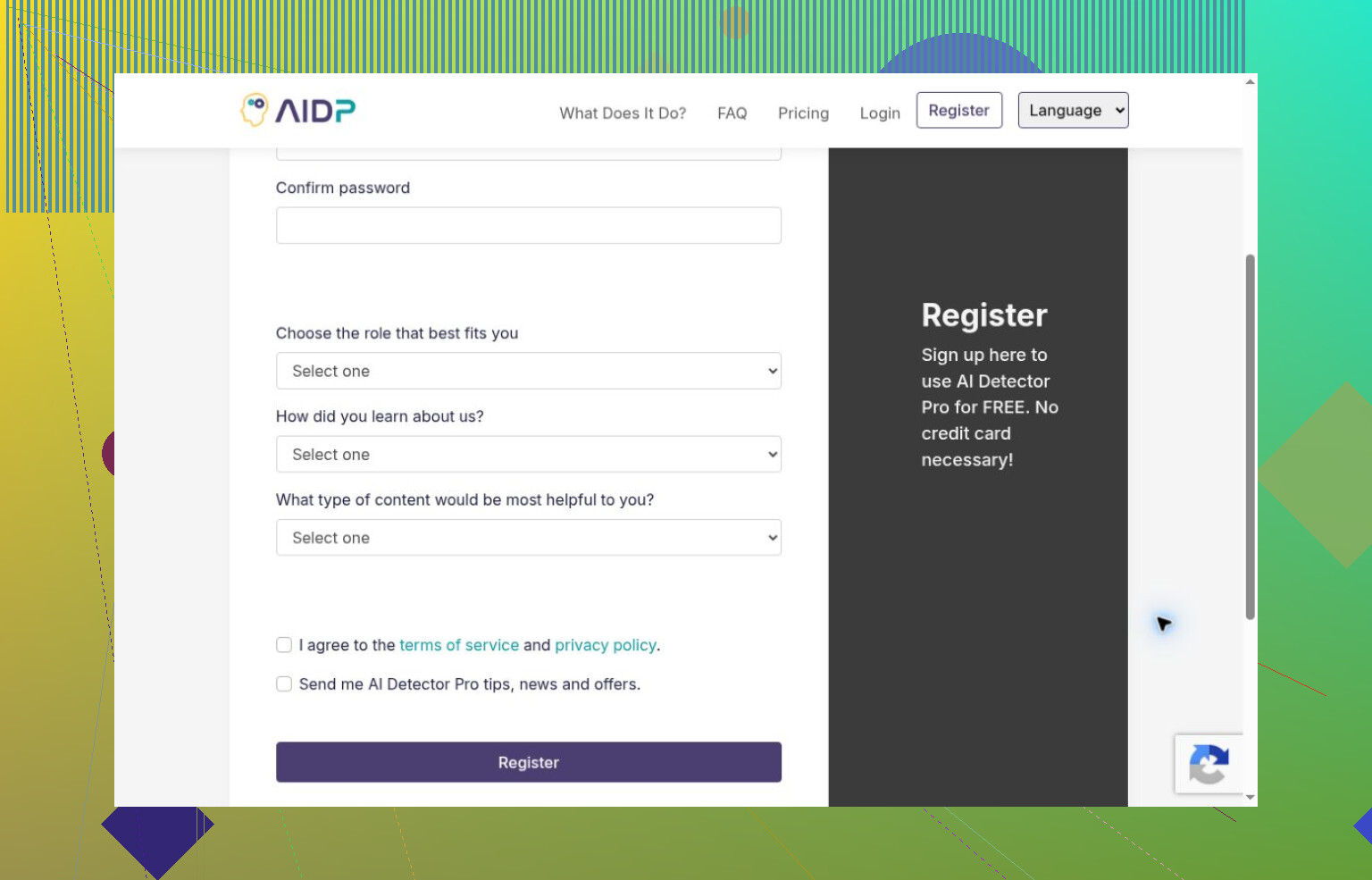
Decopy requested login despite advertising registration-free basic detection. Smodin showed highlights but hid its headline values. AI Detector Pro required registration; Winston AI stopped at trial signup. Their advertised allowances remained unverified.
Copyleaks loaded a guest interface, but I stopped over applicable-use terms. Turnitin needed institutional access and an add-on license, which I didn’t have.
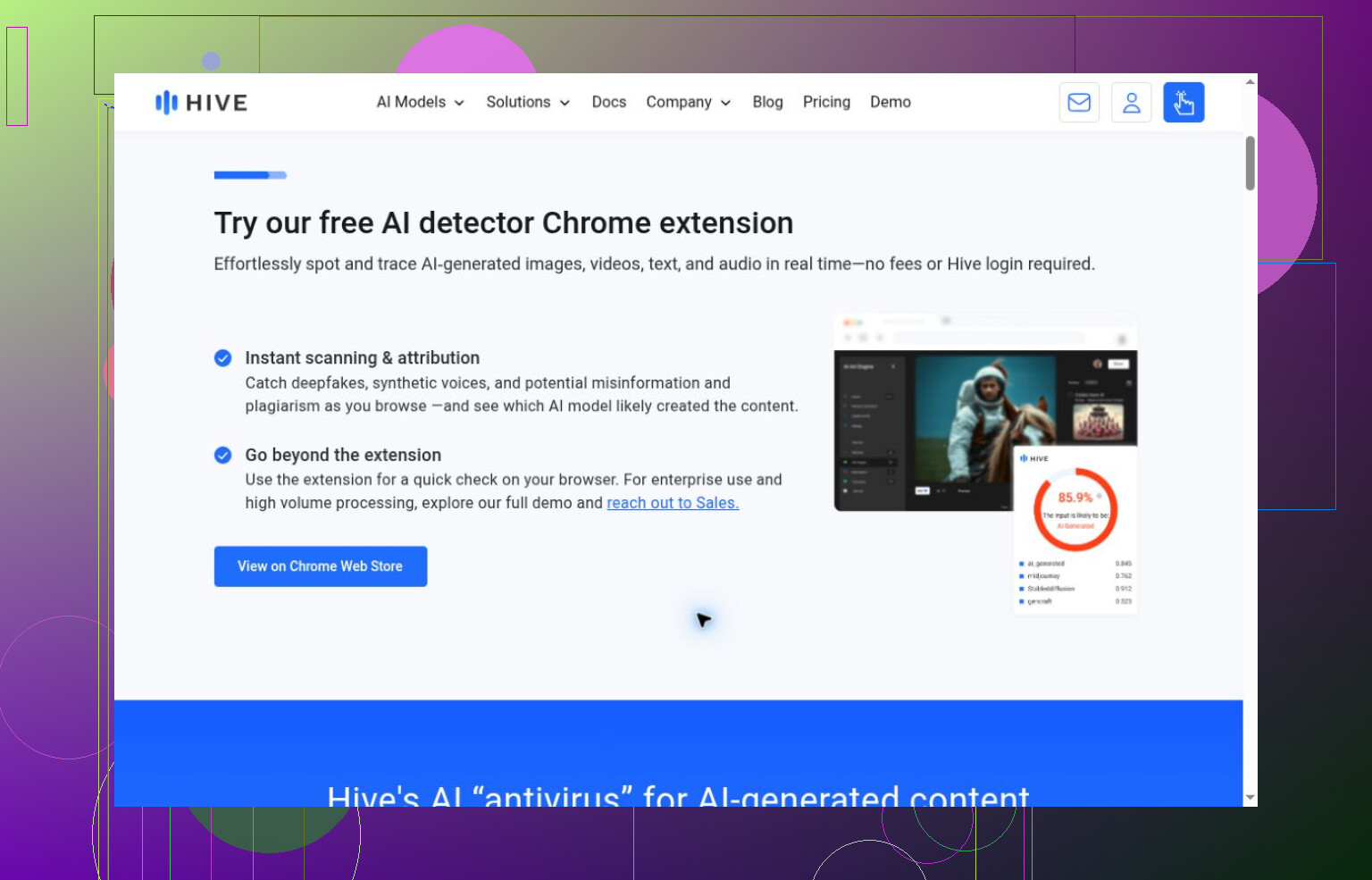
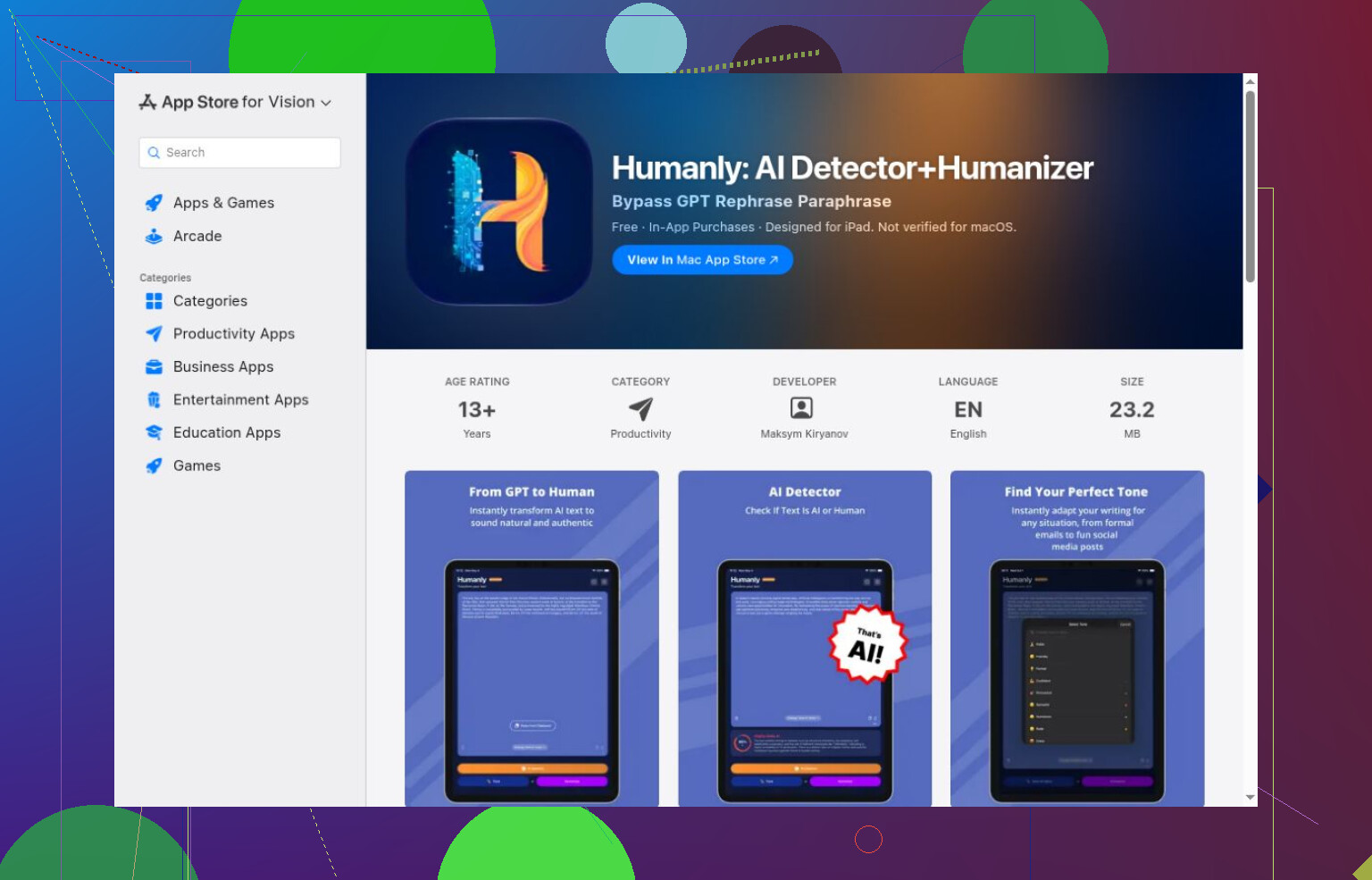
Hive’s inspected demo accepted media rather than prose. I didn’t try its text extension or API. ContentDetector.AI redirected to a Moxby extension listing, which I didn’t install. Humanly stayed at the Apple listing stage: free download, listed in-app purchases, unknown scanning allowance.
None belongs in an accuracy ranking from this comparison. Vendor previews aren’t my results, either.
The wrong answers were more instructive
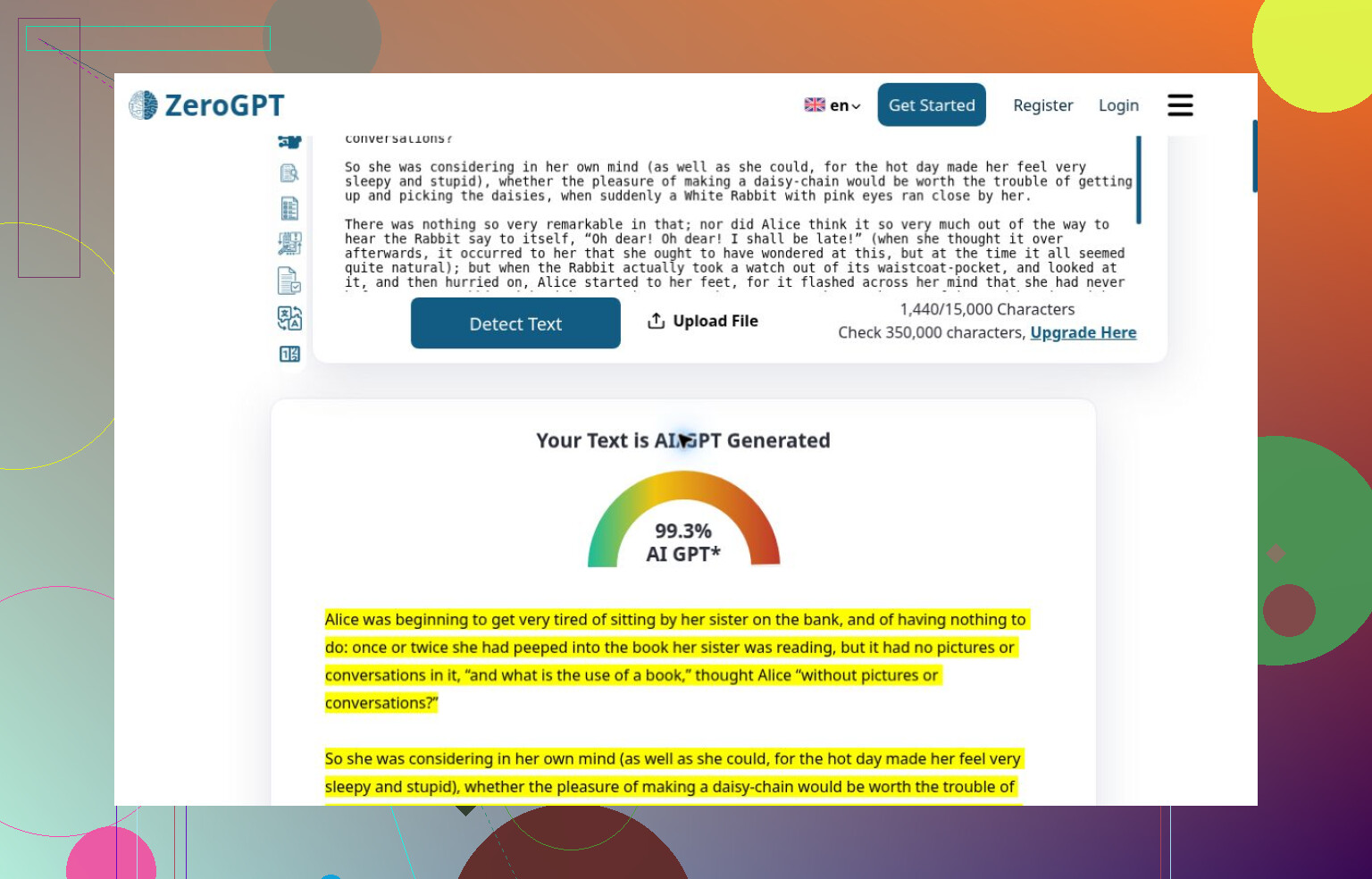
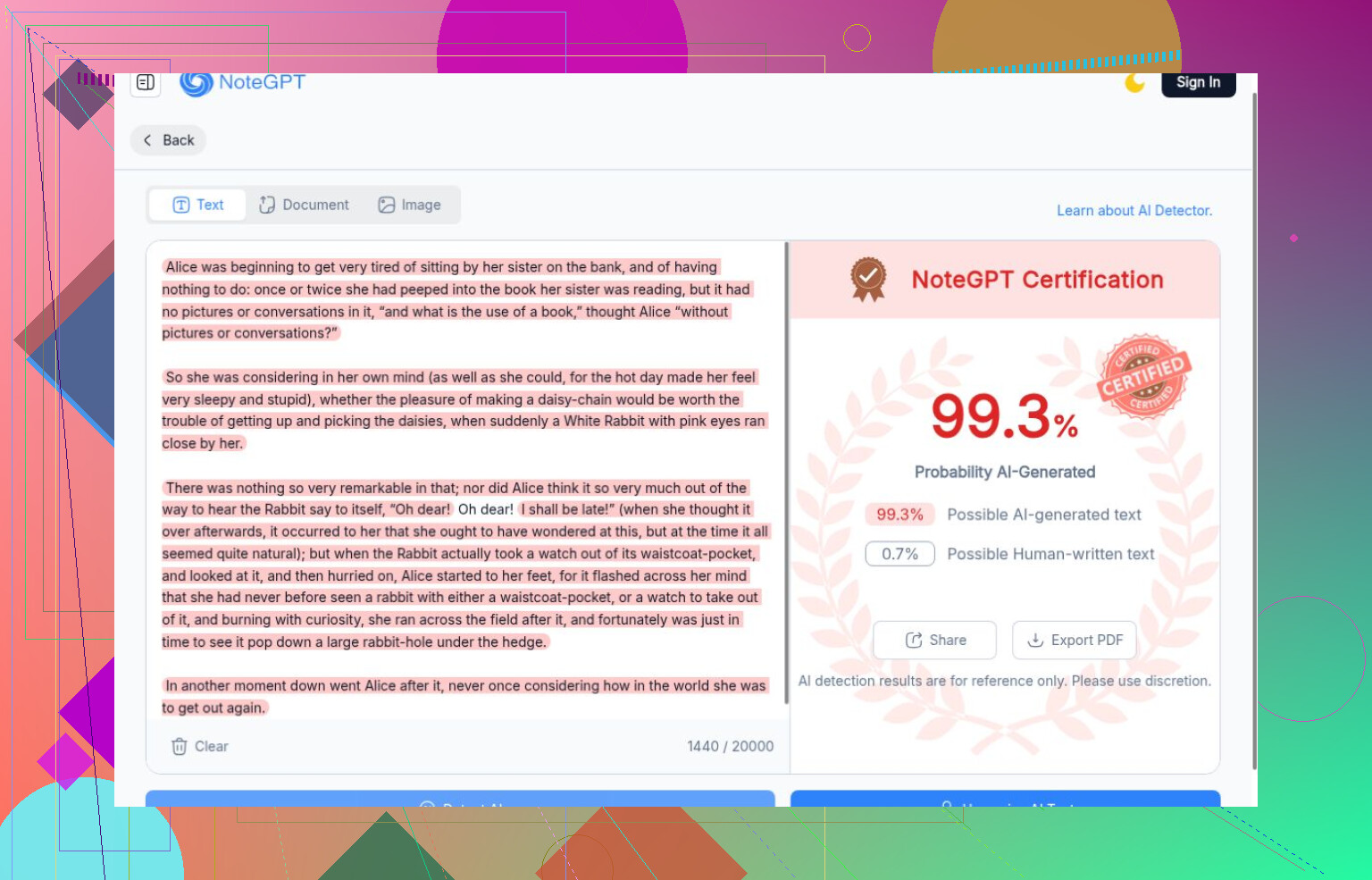
Coming in behind, I found the human control especially useful. ZeroGPT caught every generated passage but rated Carroll as more AI-like than any of them. NoteGPT also gave its strongest AI score to Carroll. Similar scores don’t establish shared technology.
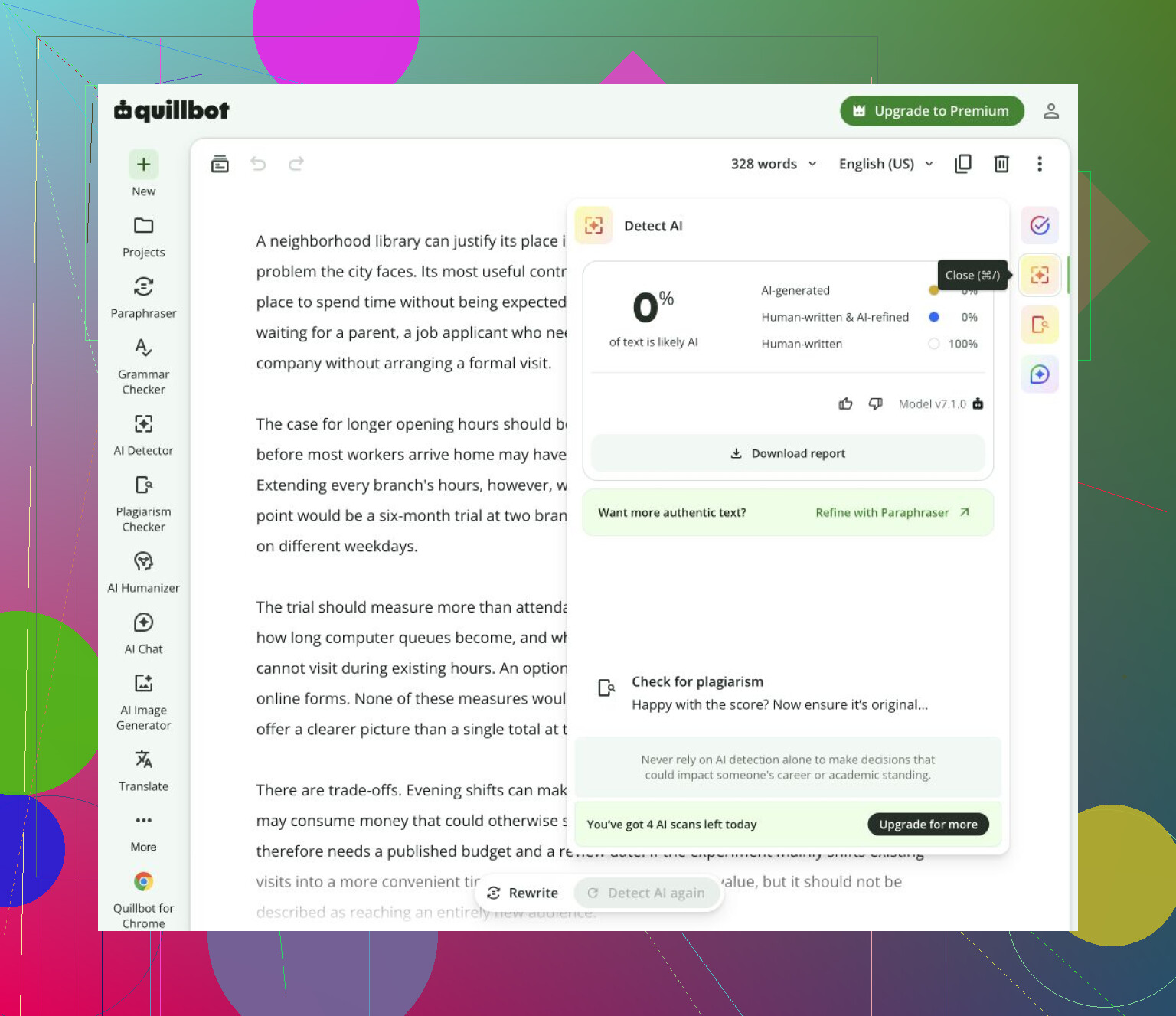
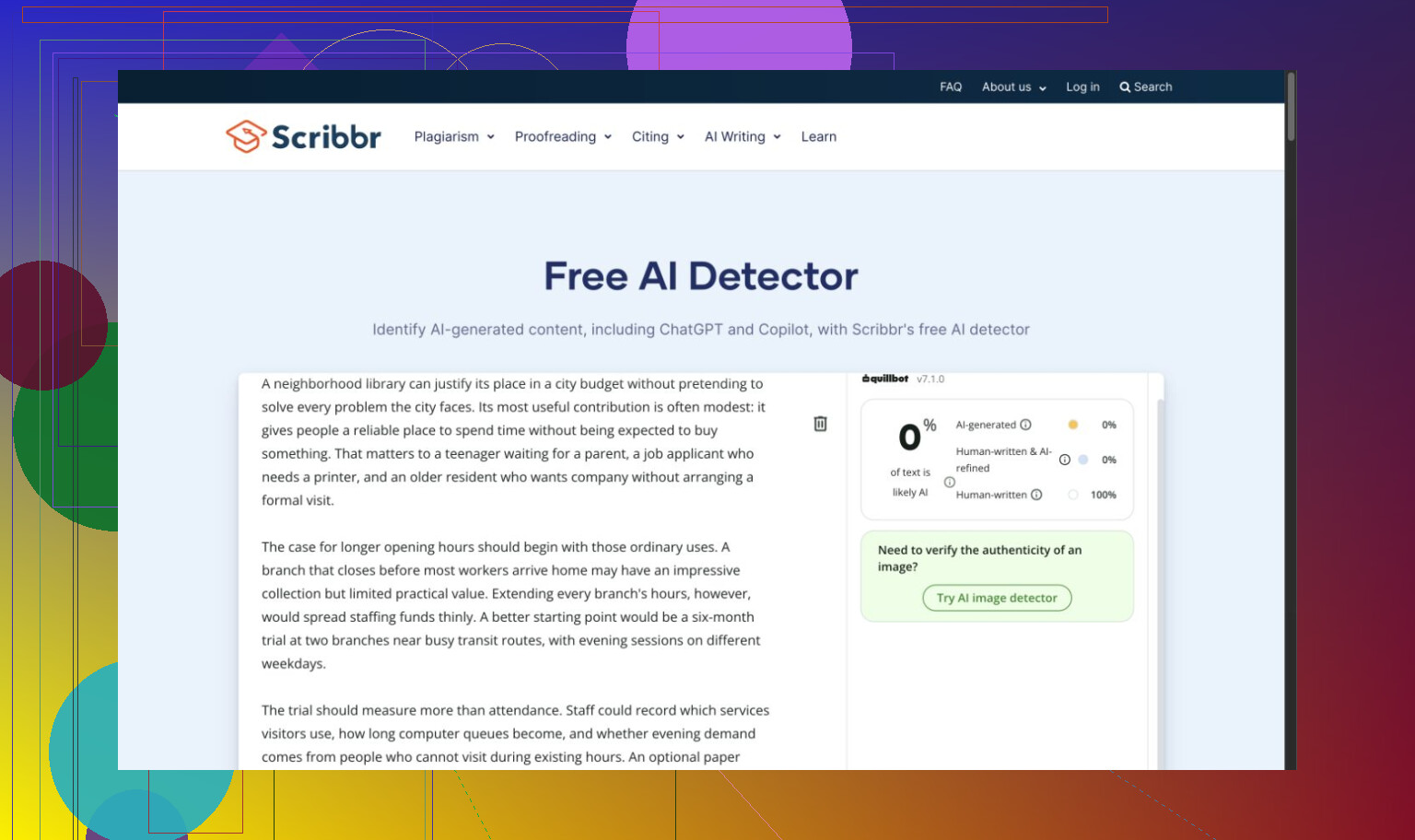
QuillBot missed every generated passage while correctly accepting Carroll, then stopped before the mixed sample despite advertising a larger allowance. Scribbr’s usable follow-up accepted both the essay and Carroll as human; its QuillBot branding made me wary of treating them as independent votes.
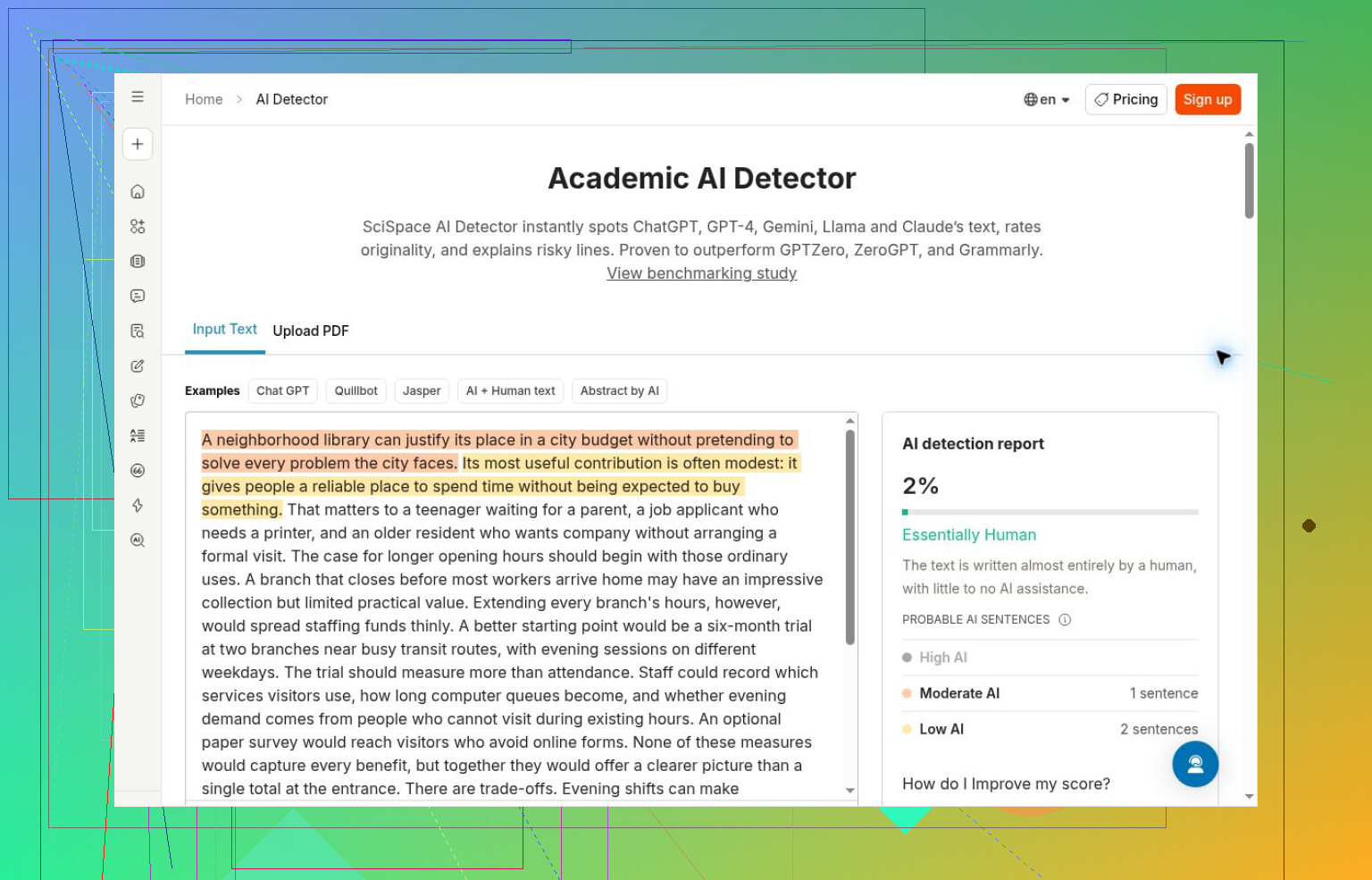
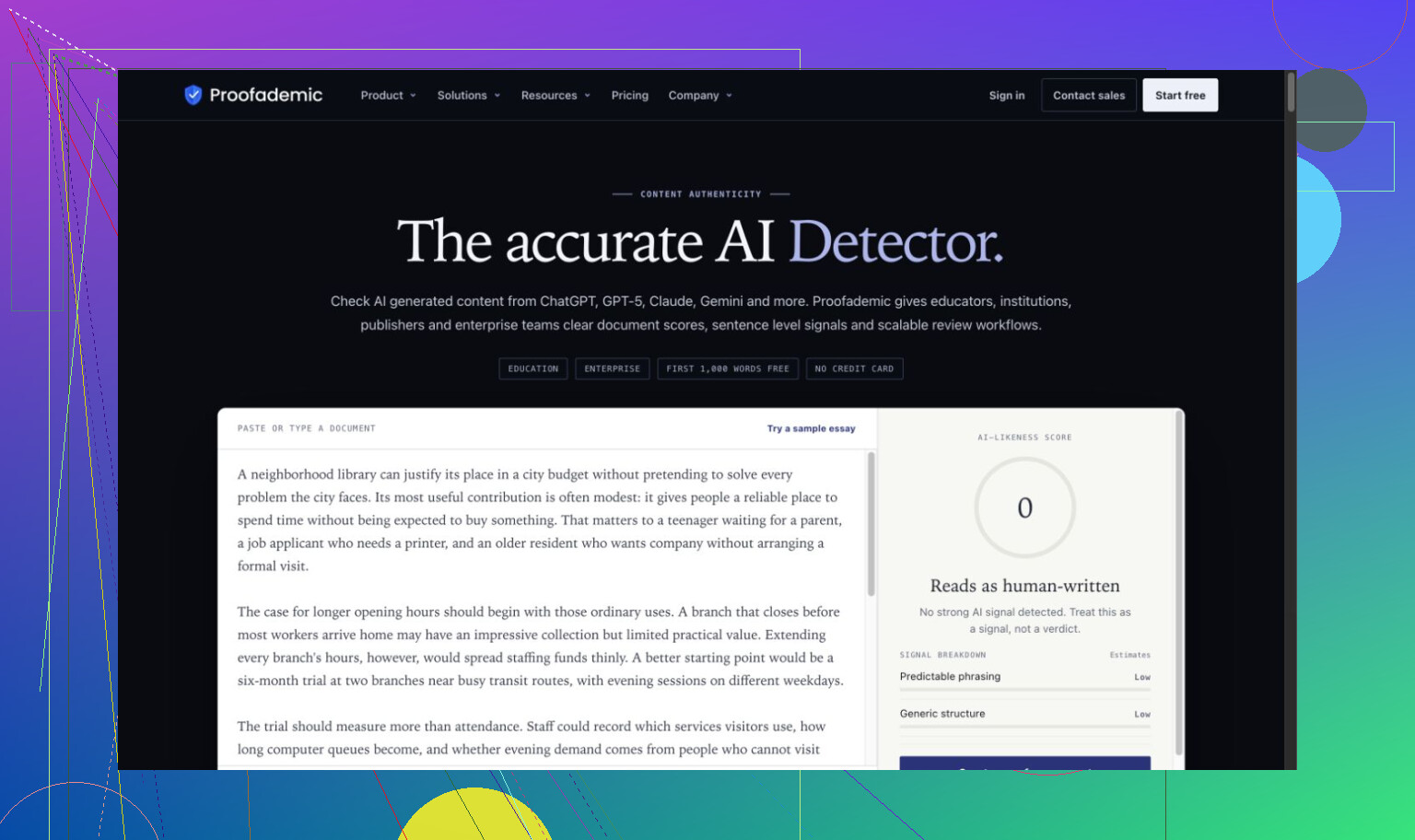
SciSpace called the essay essentially human. Proofademic’s public demo accepted both essay and Carroll, while Surfer accepted the essay, story, and Carroll. Clear explanations didn’t rescue incorrect verdicts.
A successful scan still needed boundaries
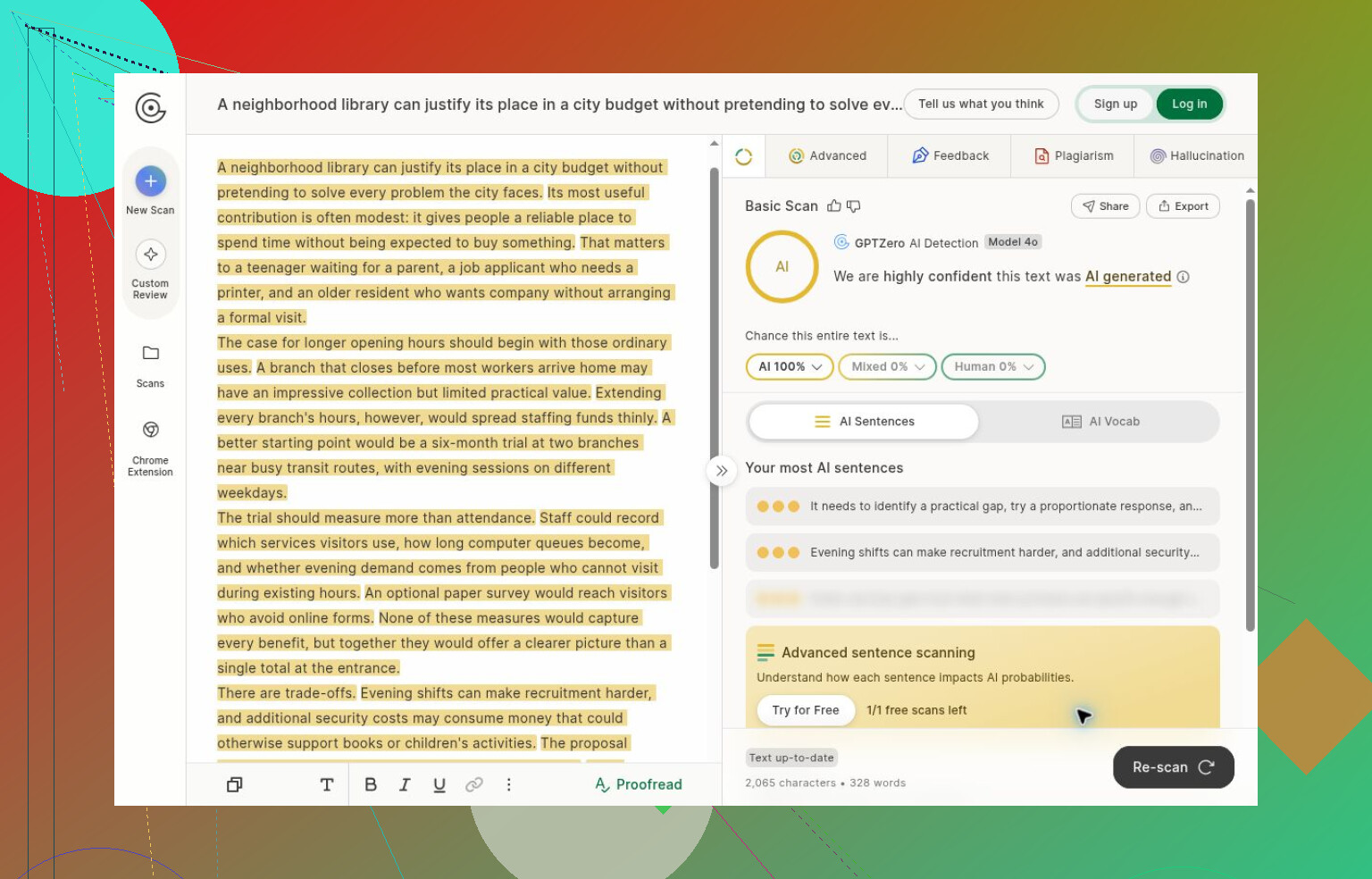
GPTZero detected its completed generated inputs before signup intervened. Changing the text left an old score visible, not a fresh result. I got no human or mixed check.
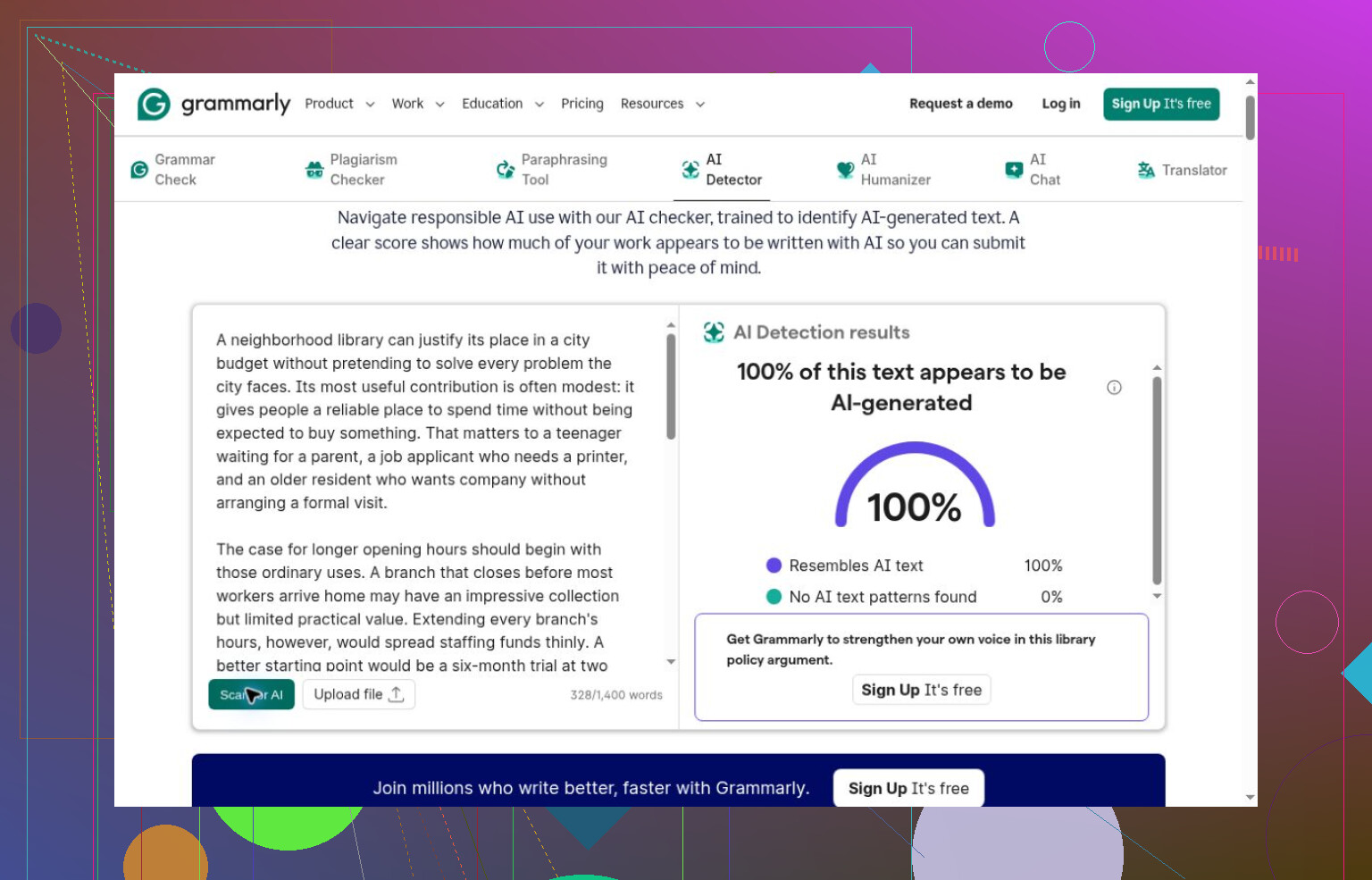
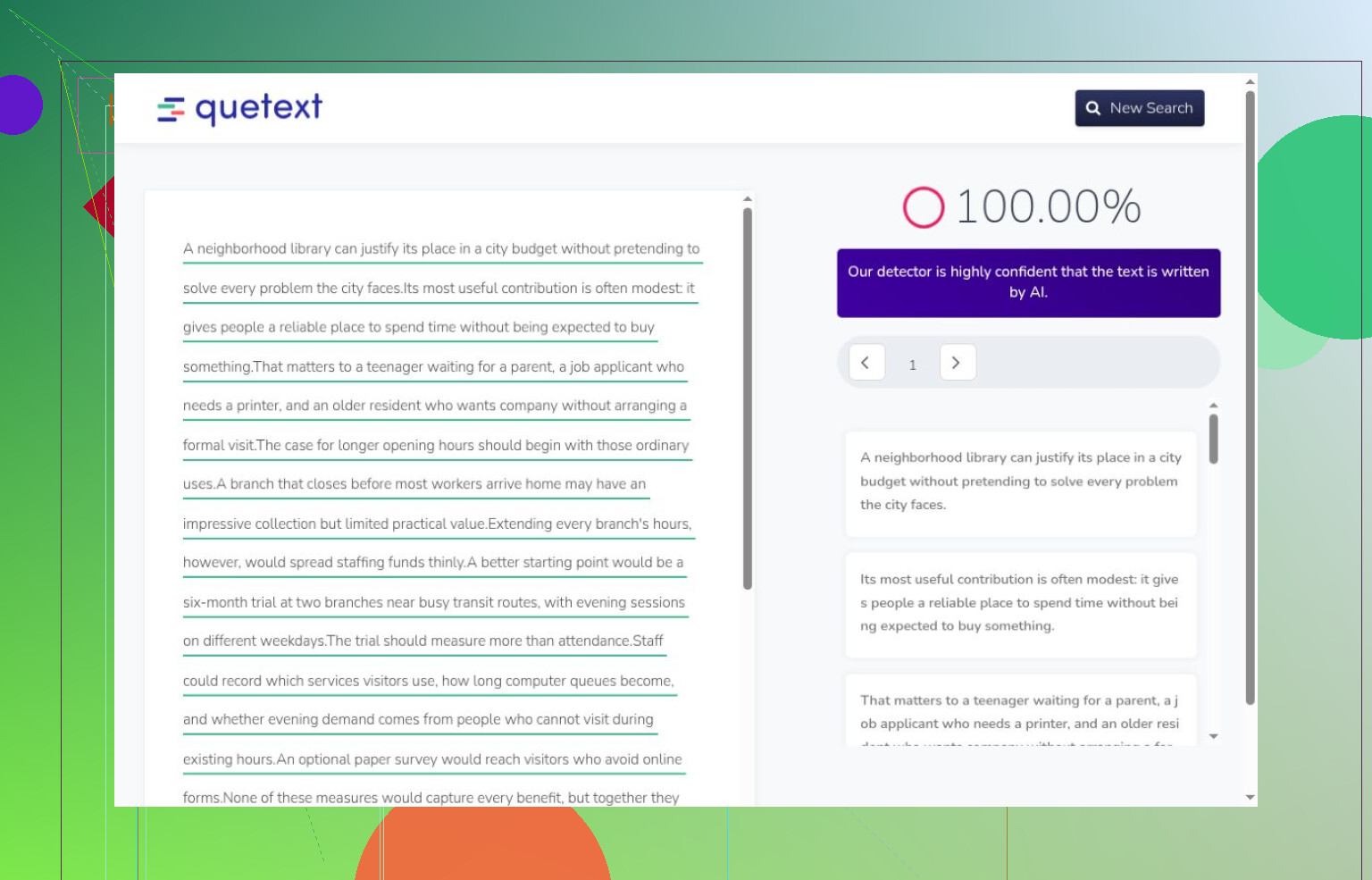
Grammarly and Quetext correctly flagged the essay, then blocked further guest attempts with signup. Quetext’s sentence inspection was useful, but neither run established false-positive behavior.
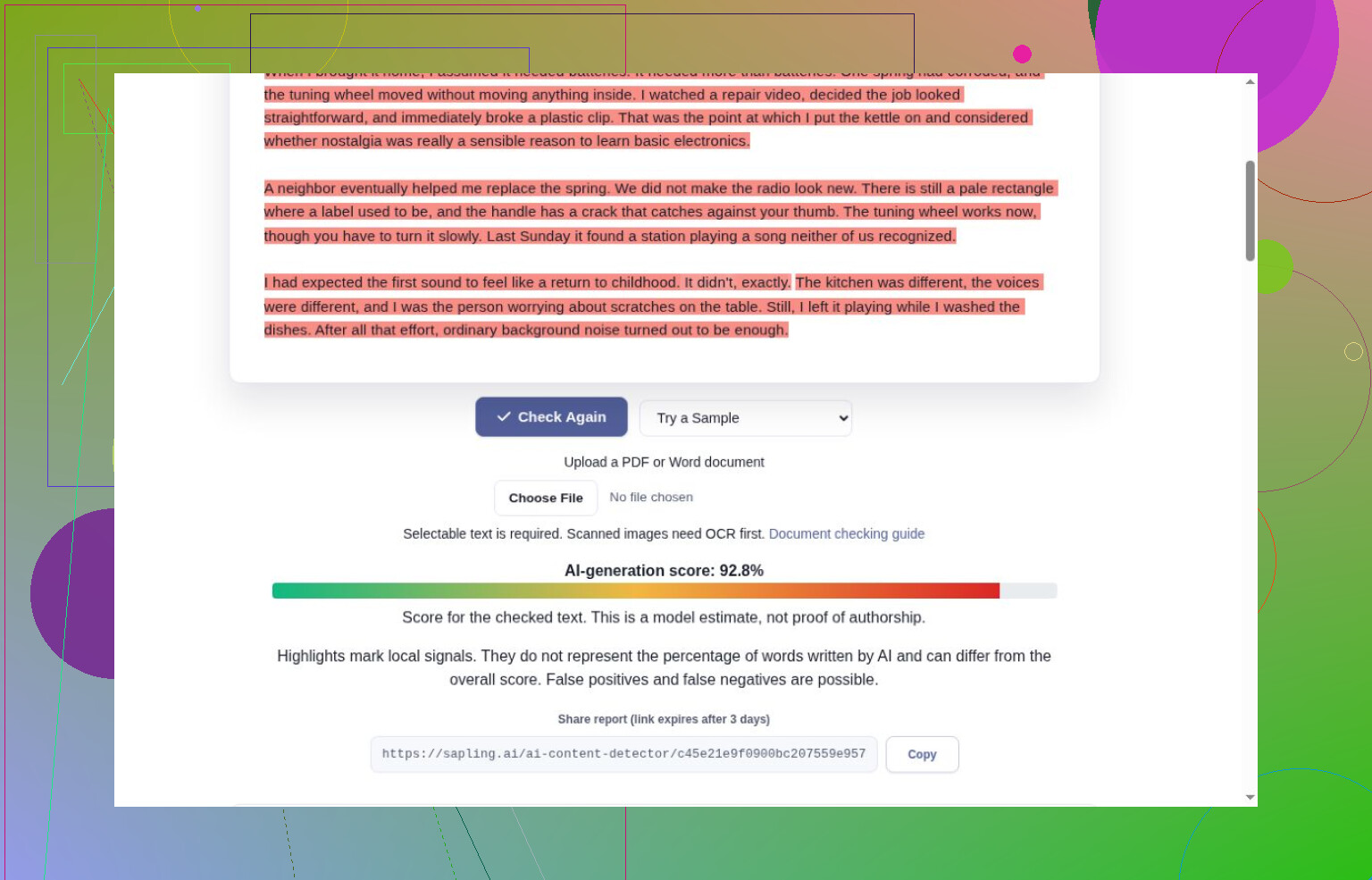
Sapling correctly classified the complete story and Carroll checks. It also flagged the essay, but its character limit clipped that input. I’m learning to check what actually got processed before giving a result credit.
What earned another look
For my next free check, I’d start with the Clever AI Detector tool. It completed the entire set without payment or signup, caught the generated passages, and accepted Carroll. Its unlimited-use claim wasn’t a scale or maximum-length test, though. Sentence colors sometimes disagreed with the headline, and explanation tags misfired.
Pangram’s completed generated and human checks were correct, but credits ran out before full coverage; text length affected consumption. Both it and Clever classified the lightly edited human passage as human.
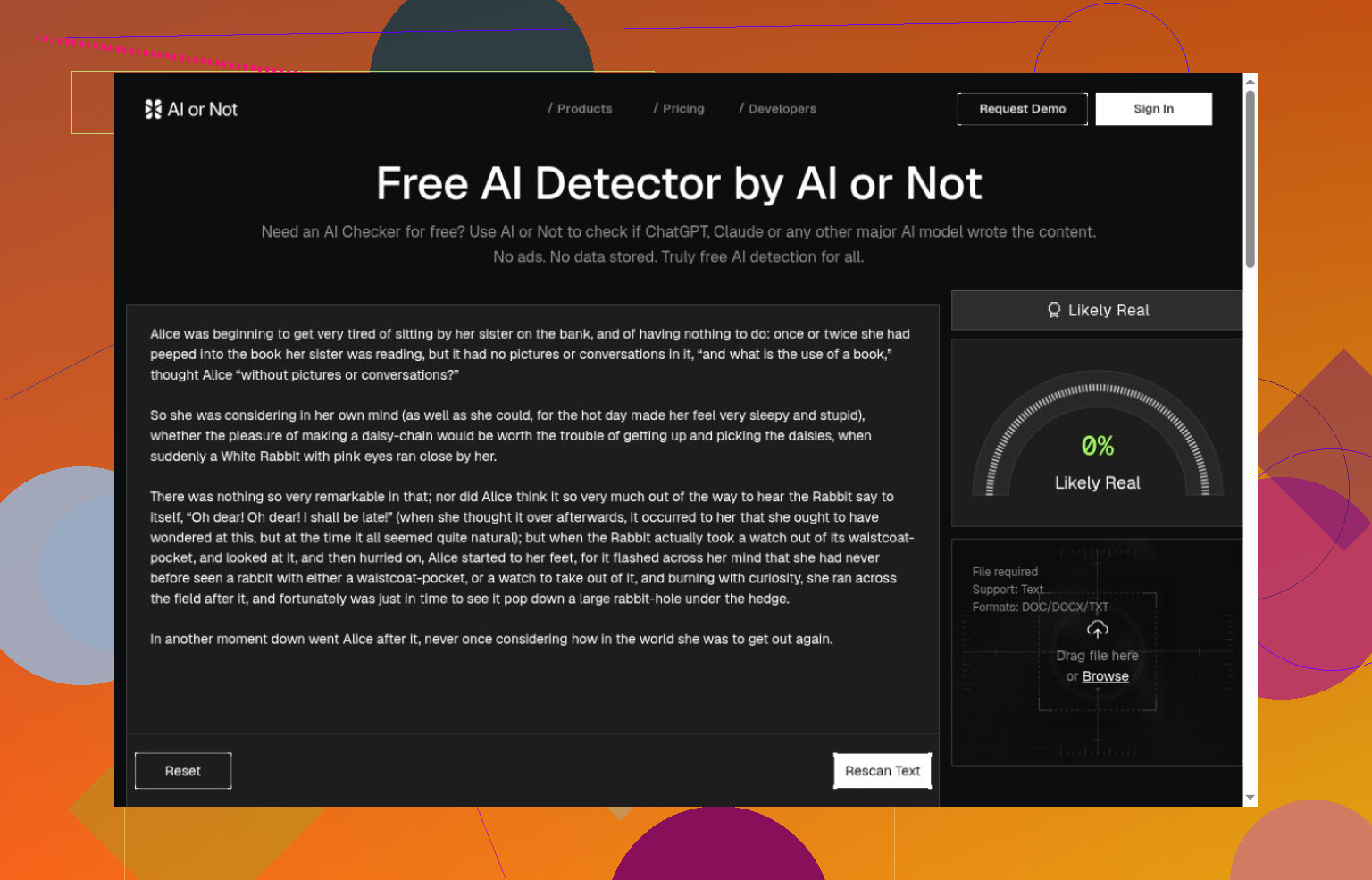
Originality.ai and AI or Not also got their completed generated and human checks right before guest access ended. Originality’s confidence described a verdict under the selected AI allowance, not the proportion of generated words. AI or Not’s mixed-text and other-media performance stayed untested.
The gaps I’d tackle next
I’m still catching up on how to read these outputs. Confidence, probability, and estimated AI share aren’t interchangeable, and a correct example doesn’t establish general accuracy. The lightly edited sample also can’t count as purely human.
Paid workflows, multilingual coverage, and varied modern human writing remain outside this comparison. I’d keep drafts and sources when investigating disagreements, rather than accuse someone from a score. Access allowances need rechecking, too.
For another round, what kinds of human writing would you add to make the comparison less dependent on Carroll?
If your team needs a detector check, I would go with Clever AI Detector with manual editing. If not, I would edit manually. I would put lesser emphasis on the comparison than on the ability to follow instructions. Ask your teammate to go through instructions without filling in gaps, and edit according to where they got stuck. Keep the button labels and feature names exact, even if it makes the instructions repetitive. I would avoid using Humanly’s humanizer since I wouldn’t want another rewrite to edit when clarity of instructions was the goal, not diversity of expression.
Don’t turn a small documentation fix into a full-article rewrite. I’d choose manual editing alone, mainly to keep the review manageable. If an article needs a new prerequisite, I want the reviewer checking that addition, not rereading every paragraph because the wording changed throughout. My rule would be to separate factual updates from optional style cleanup so you can approve the necessary fix without debating the whole article.
The comparison is useful for a different question, but I wouldn’t make a score from Clever AI Detector or Humanly an approval requirement. For this workflow, I’d ask the author to leave a short note explaining what changed and who can confirm it. “Added the account permission required for exporting” gives a reviewer a specific job. “Made it sound more human” doesn’t. I’d leave Humanly’s humanizer out of the routine review process for that reason, without treating that as a verdict on how well the product works. The goal is a change someone can check and take responsibility for.
Don’t submit internal drafts to Humanly, or any other outside checker, without your team’s permission. Support articles can contain examples of unreleased features, customer examples, or screenshots with personal account information. I would personally lean toward manual editing as opposed to any other option unless there is a company approved reason to use another service.
I agree with @nova_hawk604 about keeping changes reviewable, but I’d put the upload decision before the editing decision. Before adding either Humanly feature to the process, I’d want to know whether submissions are retained, who can access them, and whether the service is approved for internal content. Those are questions to check, not claims that Humanly handles drafts badly. A detector-only workflow still involves submitting the text.
For your review process, I’d make the manual review the default and any external tool an exception for content that’s cleared for that use. That way the team has a viable process to use now without making everyone who uploads have to make a call on what they can and can’t upload to you. Whether the humanizer produces nicer wording can wait until that boundary is resolved.
Write down what lets a reviewer approve an article before you clean up the next draft. I’d choose manual editing alone, but “make it clearer” is a lousy review standard. It leaves room for every reviewer to swap in their preferred wording and send the article around again.
I agree with @nova_hawk604 about keeping changes small, but even a small edit can get stuck in that loop. Give reviewers specific reasons to request changes: missing information, ambiguous instructions, terminology that conflicts with your style guide, or an outcome the article never explains. “I wouldn’t phrase it that way” should be optional feedback, not a reason to block publication. If two versions are equally understandable, keep the existing one.
That’s why I wouldn’t put Humanly’s detector or humanizer in the approval path. You haven’t identified an authorship problem that needs solving. You need a stopping rule for editing. Mine would be: the required information is present, the procedure has been checked, and no unresolved comment identifies a concrete reader problem. Then publish. A human editor can waste time polishing perfectly usable text too, so manual review needs boundaries just as much as a tool-assisted process does.
If anybody downstream actually bounces your drafts for reading like a machine, keep a detector in the loop. If nobody does, you’re fixing something that was never broken.
That’s my main gripe with putting a humanizer anywhere near help docs. Good procedure writing is supposed to be repetitive and predictable. Same button names, same sentence shape, step after step. That’s the exact texture a humanizer tries to sand off, so you’d be fighting your own style guide. @datapilot5049’s stopping rule is the real win here, and I’d just hard-code it: info present, procedure walked, no open comment about a reader problem, ship it.
If you want to do a spot check before publishing, Clever AI Detector is quick on a pasted block and doesn’t make you babysit the paste. Run it once, note the number, move on. I wouldn’t let that number gate anything though. Treat it as a curiosity, not a gate.