I accidentally formatted an external hard drive that has years of family photos and videos on it, including irreplaceable pictures of relatives who have passed away. I stopped using the drive right away because I’m worried about overwriting the data. What’s the best way to recover files from a formatted hard drive, and are there any trusted recovery tools or steps I should try first?
I messed up a drive once and formatted the wrong one. When the bar hit 100% and the folder list came back empty, I had that sick feeling right away. I figured I had wiped the lot. Turned out it was bad, but not always fatal. If you did the same thing, stop touching the drive first. Seriously, this part matters more than people think.
If it’s an external drive, unplug it. If it’s inside your PC, leave it alone. Don’t copy files to it. Don’t install recovery apps on it. Don’t download random tools and point them at the same disk. I’ve seen people ruin their own chances by writing new data all over space where the old files were still sitting.
Before you run recovery software, check whether your stuff already exists somewhere else. I know this sounds obvious, but I’ve watched people panic for an hour and then find their files sitting in OneDrive, Google Drive, or iCloud. On Windows, look through File History too. Sometimes the “disaster” is only local.
What the format type changes
This is where a lot of people get tripped up. “Formatted” does not always mean the same thing.
A quick format usually clears out the file system records. So the drive looks empty to the OS, but the raw data often stays there until new data lands on top of it. If you did a quick format and then stopped using the drive, your odds are still decent.
A full format is rougher. Modern systems tend to write across the disk and check for bad sectors at the same time. Once old data gets overwritten, recovery tools stop being useful. This is why quick format recoveries work way more often than full format recoveries.
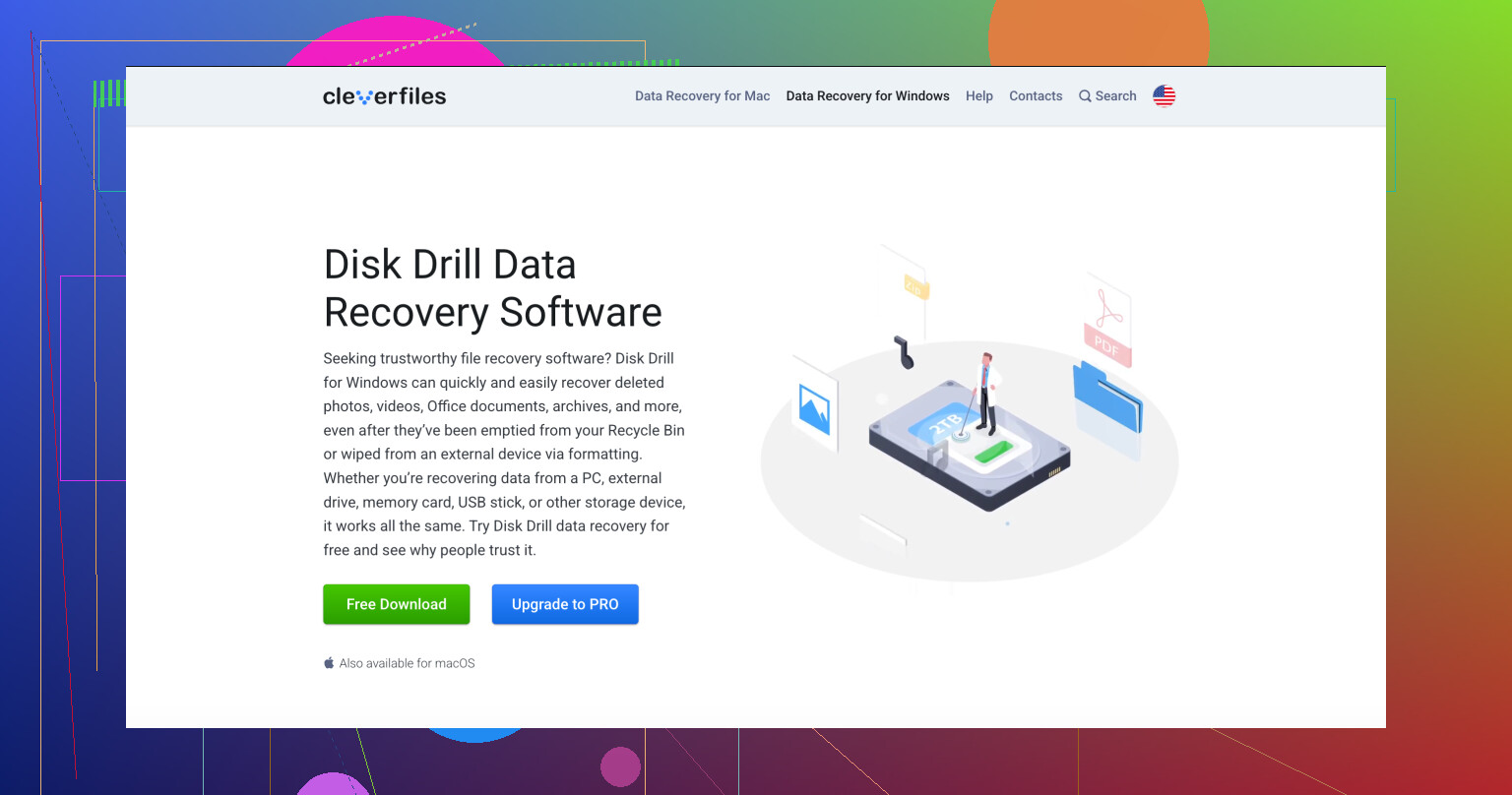
If I had no backup, I’d move to recovery software next. Out of the tools I’ve tried, Disk Drill is usually the first one I reach for on a formatted drive.
My reason is simple. It doesn’t fight you. You don’t need deep file system knowledge to get useful results. It works on Windows and Mac, supports the common file systems people run into, and it tends to pull back a decent amount after a format. One part I like more than most people mention is the Byte-to-Byte Backup option. I’ve used disk images first when a drive felt old or flaky. Scanning the image instead of the physical disk is safer in those cases.
Basic recovery flow
Install Disk Drill on a different drive.
Run a scan on the formatted drive.
Open previews for the files it finds.
Pick what you want back.
Recover everything to another drive, not the original one.
The preview part is not fluff. I always check it. If a photo renders in preview, or a document opens there without looking broken, your recovered copy has a better shot at being usable. If preview fails, I lower my expectations fast.
If you want a free route and don’t mind a rougher interface, PhotoRec is still worth a look. I’ve used it too. It digs up a lot, but it’s less friendly, and the output gets messy. File names are often gone. Folder structure too. So you end up with a pile of recovered files and a sorting job you didn’t ask for.
From what I’ve seen, this is mostly a timing issue. The less you do with the drive after the format, the better your odds. I’ve seen near-full recoveries after a mistaken format. I’ve also seen people keep using the disk for a day and wipe out what was still recoverable. So, leave the drive alone, check backups first, then run recovery if you need to.
If you stopped right after the format, your odds are still decent. The big split is SSD vs HDD.
If this external drive is an HDD, recovery software still has a fair shot after a quick format. If it is an SSD or a flash-based external drive, recovery gets worse fast because TRIM can wipe blocks in the background. A lot of posts skip this part. @mikeappsreviewer covered the quick format angle well, but I’d check the drive type first before spending hours scanning.
What I’d do:
- Find out if the drive is HDD or SSD.
- Check SMART health with CrystalDiskInfo or DriveDx. If health looks bad, clone the drive first.
- Recover from the clone, not the original, if the disk makes noises, drops offline, or reads slow.
- Sort results by file signature for photos and videos, JPG, PNG, HEIC, MOV, MP4, AVI.
- Save recovered files to a different disk with lots of free space.
Disk Drill is a solid pick here because it handles both filesystem scans and signature-based recovery, which matters after formatting. For family photos, preview support matters a lot. If previews open, files are often usable. If names and folders matter more than raw recovery, try scanning before doing any repair step.
If no software finds much, stop there and use a lab. Clean-room services are expensive, but for irreplaceable photos, it’s the next step.
Also, this guide helps: watch how to recover a formatted hard drive step by step
Main thing, don’t ‘fix’ the drive first. No chkdsk, no reformat again, no test copies. That’s where people make it worse tbh.
I’d add one thing to what @mikeappsreviewer and @himmelsjager said: don’t get too hung up on “recovery software first” if these photos are truly once-in-a-lifetime important. If the drive is acting even a little weird, slow spins, disconnects, clicking, or takes forever to mount, I’d skip DIY and go straight to a pro lab. People hate hearing that because it costs money, but software can’t fix failing hardware.
Also, I slightly disagree with the “just scan it and see” mindset when the files are emotionally priceless. Better move is to treat the drive like evidence. Label it, set it aside, and make decisions carefully. One bad rescan or unstable USB cable can make things worse on a dying disk.
If it *was* a normal quick format and the drive is healthy, then yeah, Disk Drill is one of the more practical options because you can check previews before restoring. That matters a lot for family photos. I’d recover only to a totally separate drive, preferably one with way more free space than you think you need. Videos eat space fast.
A couple extra tips people forget:
- Use the original enclosure/cable if possible
- Avoid cheap USB hubs
- Don’t run “repair” tools
- Keep a log of what you tried so you don’t panic and repeat stuff
- If recovered files lose names, sort by date metadata after recovery
If you want a clearer walkthrough, this Disk Drill recovery guide and real-world review is easier to read than most. It covers how Disk Drill works, what it’s good at, and the basic use steps without a bunch of fluff.
Big picture: if the drive is healthy, your chances are still decent. If it’s unstable, stop messing with it now. Thats the part that saves people’s files more often than the “best app” debate.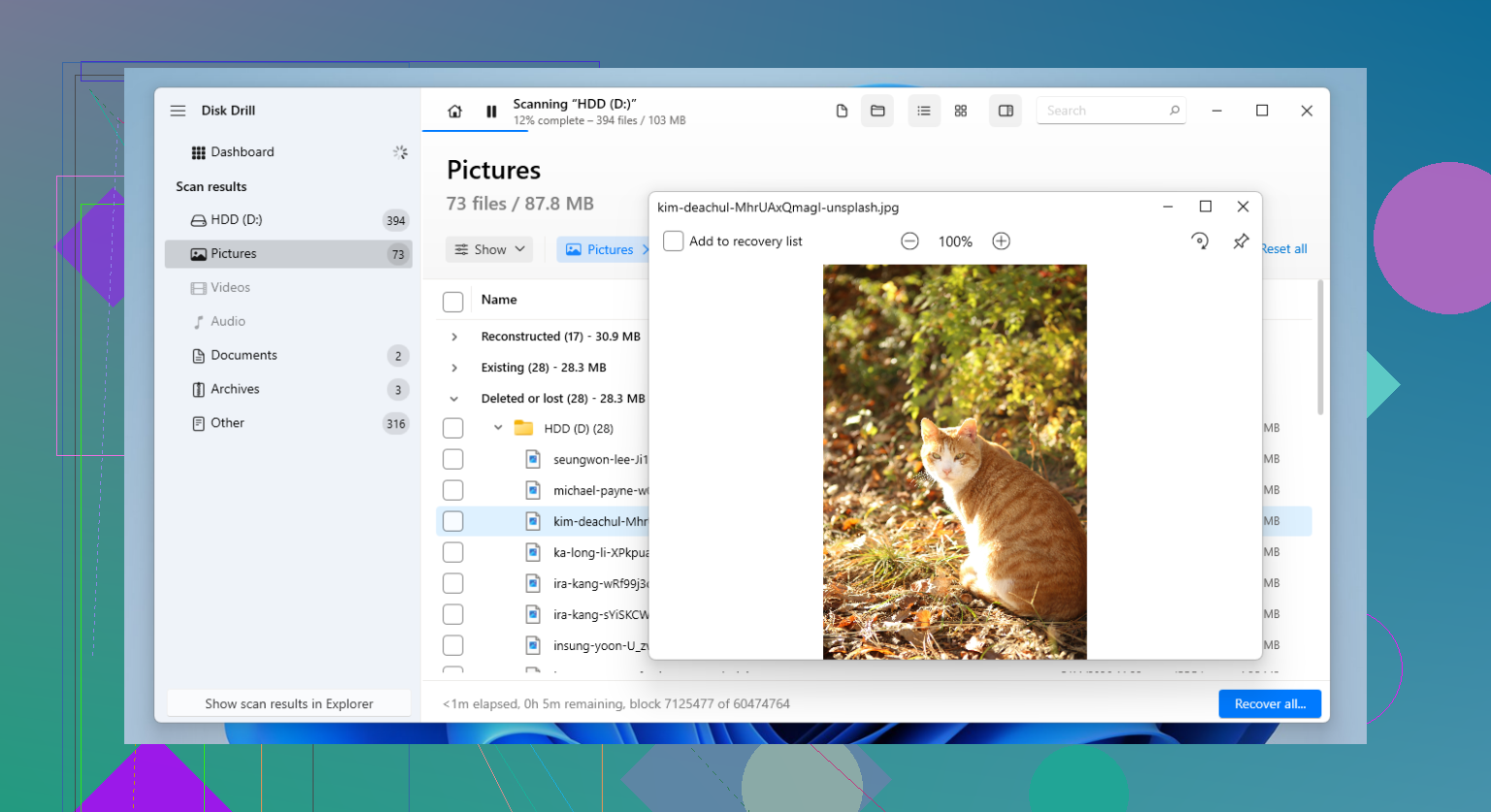
One thing I’d add to what @himmelsjager, @cazadordeestrellas, and @mikeappsreviewer said: check whether the format also changed the file system. If the drive was, say, exFAT before and got reformatted to NTFS or APFS, some tools get worse at rebuilding original folder structure even when the photo data itself is still there. That’s why I’d care less about getting “the drive back” and more about extracting the media cleanly.
I slightly disagree with the idea of doing lots of repeated scans. On a healthy HDD, maybe fine. On a marginal drive, every extra full pass is wear. Better to do one careful scan strategy, then stop and assess results.
Disk Drill makes sense here mostly because it combines normal filesystem analysis with signature recovery, and its preview is genuinely useful for checking whether JPG, HEIC, MOV, or MP4 files are intact before restoring.
**Pros of Disk Drill**
- Easy to use under stress
- Good preview support
- Can find files after quick format
- Handles mixed photo/video types well
**Cons**
- Free recovery is limited depending on OS
- Deep scans can take forever
- Signature recovery may lose original names/folders
- Not magic if data was overwritten or TRIM already ran
My extra tip: recover the oldest and most irreplaceable albums first, not everything at once. If space or scan quality becomes an issue, prioritize what can’t be recreated. Also, after recovery, use metadata tools to sort by capture date. That often rebuilds the family timeline better than filenames ever will.