I accidentally deleted important files from my Mac and emptied the Trash before I realized what happened. I’m trying to find free Mac data recovery software that actually works because I really need to recover photos and documents I can’t replace. If anyone has used a reliable free data recovery tool for Mac, I’d really appreciate the help.
I went looking for free Mac recovery apps a while back, and the shortlist was depressing. Most of them do the same trick, they scan your drive, show a nice preview, then put recovery behind a paywall. If you need something for current macOS builds, APFS volumes, or Apple Silicon Macs, the pile gets even smaller. From what I tried, only a couple free picks felt worth the time.
- PhotoRec is the one I’d try first if your budget is zero. It’s open source, rough around the edges, and better than it looks. I used it on a messed up SD card once, and it pulled files other apps didn’t even list. The catch is obvious after five minutes. It runs in Terminal, the workflow feels old-school, and recovered stuff often comes back with renamed files and no folder layout. You get the data, but not the neat organization you had before.
- Exif Untrasher is free too, though it does one narrow job. It’s mostly for JPEG recovery from memory cards and cameras. Easy enough to run, not much to learn, but I wouldn’t treat it like a full recovery suite. If you lost documents, archives, or mixed file types, this one won’t help much.
If you’re open to paying for something, I’d point you to Disk Drill. I ended up liking it more than I expected. On Mac, it felt like the least annoying option with good results. It works well with APFS, didn’t act weird on Apple Silicon in my testing, and it reads external SSDs, USB sticks, SD cards, and Time Machine drives without a fight.
What stood out for me:
- Preview works well before you restore anything
- Deleted files and formatted disks had better recovery results than I expected
- It includes byte-to-byte backup imaging, which helps when a drive looks unstable
- Photo and video support is solid, including RAW camera files
- The interface is easier to deal with than tools like R-Studio or PhotoRec
One thing matters more than the app you pick. Stop writing data to the drive as soon as you notice files are gone. On SSDs, TRIM can wipe deleted data fast on newer Macs, so waiting hurts your odds. And yeah, restore recovered files to a different drive. Writing them back to the same disk is how people make a bad sitaution worse.
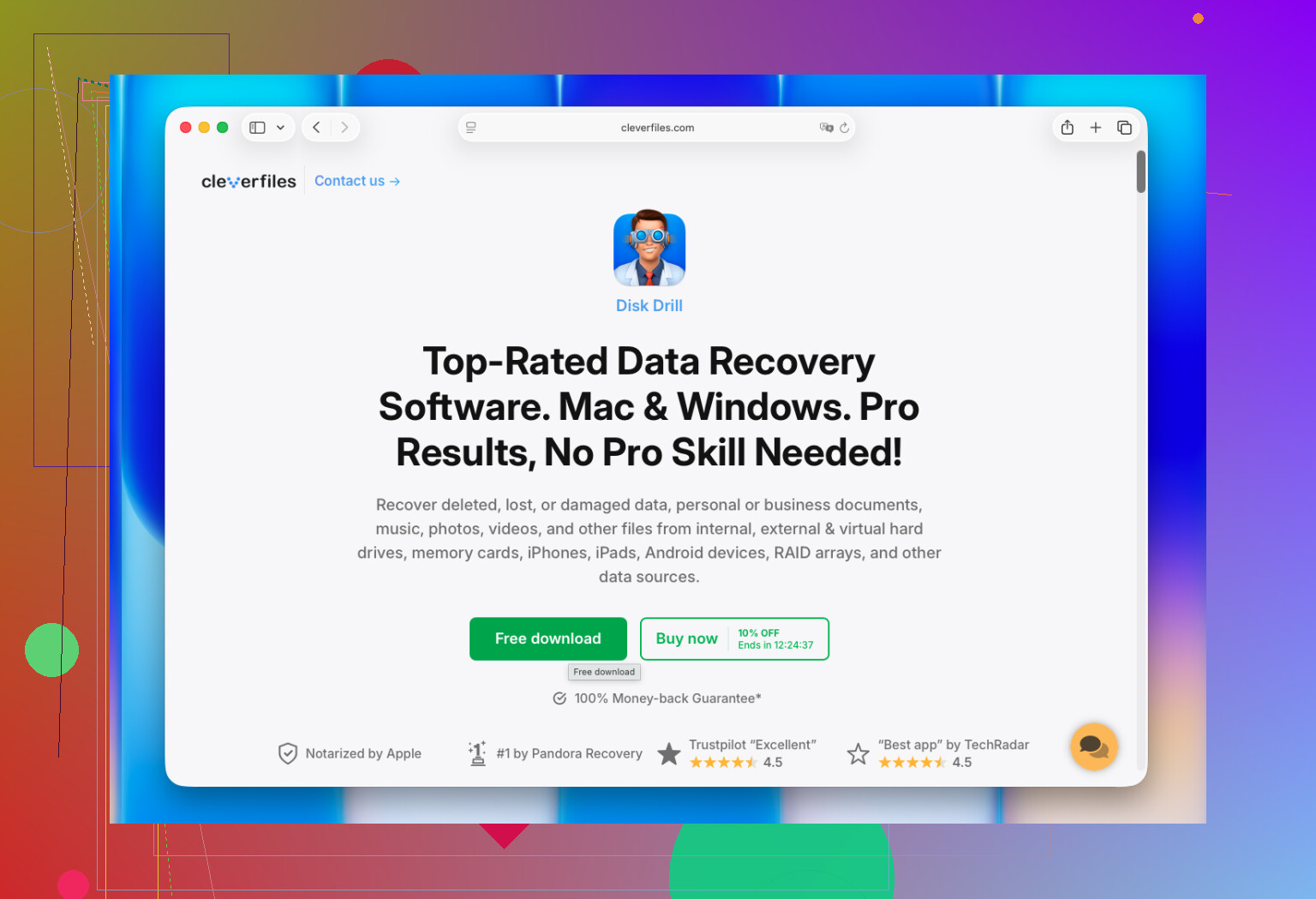
Stop using the Mac first. Every minute matters on SSDs.
Free options on Mac are slim. I agree with @mikeappsreviewer on one point, most ‘free’ apps are demo bait. I disagree a bit on Exif Untrasher being worth much here, unless you lost only JPGs from a camera card. For mixed files, it’s too limited.
What I’d check:
-
TestDisk
Free, open source. Better for partition and filesystem repair than simple file undelete. If the deletion happened on an external drive, this is worth a shot. -
PhotoRec
Ugly, but effective. Best free pick when you need raw file carving. Expect lost filenames and folders. Kinda messy, but it works more often than pretty apps do. -
Disk Drill
Not free for full recovery in most cases, but still one of the better Mac data recovery tools for scanning and previewing deleted photos, videos, and docs. If your files matter, this saves time. The Mac support is solid.
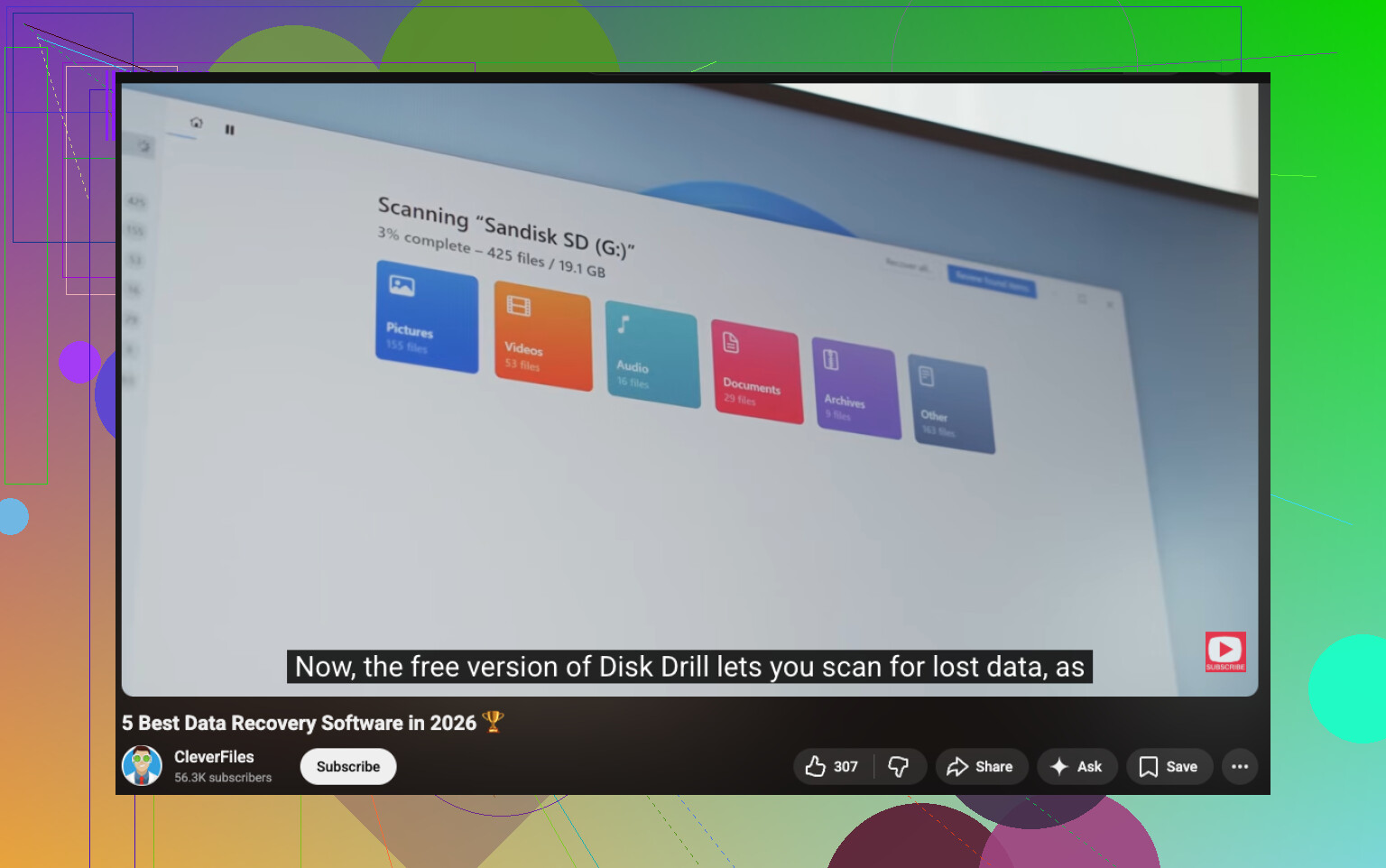
If you want a simple roundup, search for best Mac data recovery software, top free file recovery apps for macOS, and APFS file recovery tools. This video is a decent starting point too:
best data recovery tools for Mac and PC
One more thing, if you had iCloud Photos, Time Machine, or another synced app, check there before scanning. People forget this stuff all the time and waste hours.
I’d add one angle neither @mikeappsreviewer nor @voyageurdubois really leaned on enough: if this was on your internal Mac SSD, truly free recovery can be a long shot because APFS + TRIM is brutal. Not impossible, just… way less magical than recovery app ads pretend.
For actual free Mac data recovery software, my shortlist would be:
-
TestDisk
Better when the problem is filesystem damage or a partition issue, not just “oops deleted files.” A bit nerdy, but sometimes it finds stuff other tools miss. -
DMDE free edition
This one gets overlooked a lot. The interface is kinda weird, but it can recover files for free with some limits, and it’s more useful than a lot of fake-free Mac recovery apps. Worth checking if PhotoRec feels too messy. -
PhotoRec
Yeah, ugly as sin, but still one of the few genuinely free options that can actually recover deleted files on Mac. Downside is filenames/folders may come back scrambled.
If you want the least frustrating scan experience, Disk Drill for Mac is still one of the better choices. Not fully free for big recoveries, sure, but the scanning, preview, and APFS support are solid. I acctually think it’s better for figuring out whether your files are still recoverable before you waste hours.
Also, before running anything, check:
- Time Machine local snapshots
- iCloud Drive / iCloud Photos recently deleted
- Google Drive / Dropbox web trash
- the Photos app “Recently Deleted”
This thread is also relevant if you want more opinions on the best Mac data recovery software and free file recovery tools for macOS: best Mac data recovery tools for deleted files and APFS drives
Biggest tip: if the files were deleted from the internal drive, stop using that Mac as much as possible. Every new download, browser cache write, or app install can make recovery worse. Kinda annoying, but that’s the part people mess up most.
I’m a little less optimistic than @voyageurdubois and @sonhadordobosque about “free” recovery on a modern Mac internal SSD. If TRIM already did its thing, no app is going to perform miracles.
One option people skip: check APFS snapshots with Terminal if Time Machine was ever enabled. Sometimes deleted files still exist in a local snapshot even when Trash is empty. That is cleaner than file carving and keeps names/folders intact.
About Disk Drill since it keeps coming up:
Pros
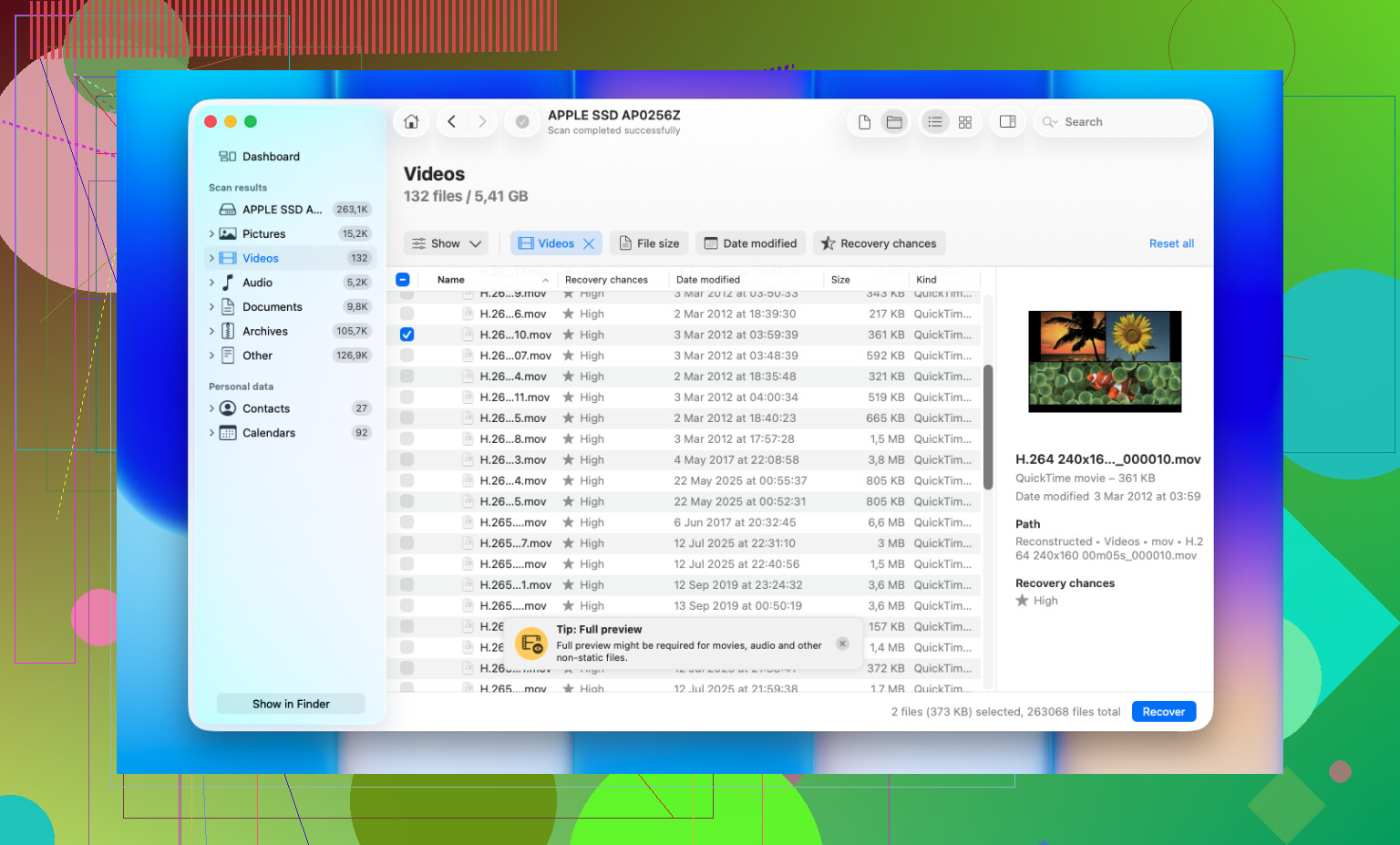
- very good scan/preview workflow
- handles APFS and external media well
- simple enough if you do not want Terminal tools
- can create a backup image before recovery
Cons
- not truly free for most real recoveries
- results on internal SSD deletions can still be poor because of TRIM
- deeper scans can return lots of junk and duplicates
My take: use built-in recovery paths first, then scan from another drive. If you want a quick answer on whether the files are still there, Disk Drill is useful. If you want strictly free, you are mostly gambling with older open-source tools and patience.