I accidentally lost a batch of photos after deleting files from my memory card, and now I’m trying to recover them before spending money on paid tools. I’d really appreciate recommendations for free photo recovery software that actually works on SD cards or hard drives, especially if it’s safe and easy to use.
I’ve been burned by missing photos more than once, so I got in the habit of testing recovery apps after the first scare. Few things feel worse than opening an SD card after a trip, wedding, or paid shoot and seeing... nothing you expected.
First thing, and this matters more than the app you pick. Stop using the card right away.
Do not take more shots. Do not record more clips. Do not move new files onto it. When files get deleted, the data often stays there for a while. The problem starts when new data lands on top of it. Every write makes recovery harder. I learned this the dumb way.
The tool I keep coming back to is Disk Drill.
I tried a pile of alternatives over time. Disk Drill kept giving me the best mix of solid results and a setup I didn’t hate using. It works with SD cards, SSDs, external drives, and the random storage devices people hand you when they’re panicking. What stood out to me was how little friction there is. Install it, scan the drive, preview what it found, recover to another disk. You don’t need to spend half your night decoding menus.
One part I liked more than I expected was its focus on camera media. The Advanced Camera Recovery feature is meant for rebuilding fragmented video files from cameras, drones, and action cams. That matters if you work with footage, because some apps find chunks of video and still fail to turn those chunks into a file you can open. It also handles a long list of RAW formats, so if your files came from Canon, Nikon, Sony, Fujifilm, or something else common, you’re not walking in blind.
Still, people bring up other tools all the time, and some of them make sense depending on what went wrong.
1. R-Studio
This one gets mentioned a lot by people who know storage stuff better than I do. It has a strong rep for damaged partitions, corrupted file systems, and messy recoveries where a simple undelete scan won’t cut it. From what I’ve seen, it’s loaded with options. For some people, that’s the appeal. For somebody who wants their shoot back fast, the interface feels a bit much.
2. R-Photo
Same company as R-Studio, narrower focus. It leans into photo and video recovery instead of trying to be a full repair bench in app form. A lot of users like it because it’s free and less intimidating. If your problem is a camera card with missing media, not a whole drive disaster, this one is worth checking.
3. Recuva
Old name, still around. People keep recommending it for basic recoveries, and I get why. If you deleted photos from an otherwise healthy card or drive, it’s easy to try and doesn’t ask much from you. The weak spot shows up when the card is corrupted or the job gets uglier. I wouldn’t reach for it first in a serious case.
4. PhotoRec
This one has a loyal crowd for a reason. It ignores a lot of file system drama and scans for file signatures directly. Because of that, it often pulls files from formatted cards or media in rough shape. The catch is cleanup after recovery. Filenames and folder structure are often gone, so you end up sorting a giant pile by hand. If the files matter, you do it. Still annoying.
5. DiskDigger
I see this one more in Android and lightweight image recovery threads. It’s small, simple, and doesn’t feel bloated. For deleted pictures, it does the job often enough. For bigger SD card jobs with RAW stills or complex video, I don’t see experienced photo people lean on it as much.
No matter what app you use, the software is only half the story. What you do in the first few minutes matters more.
Use the card as little as possible. Recover files onto a different drive, not back onto the same card. Open the recovered photos and videos before you start cleaning anything up. I’ve seen recovered files look fine in a list and then fail the second you try to use them.
And if you do get your files back, take the hint and fix your backup routine. Even a second copy on another drive after every shoot cuts down a lot of pain. If you travel or shoot for clients, spreading work across multiple SD cards helps too. One bad deletion or one dead card hurts less when your whole job isn’t sitting in a single place.
Free first, paid later. That’s the right order.
I agree with part of what @mikeappsreviewer said, but I’m less high on Recuva for memory cards. It does fine on simple deletes on Windows drives. SD cards are often messier. If your photos matter, I’d start with these instead:
1. R-Photo
Free. Good fit for deleted JPG, RAW, and video from camera cards. Cleaner than PhotoRec. Worth trying first.
2. PhotoRec
Ugly interface. Strong recovery rate. Best when the card got formatted or the file system looks broken. Downside, file names usually come back as gibberish. Sorting is a pain.
3. Windows File Recovery
Free from Microsoft. Command line only. Annoying, but solid if you’re okay typing commands.
4. Disk Drill
Not fully free forever, but the free scan and preview are useful. It’s one of the better picks if you want to see whether the photos are recoverable before paying. For camera media, Disk Drill tends to do better than the bargain-bin tools I’ve tested.
My order would be:
R-Photo first.
PhotoRec second.
Disk Drill third if you want easier preview and filtering.
Skip random “100% free recovery!!!” apps. A lot of them are junk or bundle trash.
Also, this list is decent if you want a quick photo recovery software comparison:
best photo recovery software for restoring deleted images
One more thing people miss. If the card shows errors, make an image of it first with something like USB Image Tool or HDD Raw Copy. Scan the image, not the card. Safer. Less risk if the card is starting to fail. Kinda boring advice, but it saves photos.
If your pics were deleted recently and you stopped using the card, your odds are usualy pretty good.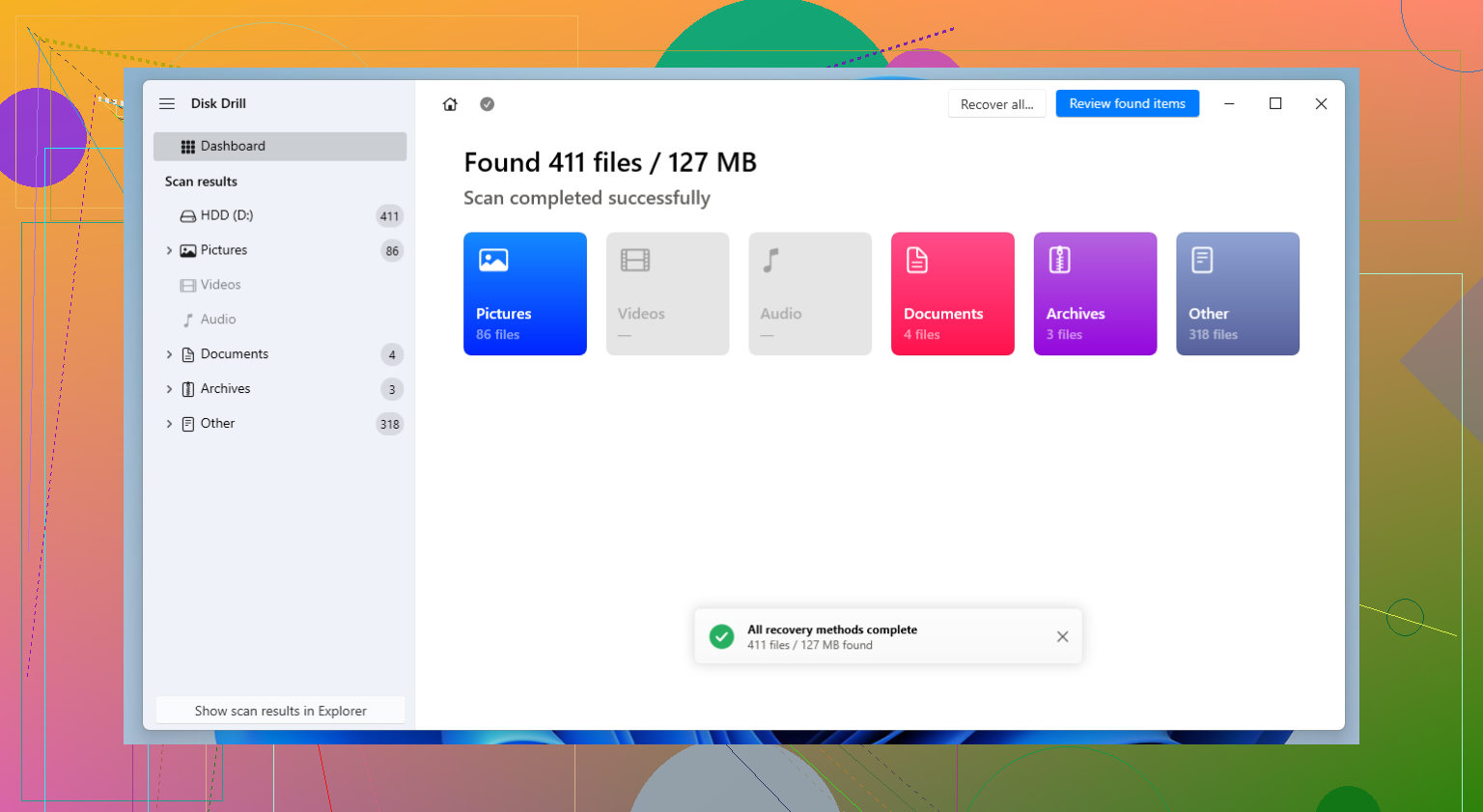
I’d test **free-first** in this order:
**1. R-Photo**
Probably the best actual free option for camera card stuff. Better fit for photos than generic undelete apps.
**2. PhotoRec**
Not pretty, not fun, but it can pull files off cards that other tools miss. Downside is the recovered files can come back with junk names, so sorting gets annoyng fast.
**3. Disk Drill**
I know @mikeappsreviewer and @sognonotturno already brought it up, but I’d use it a little differently: not as my first “totally free” choice, but as the best **preview-before-paying** option. If Disk Drill shows clean previews of your lost JPG/RAW files, that’s a strong sign the recovery will work. That alone can save you from wasting money on worse apps.
I’ll disagree a bit with the Recuva love you usually see in these threads. It’s fine for basic PC deletes, but on memory cards it feels hit-or-miss to me.
If you want a simple explainer, this easy photo recovery software guide for deleted memory card photos is worth a look too.
Main thing now is don’t keep testing the card a bunch. Scan, preview, recover to another drive, done.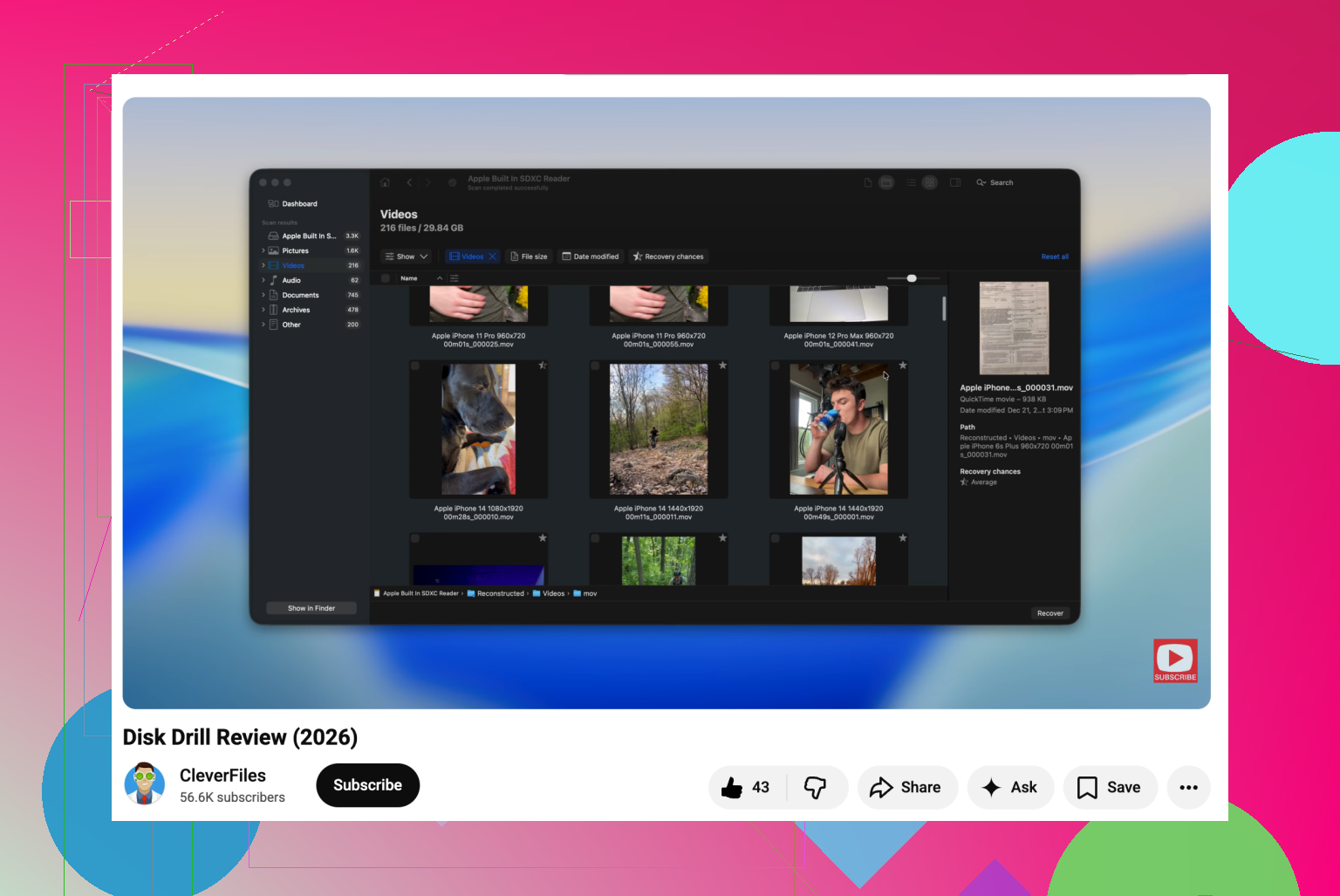
I’d add one thing the others only touched lightly: check whether the card was used in a phone, camera, or GoPro after deletion. If it was, TRIM or cleanup behavior can make recovery much worse on some devices, so don’t keep retrying scans forever if the first serious scan finds almost nothing.
My take:
- @sognonotturno is right about imaging the card first if it throws errors.
- @caminantenocturno is right that free-first is the smart path.
- I slightly disagree with @mikeappsreviewer on using Recuva as a go-to for memory cards. It’s okay, just not my first swing.
About **Disk Drill** specifically:
**Pros**
- very good preview system
- easy to filter by file type
- handles photo and video well
- useful when you want to confirm recoverability before paying
**Cons**
- full recovery is not really “free”
- deep scans can take a while
- sometimes finds lots of duplicates or partials, so results need checking
What I’d do differently: test with one free tool that preserves folder/file info if possible, then use Disk Drill mainly as a verification pass. If it previews your RAW/JPG cleanly, chances are decent. If previews are broken, move on before paying.
Also, recover to your computer, not back to the card. That mistake ruins a lot of otherwise recoverable photos.