I accidentally formatted my SD card before backing up my photos and videos, and now I’m trying to figure out my real recovery options. The card had important personal files on it, and I need help understanding whether I should use SD card recovery software, stop using the card completely, or take it to a professional data recovery service.
I’ve been through this once with a camera card, and the short answer is yes, the files are often still there.
What usually happens after an SD card format is a quick format, whether you did it in a camera, drone, or on your computer. The card does not get wiped in one shot. What gets cleared first is the file index, sort of the part your device uses to know what lives where. The photo and video data often stays on the card until new footage lands on top of it.
So first thing, stop using the card now. Take it out. Don’t record another clip. Don’t copy anything onto it. Every new write raises the odds of old data getting overwritten, and once that happens, recovery drops off fast.
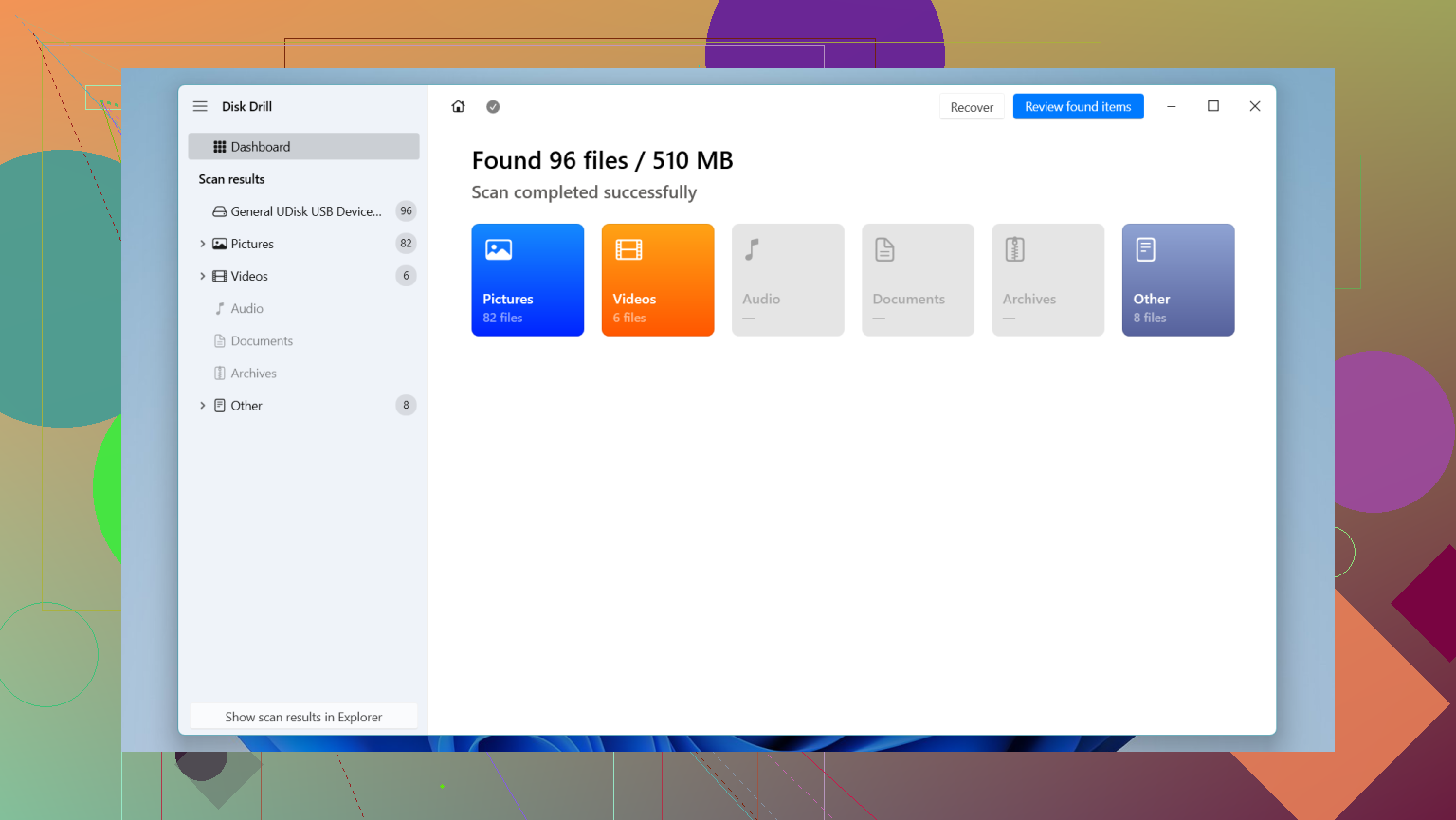
If you want the practical route, use recovery software. I used Disk Drill in a similar mess, and it did a better job than the random tools I tried before it. Video recovery is where a lot of apps fall apart. Large clips often end up split into pieces across the card, so some tools find fragments and hand you files which won’t open. Disk Drill has an Advanced Camera Recovery mode aimed at camera and drone footage, which is the part I’d try first if your missing files are videos.
What I’d do, step by step:
- Put the SD card into your computer with a decent card reader. Bad readers waste time and throw weird errors.
- Install Disk Drill on your computer’s internal drive. Do not install anything onto the SD card.
- Launch it, pick the formatted card, then start a scan. If this was drone or camera footage, use Advanced Camera Recovery.
- Wait for the scan to finish. Preview what it finds so you can check whether the files open and look intact.
- Recover the files to your computer’s drive, not back to the SD card. Writing recovered files onto the same card is how people ruin a recovery at the last second.
If you want other options, PhotoRec is one people bring up for a reason. It’s free and open source, and it does pull data off damaged or formatted cards. The rough part is the interface. It feels old, text-heavy, and it won’t give you your original folder structure or normal filenames back, so cleanup after recovery is a pain. R-Studio is another serious option, though I found it harder to work with unless you already know your way around storage tools. Also, its free tier is useless for big video files because of the size limit.
One more thing. If the card doesn’t show up at all, or the footage matters enough that you don’t want to risk a home attempt, skip the software route and look at a recovery lab. Those places use direct hardware methods and chip-level tools. It costs more, yeah, but many decent shops only bill you if they recover something.
So, no panic yet. If the card was only formatted and hasn’t been used since, your odds are still decent.
If the card was formatted once and not used after, your odds are still decent. @mikeappsreviewer is right on the main point, stop all writes. I only disagree a bit on jumping straight into one scan and hoping for the best. First make a byte-for-byte image of the SD card if your computer sees it. Work from the image, not the card. If a scan crashes or the card starts failing, you still have one clean shot left.
Use USB Image Tool, Win32 Disk Imager, or dd if you know it. Save the image to your PC drive.
Then test recovery apps against the image. Disk Drill is a solid pick, esp for photos and camera video. If it finds file structure, great. If not, file carving tools often pull JPG, MP4, MOV, CR3, NEF, and RAW files by signatures alone. The tradeoff is lost filenames and folders.
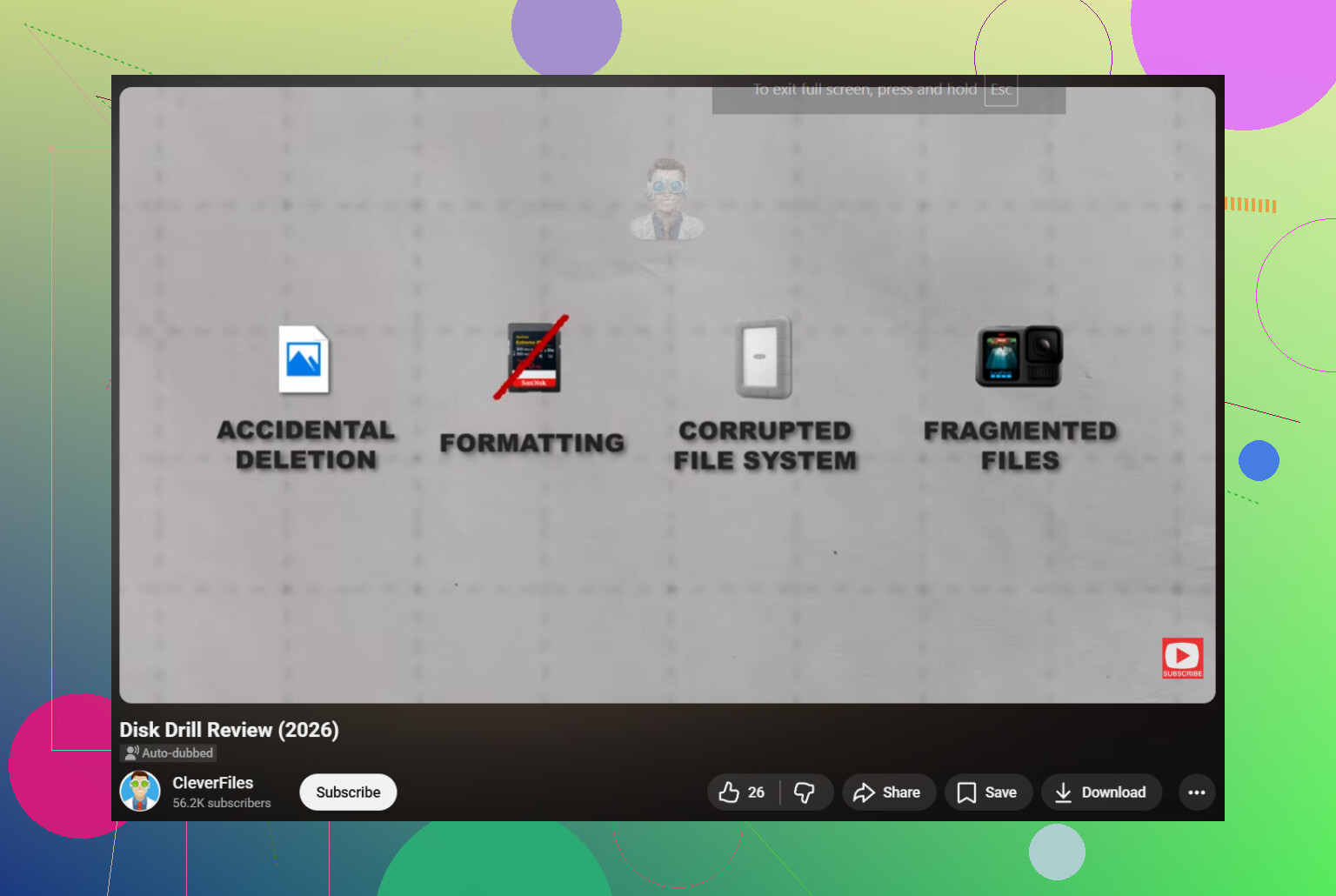
One hard truth. A full format in some cameras wipes more than people expect. TRIM on some SD cards and readers also hurts recovery fast. Not every format is equal. If this happened on a phone, drone, or newer device, your chances drop.
If the card mounts with wrong size, asks to reformat again, or throws I/O errors, stop DIY and send it to a lab.
Also, if you want more context, this formatted SD card recovery discussion with real user fixes is worth a look.
I’d add one thing neither @mikeappsreviewer nor @sognonotturno really pushed hard enough: check what kind of “format” actually happened. That matters a lot more than people think.
If it was a quick format on a camera or PC, recovery is often very possible. If the device did a deeper reinit, or the card/card reader supports TRIM and passed that command through, the window can slam shut fast. So yes, there are real options, but they’re not all equal.
My take:
- Do not mount it over and over “just to see.”
- If the card still reads normally, recover ASAP.
- If it starts disconnecting, showing 0 bytes, wrong capacity, or asks to format again, stop messing with it.
I slightly disagree with the idea that making an image is always step one for everybody. It’s ideal, sure, but for a normal healthy SD card that was just quick-formatted, going straight into a read-only scan with something like Disk Drill is often faster and less intimidating for regular people. If the card is unstable, then yeah, image first. No question.
Also, don’t judge recovery by filenames alone. After formatting, you may get ugly names and no folders, but the photos/videos can still be perfectly usable. That freaks people out for no reason.
For sorting expectations:
- JPG/PNG photos: usually best odds
- RAW photos: often decent
- MP4/MOV videos: mixed, depends on fragmentation
- Big 4K clips: trickier than people think
If you want a practical overview, this Disk Drill review for SD card photo and video recovery is probly more useful than reading marketing pages.
Short version: if you formatted once and stopped using the card, you still have a shot. If the card is acting weird, quit DIY before you make it worse.
Big thing I’d add to what @sognonotturno, @jeff, and @mikeappsreviewer already covered: recovery quality matters as much as recovery success.
A lot of people celebrate when software finds 2,000 files, then realize half the videos are corrupt, thumbnails are broken, or RAW files open with errors. So when judging your options, don’t ask only “can it find files?” Ask “can it recover files that actually open?”
My practical ranking:
-
Best DIY case
Card was quick-formatted once, not reused, still reads fine in a computer.
This is where tools like Disk Drill make sense. -
Risky DIY case
Card is visible, but slow, disconnects, or throws read errors.
I actually disagree a bit with the “just scan it” crowd here. Unstable flash media can get worse while being hammered by repeated reads. -
Bad case
Wrong capacity, not detected properly, wants reformat every time, or came from a device that may issue TRIM.
At that point, software is often gambling.
For Disk Drill, real pros and cons:
Pros
- Easy enough for non-tech users
- Good preview support for common photo/video formats
- Better than many basic tools at handling camera media
- Cleaner workflow than a lot of free utilities
Cons
- Not magic if metadata is gone and files are fragmented
- Can find lots of files with generic names, which gets messy fast
- Paid recovery for full use
- On badly damaged cards, software in general may not be the right tool
One thing people skip: after recovery, verify samples from every file type. Open a few JPGs, several videos from different dates, and some RAWs if you had them. Don’t assume the whole batch is good just because the scan finished.
So your actual options are pretty simple:
- healthy card: DIY recovery
- unstable card: image first or stop
- failing card with valuable data: pro lab
If the card is readable and this was just an accidental format, Disk Drill is a reasonable first shot. If it starts behaving strangely, stop before curiosity does more damage than the format did.